Description
🖼️ Tool Name:
Duet Mail
✏️ Overview & Key AI Features (2026 Edition):
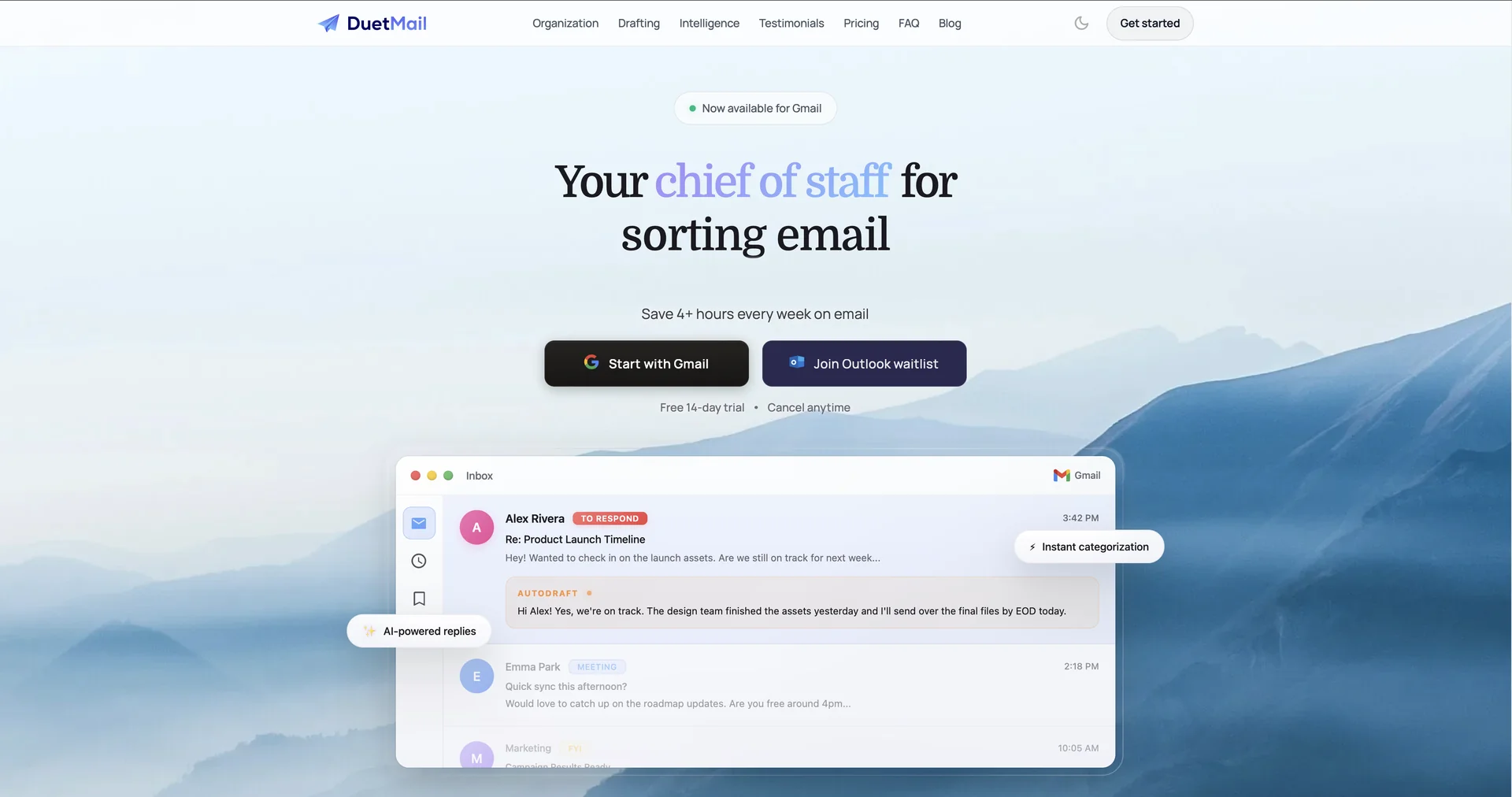
Style-Consistent Auto-Drafts: Unlike generic AI replies, Duet Mail builds a "Style Profile" for you. It understands if you are formal with clients but casual with internal teammates and drafts replies accordingly.
Calendar-Aware Triage: The AI is aware of your schedule. If someone asks for a meeting, Duet Mail checks your calendar and can draft a response with your actual availability—or even suggest a time—directly in the email body.
Smart Follow-Up Reminders: It identifies emails that likely require a response but haven't received one, nudging you to follow up so critical tasks don't "fall through the cracks."
Topic-Based Categorization: It goes beyond basic "Primary/Social/Promotions" tabs by automatically creating labels based on project names, clients, or specific subjects detected in the content.
Zero-Tab Experience: Built directly into the Gmail interface. There is no need to switch between apps or copy-paste text into a separate AI window; all drafting and summarizing happen in the side panel or directly in the compose window.
Cross-Device Availability: While primarily a Chrome Extension for desktop, it offers synchronization features that allow you to see AI-prioritized labels on the Gmail mobile app.
⭐️ User Experience (2026):
"Inbox Zero Reimagined": Rated 4.8/5 on the Chrome Web Store. Users praise it for being "less intrusive" than other AI assistants, acting as a helpful assistant that only intervenes when needed.
Triage Accuracy: Executives and busy professionals report that the tool’s ability to distinguish between "noise" (newsletters) and "signals" (urgent requests) is its most valuable time-saving feature.
💵 Pricing & Plans (March 2026 Status):
Duet Mail follows a "Freemium" model, with a low-cost entry point for individual users.
🎁 How to Get Started:
Visit the to download the extension or go to DuetMail.com. We recommend starting with the "Inbox Audit"—let the AI scan your last 24 hours of emails to show you exactly how much time you could have saved with automated triaging.
⚙️ Access or Source:
Official Website
Developer: Duet Mail LLC (Sacramento, CA).
Category: AI Email Assistant, Productivity Tools, Gmail Extensions.
Primary Use Case: Managing high-volume inboxes by using AI to draft personalized replies, summarize long threads, and automatically prioritize important communications.
🔗 Experience Link:
https://duetmail.com