️ 🖼Tool Name:
Goblin Tools
🔖 Tool Category:
Habit and Focus Tracking
Study Assistants & Smart Notes
No-Code Workflows
Productivity and Scheduling
️ ✏What does this tool offer?
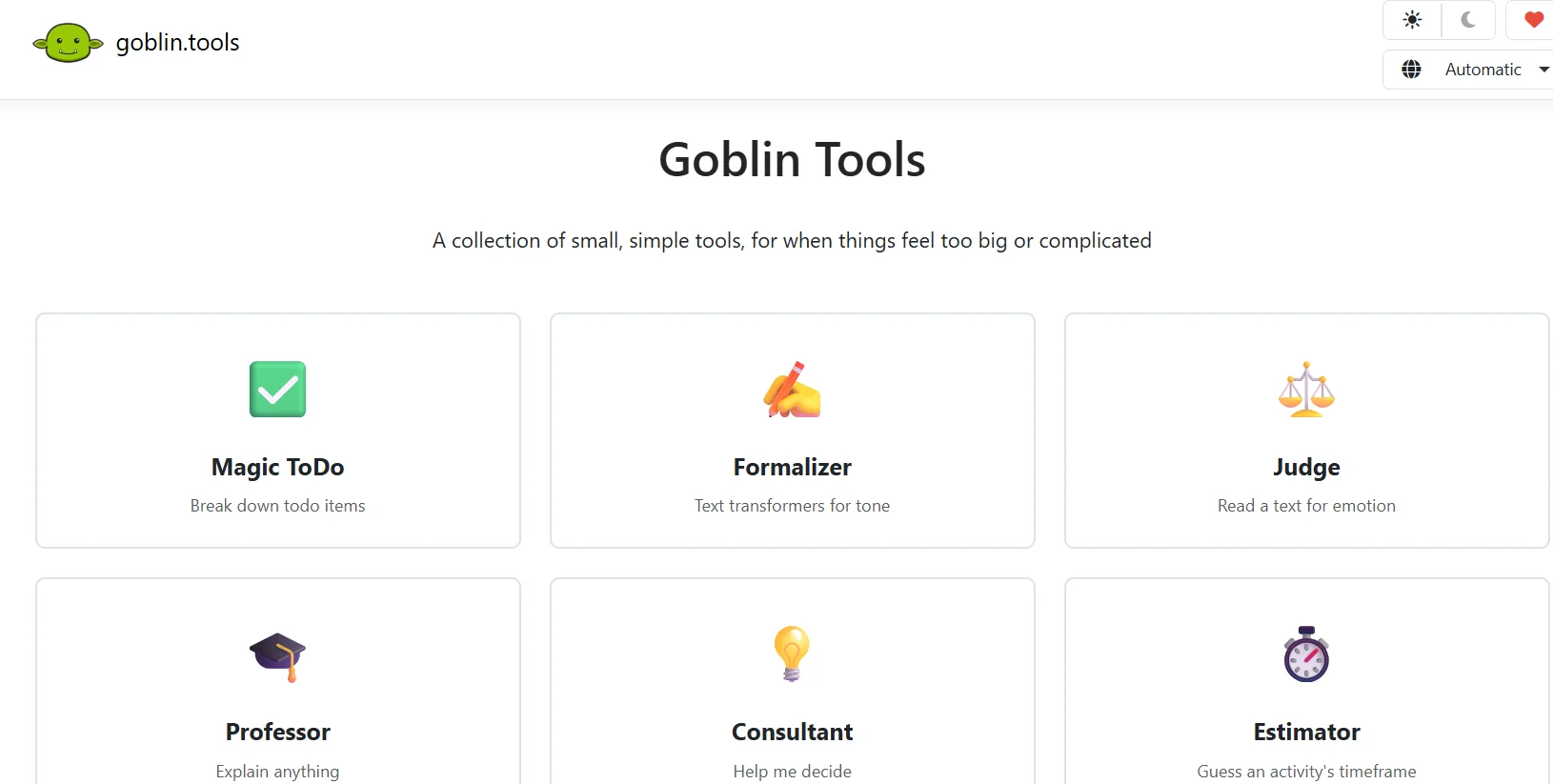
Magic ToDo: Break down large tasks into small, actionable steps.
Formalizer: Convert text to a formal tone or one appropriate for the desired context.
Judge: Analyze text and understand emotions and emotional tone.
Professor: Explains complex concepts in a simplified way with illustrative examples.
Consultant: Provide options and advice for decision-making.
Estimator: Estimate the time needed to complete the task.
Compiler: Convert random ideas into organized to-do lists.
Chef: Creating recipes using the ingredients you have on hand.
⭐ What does it actually offer based on user experience?
It helps increase productivity and reduce mental stress when performing tasks.
It allows you to turn random notes or disorganized ideas into clear, actionable steps.
Useful for improving writing and tone in correspondence and avoiding misunderstandings.
🤖 Does it include automation?
Yes, all tools rely on artificial intelligence to process inputs and deliver results automatically without significant manual intervention.
💰 Pricing model:
Web browser: Completely free, no account registration or ads.
Mobile apps (iOS/Android): One-time purchase to cover operating costs, typically between $0.99 and $2.51 depending on the local currency.
🆓 Free Plan Details:
Full access to all tools via the browser for free.
No usage limits or ads.
💳 Paid plan details:
No monthly subscriptions; a one-time payment for mobile apps supports the continued operation of the free website.
🧭 How to access the tool:
Direct access via browser from the official website without needing to download software, or via paid smartphone apps.
🔗 Trial link or official website:
https://goblin.tools/