️ 🖼Tool Name:
Testmoz
🔖 Tool Category:
• Education and Research
• Educational and Fun Games
• Question Banks and Test Generation
• Teacher Tools, Test Evaluation, and Quality Assurance
• Feedback and analytics
️ ✏What does this tool offer?
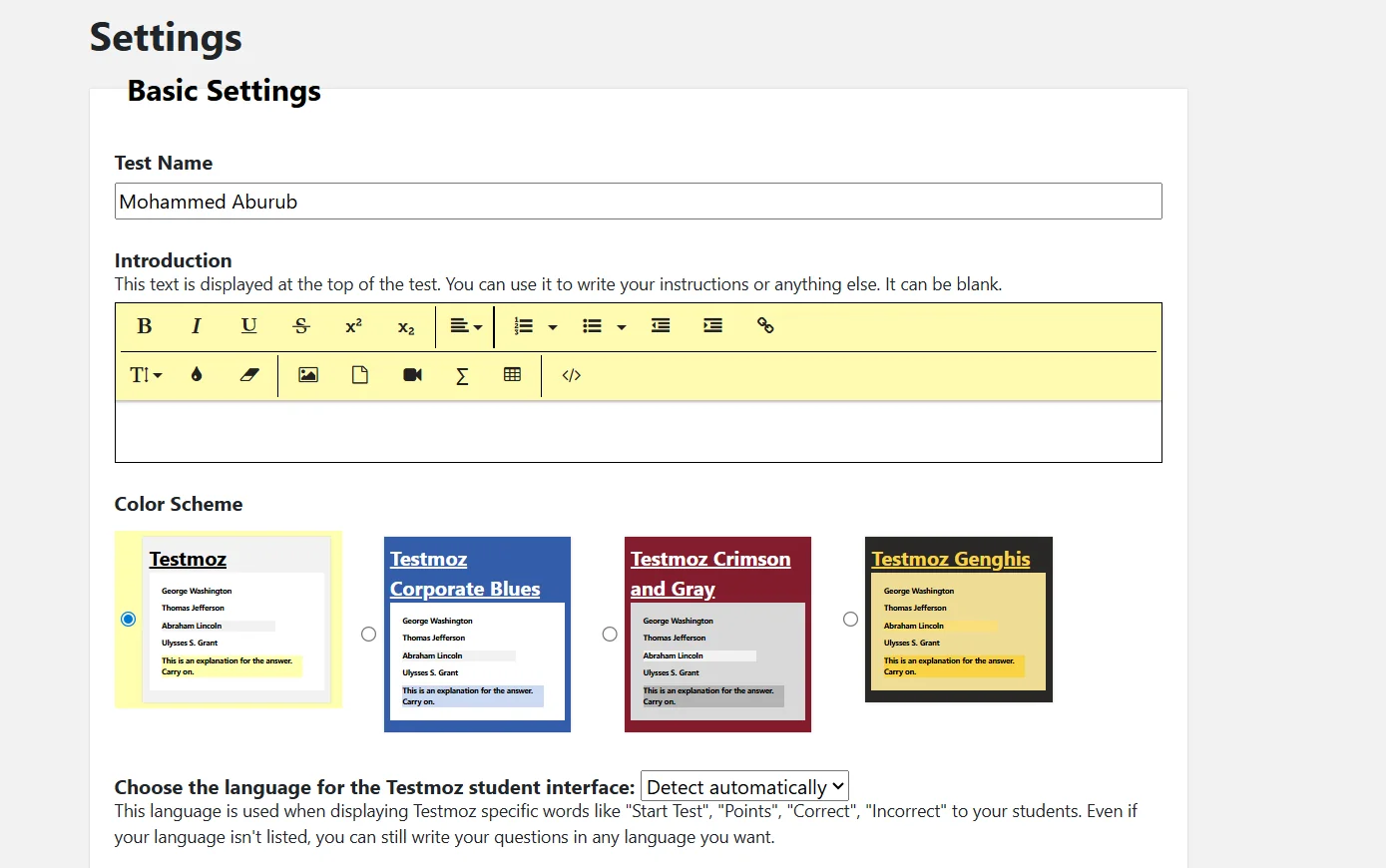
Testmoz allows teachers to create comprehensive online tests that include various question types such as multiple choice, true or false, fill-in-the-blank, matching or sequencing, short answer, or essay. Instructions or an introduction can be added to the test, and the color scheme and language can be customized to suit the students.
The platform provides a user-friendly interface for students to access the test; students simply enter their name and start the test immediately without needing to create an account, making the process quick and simple. It also features a main dashboard for teachers to manage all stages of the test: adding questions, adjusting settings, publishing the test, and reviewing results. Teachers can also format questions and add images or explanations, and publish the test electronically or export it for printing or use outside the platform.
The platform features a results section that allows teachers to review student performance, including the number of correct and incorrect answers, which helps assess students’ understanding of the subject.
⭐ What does it actually offer based on user experience?
The Testmoz experience is practical and seamless, allowing students to start tests quickly and without complications. It enables teachers to create diverse tests, customize them, and manage results in an organized manner. The free version is limited but sufficient for creating basic tests and tracking student performance, while paid versions offer all features with no restrictions on the number of tests, questions, or results.
🤖 Does it include automation?
Yes, Testmoz includes some automation features such as:
Automatically grading answers for multiple-choice or true/false questions.
Automatically calculating results and displaying student statistics immediately after the test ends.
Sending email notifications to teachers when results are collected (in paid versions).
💰 Pricing Model:
Testmoz uses a Freemium model with a limited free plan and an annual paid plan that offers full features.
🆓 Free Plan Details:
Price: $0 (always free).
Create basic quizzes and distribute them to students.
Collect results for up to 100 students per quiz.
Limit: 50 questions per test.
Some features, such as image uploads and email notifications, are not available.
💳 Paid plan details:
Individual annual subscription
Price: $50 per year.
Unlock all Testmoz features with no limits on the number of tests, questions, or results.
Image uploads, email notifications, and other advanced features.
School and Large Group Plans
🧭 How to access the tool:
Testmoz can be accessed via a browser; create a new teacher account or log in directly as a student using just your name. After logging in, you can create tests, add questions, publish tests, and track results via the main dashboard.
🔗 Demo link or official website:
https://testmoz.com/pricing