Brisk Teaching
Description
️ 🖼Tool Name:
Brisk Teaching
🔖 Tool Category:
, Assessment, Testing, and Quality Assurance
️ ✏What does this tool offer?
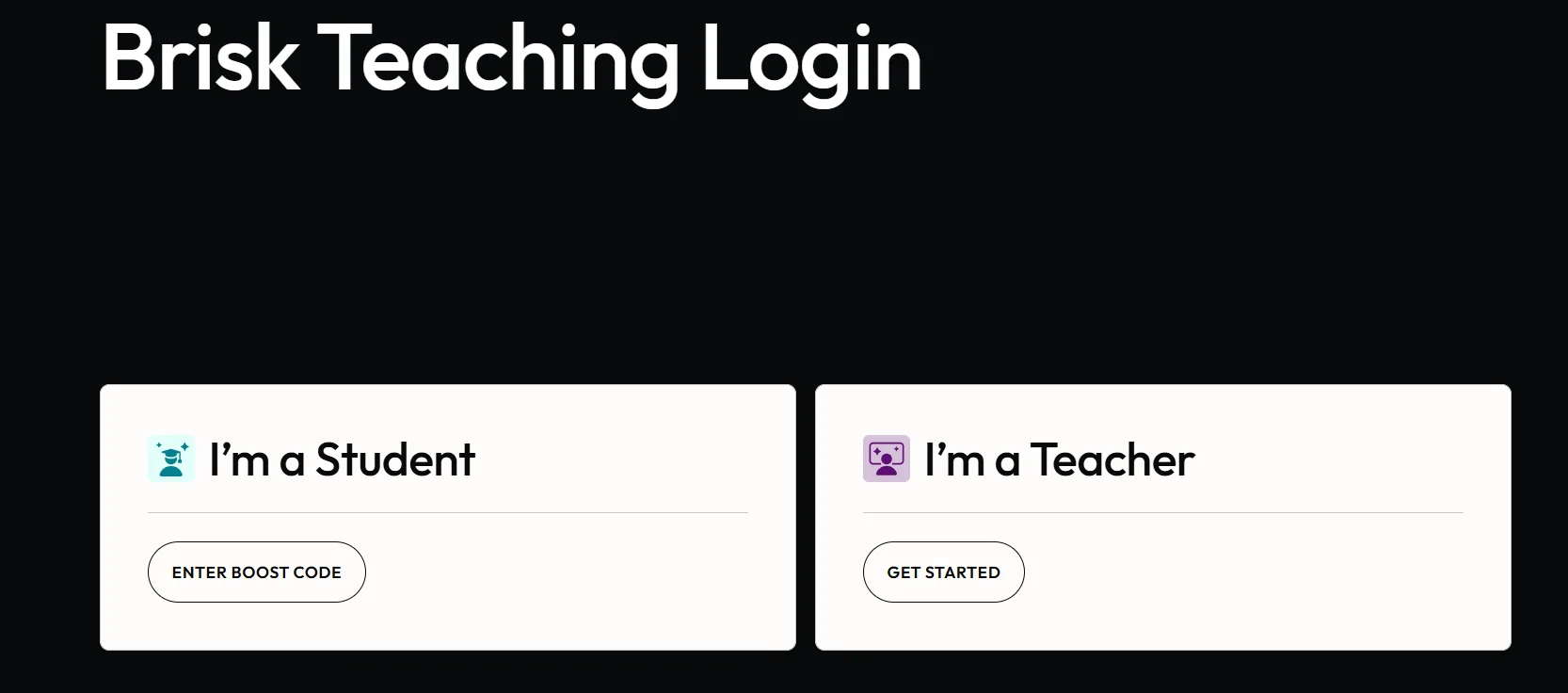
Brisk Teaching is an AI-powered educational platform designed to streamline teachers’ work and enhance the efficiency of the teaching process. The platform’s interface is designed in a simple and intuitive style, allowing users to get started quickly by selecting their role—student or teacher—upon login, which saves time and makes the onboarding experience smoother.
The tool functions as a browser extension, allowing teachers to use it while browsing the internet without having to switch between different platforms. Thanks to this integration, any web page or digital content can be quickly converted into educational material or an interactive activity, saving the time required to prepare lessons from scratch.
⭐ What does it actually offer based on user experience?
The Brisk Teaching interface appears directly over the content the user is working on and offers a set of tools that help teachers create educational activities and develop lesson materials on the spot.
The tool allows for analyzing student writing, creating educational content, adjusting the difficulty level of texts and activities to suit learners’ abilities, and supporting in-class interaction. These functions rely on understanding the context of the page or content the teacher is working with, enabling the provision of suggestions and processes tailored to the educational situation in real time.
🤖 Does it involve automation?
Yes, Brisk Teaching relies on AI-powered automation, where the tool analyzes the content on the page and automatically generates educational activities or suggests improvements, in addition to facilitating the analysis of student work and the modification of educational materials without the need to perform all steps manually.
💰 Pricing Model:
The platform operates on a digital usage model accessible via a browser extension, with the tool available after logging into an account. It offers different usage tiers ranging from a basic experience to more advanced options depending on the subscription type or the organization using it.
🆓 Free Plan Details:
Available information indicates that you can start using the tool after logging in and installing the browser extension, allowing you to experience the basic features related to creating educational activities and interacting with content while browsing.
💳 Paid Plan Details:
The available information does not include specific details about subscription prices or the benefits of paid plans; however, these plans typically offer additional capabilities or broader access to AI-related features and support for educational work within institutions.
🧭 How to access the tool:
Brisk Teaching can be accessed by installing its extension in your browser. After logging in, it activates and appears directly over web pages while browsing, allowing you to use educational AI tools without leaving the page.
🔗 Trial link or official website:
https://www.briskteaching.com/