Sunsama
Description
️ 🖼Tool Name:
Sunsama
🔖 Tool Category:
• Productivity and Scheduling
• Tasks and Projects
• Smart Calendars & Personal Assistant
️ ✏What does this tool offer?
Sunsama is a digital platform for daily work management that combines task organization and time planning within a calendar in a single interface. It allows users to add tasks, break them down into smaller parts, and then distribute them across the hours of the day using the Time Blockingmethod ,transforming the to-do list into a practical, actionable schedule.
The tool also provides a system for daily planning and weekly review, along with a “wrap-up” feature that helps users end their workday in an organized manner. It can also be integrated with various work tools such as email, digital calendars, and collaboration tools, allowing users to consolidate upcoming tasks and activities from multiple sources into a single workspace.
⭐ What does it actually offer based on user experience?
User experiences indicate that Sunsama helps transform multiple tasks into a clear daily work plan, reducing distractions and making time management more realistic. By linking tasks to the calendar and setting a time for each activity, users can set their daily priorities and stick to an organized schedule.
Some users also reported that the tool helped them improve how they organize their workday and increased clarity on tasks to be completed; one user mentioned that Sunsama significantly changed his daily workflow and helped boost his productivity.
🤖 Does it include automation?
Yes, Sunsama supports some automation features and integration with other tools. The tool can be connected to various services such as Zapier, as well as supporting integrations like AI and MCP,allowing for the creation of interconnected workflows between different applications and bringing tasks from other tools into a single platform.
💰 Pricing Model:
Sunsama uses a monthly or annual subscription model, offering a limited-time free trial that gives users full access to all features before subscribing.
🆓 Free Plan Details:
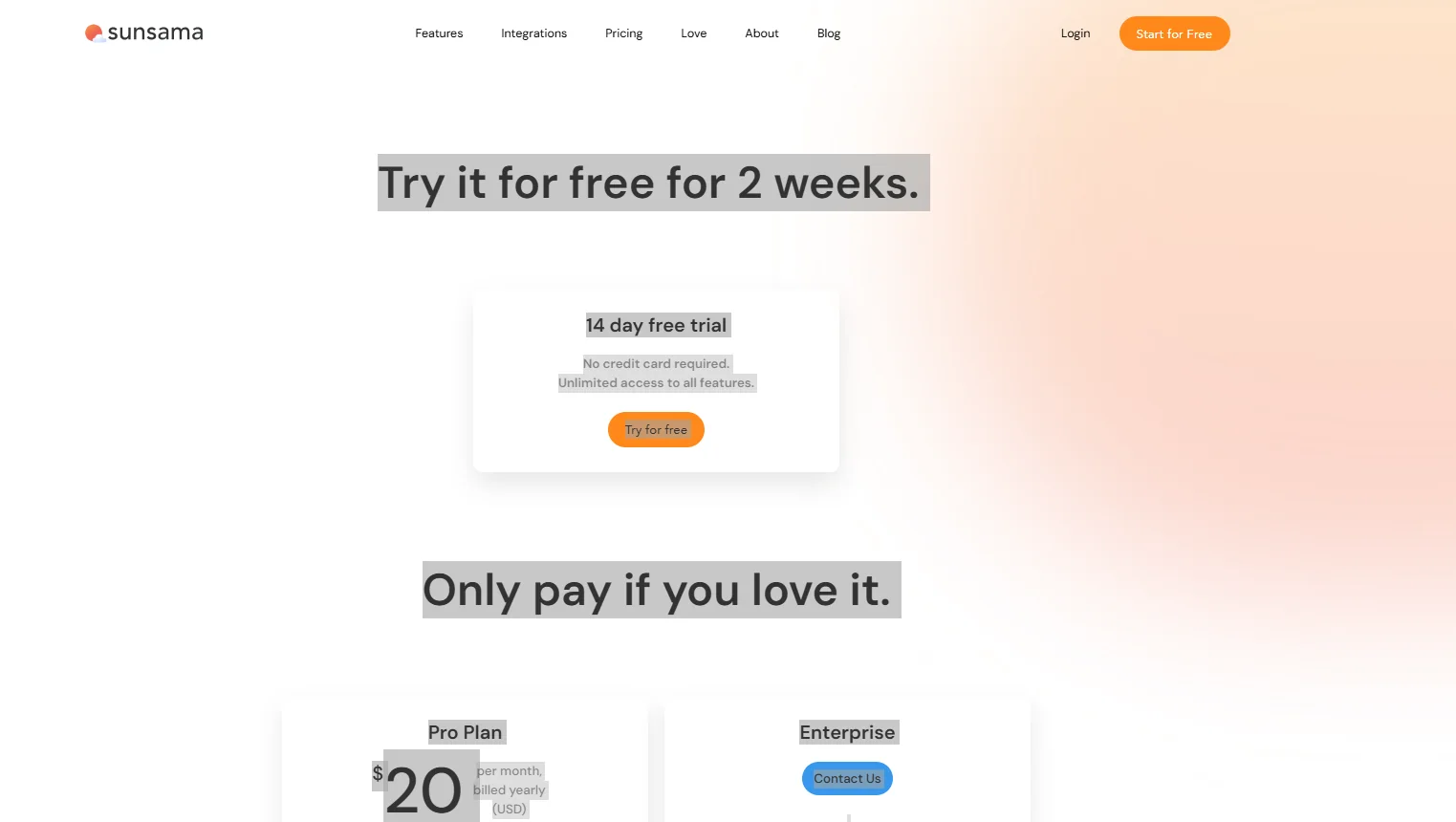
Sunsama offers a 14-day free trial.
During this period, users can access all the tool’s features without restrictions.
No credit card is required to start the trial, and payment is only charged if the user decides to continue after the trial period ends.
💳 Paid Plan Details:
Pro Plan
Price: $20 per month when billed annually.
Alternative price: $25 per month when billed monthly.
This plan includes:
- Unlimited use of the tool.
- Unlimited integrations with various apps and services.
- Support for AI + MCP + Zapier integrations.
- All daily planning and task management features within the calendar.
Enterprise
Price: Determined by contacting the company team.
Designed for companies and organizations with advanced security requirements and integration needs, including:
- Single Sign-On ( SSO) and SAML.
- User management via SCIM.
- Audit logs.
- Customized data privacy and security requirements tailored to the organization’s needs.
🧭 How to access the tool:
Sunsama can be accessed directly via the official website using a browser, and it also offers apps for various devices such as computers and smartphones, allowing you to manage tasks and organize your daily work from any device.
🔗 Demo link or official website:
https://sunsama.com/blog