Video Text Remover
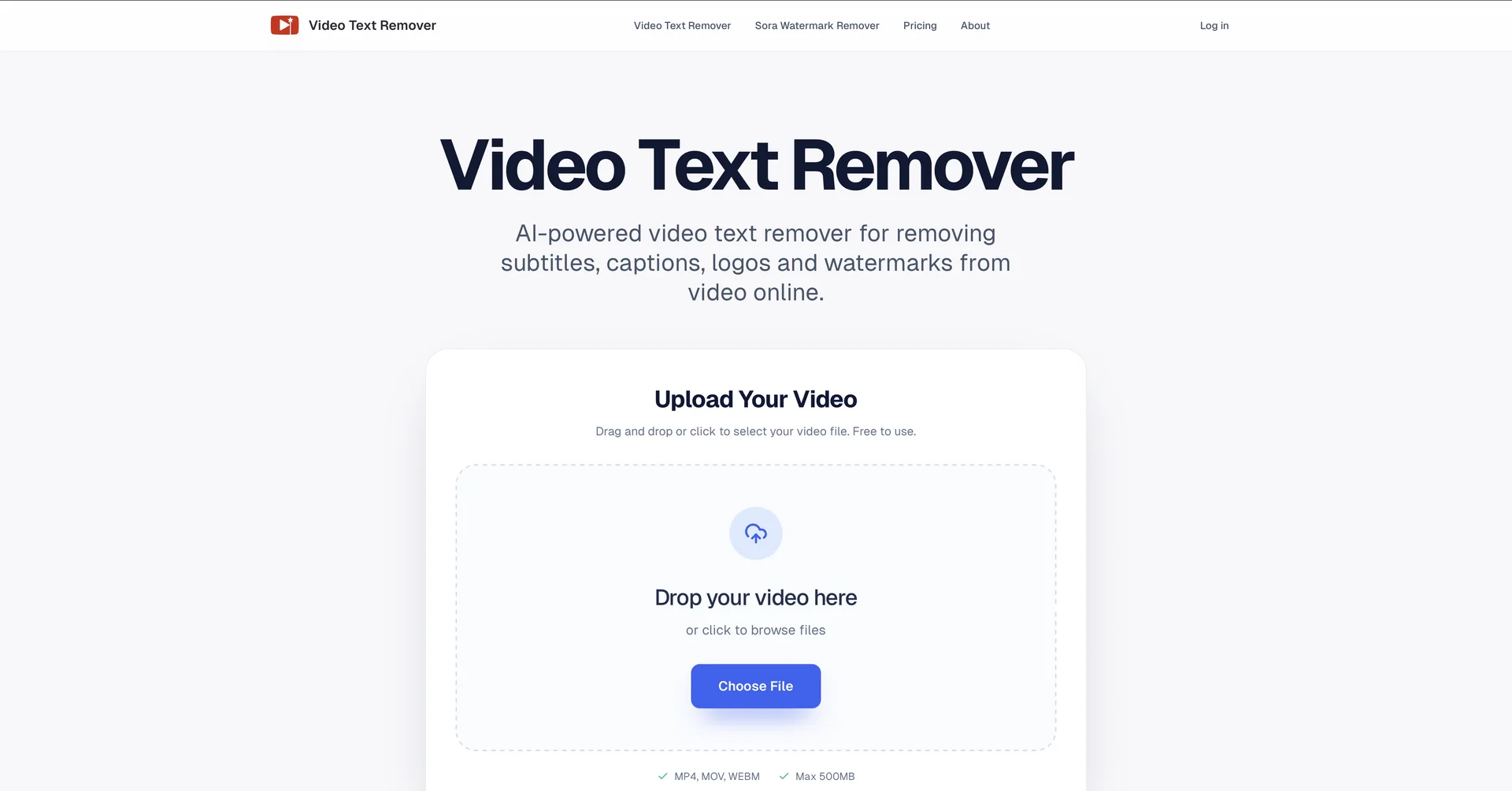
Description
🖼️ Tool Name:
Video Text Remover
✏️ Overview & Key AI Features (March 2026 Edition):
Temporal Consistency Engine: The standout feature for 2026. It ensures that as the camera moves, the "repaired" area where the text used to be stays perfectly synced with the surrounding environment, preventing "flickering."
Multi-Object Selection: You can select multiple text layers (e.g., a top-left logo and bottom-center subtitles) and have the AI remove all of them in a single processing pass.
Smart Background Reconstruction: For complex backgrounds (like moving water or a crowd), the AI pulls data from previous and future frames to accurately fill the gap left by the removed text.
Support for All Social Formats: Optimized specifically for Reels, TikToks, and Shorts, knowing exactly where common platform watermarks are typically placed.
Batch Export: Professional users can upload dozens of short clips and have the AI strip watermarks from all of them simultaneously.
⭐️ User Experience (2026):
"Magic for Repurposing": Rated 4.6/5 by social media agencies. It is praised for saving hours of manual masking and allowing old viral clips to be refreshed for 2026 aesthetics.
One-Tap Simplicity: Users love that the tool requires almost no learning curve—simply upload, highlight the text, and export.
💵 Pricing & Plans (March 2026 Status):
Video Text Remover uses a flexible "Credit-based" system alongside traditional subscriptions.
🎁 How to Get Started:
Visit We recommend the "Ghost Test": upload a clip with a timestamp in the corner and use the "AI Inpaint" setting to see if you can detect any trace of the text after it's gone.
⚙️ Access or Source:
Official Website: videotextremover.com
Directory: There's An AI For That - Video Text Remover.
Category: AI Video Editing, Watermark Removal, Content Restoration.
Primary Use Case: Removing unwanted on-screen text, subtitles, and logos to reclaim and repurpose high-quality video assets.
🔗 Experience Link:
https://videotextremover.com