Unblur Image
Description
🖼️ Tool Name:
Unblur Image
✏️ What does this tool offer in 2026?
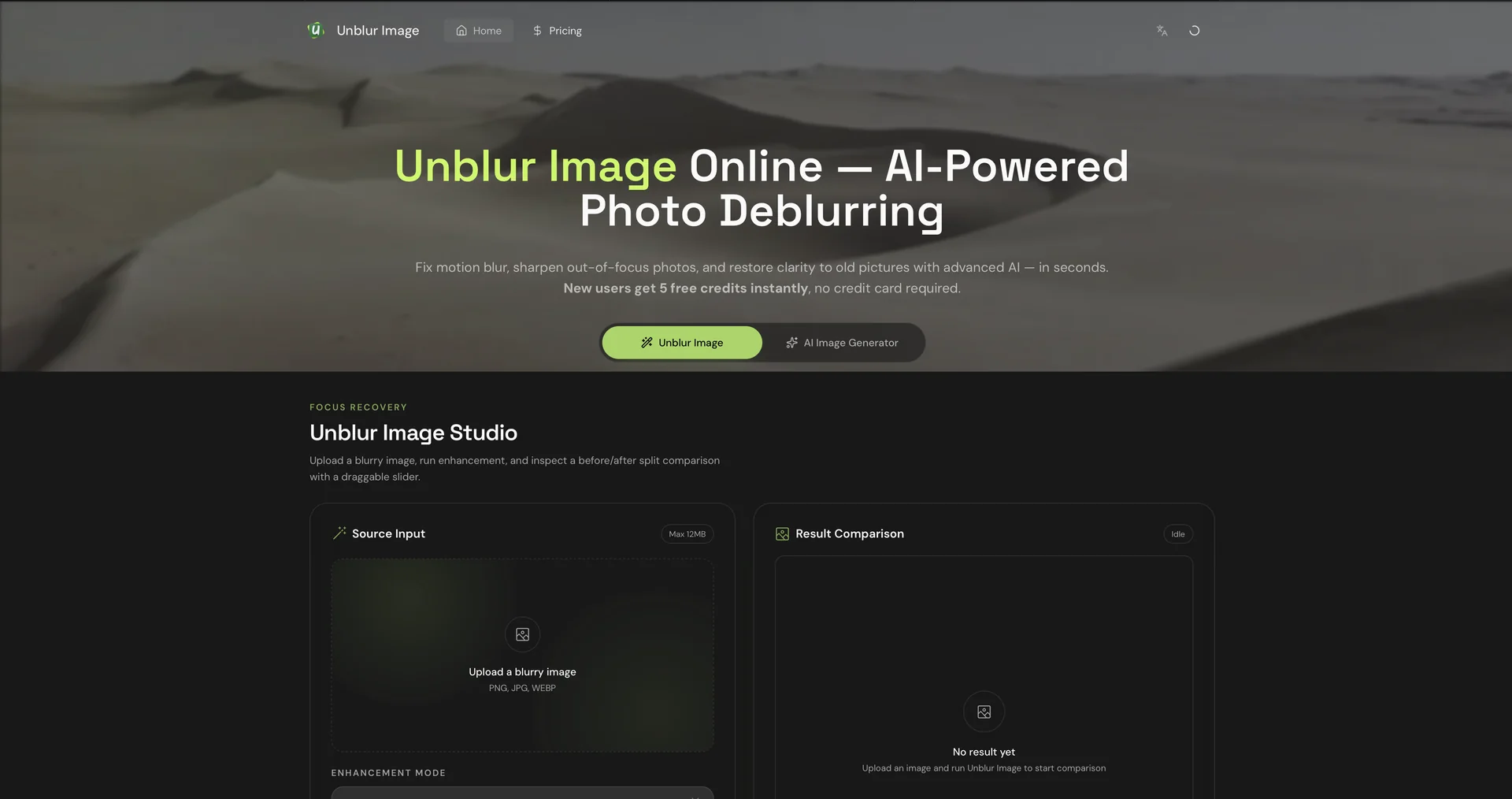
UnblurImage.io is a specialized AI-powered restoration tool that focuses on a single mission: fixing photos that suffer from motion blur, camera shake, or soft focus. In 2026, it has become a go-to "utility" tool for photographers and marketers who need a quick, no-fuss fix for otherwise unusable shots.
Intelligent Blur Type Detection: The AI automatically categorizes the type of blur in your photo—whether it’s motion blur (moving subjects), lens blur (out of focus), or Gaussian blur (general softness)—and applies a targeted mathematical "deconvolution" to sharpen the edges.
"Deep Detail" Reconstruction: Unlike standard sharpening filters that just add contrast to edges, this tool uses generative AI to "rebuild" missing textures, such as hair strands, skin pores, and fabric weaves, making the unblurred result look natural rather than digital.
Text & Document Legibility: A standout feature for 2026 is its "Document Mode." It can sharpen blurry photos of receipts, handwritten notes, or street signs, making the text readable for OCR (Optical Character Recognition) tools.
Batch Restoration: For professional workflows, you can upload up to 50 images at once. The AI processes them in the background, allowing you to "Save All" once the clarity has been restored.
Before/After Comparison: The web interface features a high-precision slider that lets you inspect the fine details of the restoration side-by-side at 200% zoom before you commit to a download.
Privacy-First Processing: In line with 2026 standards, the platform uses "Transient Storage," meaning your uploaded images are encrypted during processing and permanently deleted from their servers within 6 to 24 hours.
⭐️ User Experience (2026):
"The Session Saver": Rated 4.7/5. It is highly recommended by event photographers who occasionally miss focus on a "hero shot." Users love that it provides "Clean Sharpening"—it removes the blur without introducing the "grainy" or "halo" artifacts common in older software.
💵 Pricing (April 2026 Status)
UnblurImage.io uses a hybrid model of daily free credits and affordable "Pro" subscriptions.
🎁 Free Version:
The Free Daily Credits are refreshed every 24 hours. If you only have 1 or 2 photos to fix per week, you will likely never need to pay. The free version is fully functional and supports high-quality exports, though processing may be slower during peak hours.
⚙️ Access or Source:
Official Website
Alternative Access: Often integrated into the AiDOOS expert network for enterprise-level restoration projects.
Categories (Based on your interest in professional photography and "Old Money" aesthetics):
Editing, Enhancement & Upscaling (Primary function).
No-Code Workflows (Simple drag-and-drop restoration).
Governance & Compliance (For their secure, auto-delete data policy).
Creative Writing & RPGs (Visualizing sharp, clear world-building assets).
🔗 Experience Link:
https://unblur-image.io/