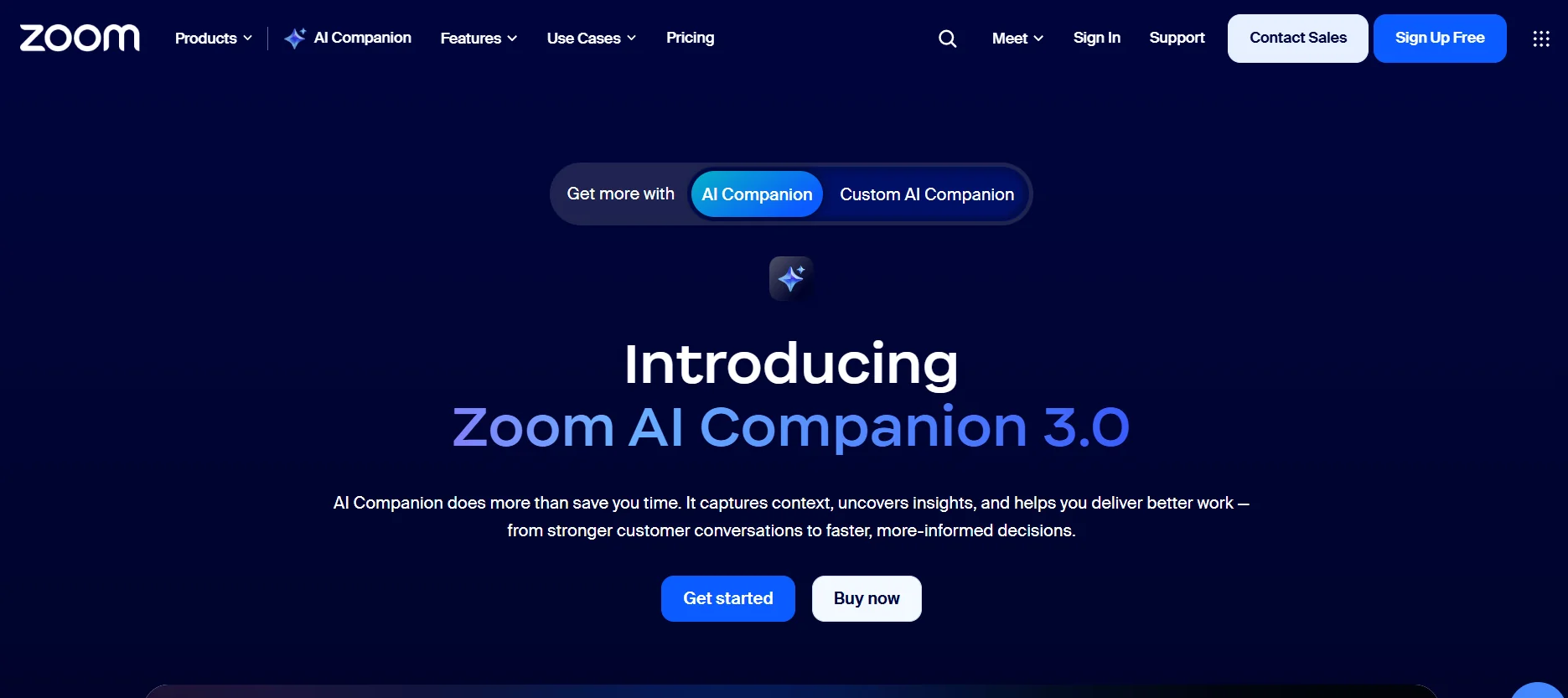
️ Tool Name: 🖼
Zoom AI Companion 3.0
Categories: 🔖
Meeting and Note Summarization
Productivity and Scheduling
Automation and Smart Agents
No-code workflows
Integrations and APIs
Insights and Analytics
Customer Support and CRM
️ What does this tool offer? ✏
Zoom AI Companion 3.0 is an AI assistant built into the Zoom Workplacesystem, designed to transform meetings and conversations into organized, actionable insights.
It analyzes the context of meetings, documents, and related applications, then generates accurate summaries, highlights key points, and helps automatically extract tasks and decisions. It also facilitates workflow tracking across different teams and reduces the need for manual note-taking.
What does it actually offer based on user experience? ⭐
The tool provides a practical way to turn meetings into clear outputs by automatically recording notes, summarizing discussions, and extracting required actions after meetings.
It also helps improve collaboration between teams by organizing and sharing information in real time, and is used in areas such as management, sales, human resources, marketing, and customer service to speed up decision-making and reduce information loss.
It also stands out for its ability to integrate with other platforms like Google Meet and Microsoft Teams, allowing it to join meetings and generate summaries even outside of Zoom itself.
Does it include automation? 🤖
Yes, definitely. Zoom AI Companion relies on automation for:
- Automatically taking notes during meetings
- Summarizing meetings in real time
- Extracting tasks and decisions
- Reducing repetitive tasks in meeting management
- Supporting smart workflows within the organization
Pricing plan: 💰
🆓 Basic Plan (Free)
| Item | Details |
|---|
| Price | $0 |
| Limitations | Limited features |
| Usage | Basic meetings only |
| Pros | Simple features without advanced AI tools |
Paid plans 💳
Zoom Workplace Pro 🔹
Zoom Workplace
| Item | Details |
|---|
| Price | Approx. $8.33 per user per month (annual) |
| AI Companion | Built-in |
| Features | Meeting summaries + In-meeting questions + Smart notes + Content writing |
| Usage | Small teams / Solo entrepreneurs |
Zoom Workplace Business 🔹
Zoom Workplace
| Item | Details |
|---|
| Price | Approx. $14.16 per month per user |
| AI Companion | Built-in + More Powerful Tools |
| Benefits | Longer meetings + More participants + Advanced productivity tools |
| Usage | Small to medium-sized businesses |
AI Companion 3.0 (Overview) 🧠
| Item | Details |
|---|
| Function | AI Assistant for Meetings |
| Objective | Turn meetings into organized knowledge |
| Features | Summarization + Instant Questions + Content Writing + Smart Notes |
| Benefits | Boost team productivity and collaboration |
Quick Summary 🔑
| Element | The Idea |
|---|
| System | Free (limited) + Paid per user |
| AI Companion | Included in paid plans |
| Usage | Productivity + Smart Meeting Management |
How to access the tool: 🧭
Web (within Zoom Workplace)
Demo link or official website: 🔗
https://www.zoom.com/en/products/ai-assistant/#pricing