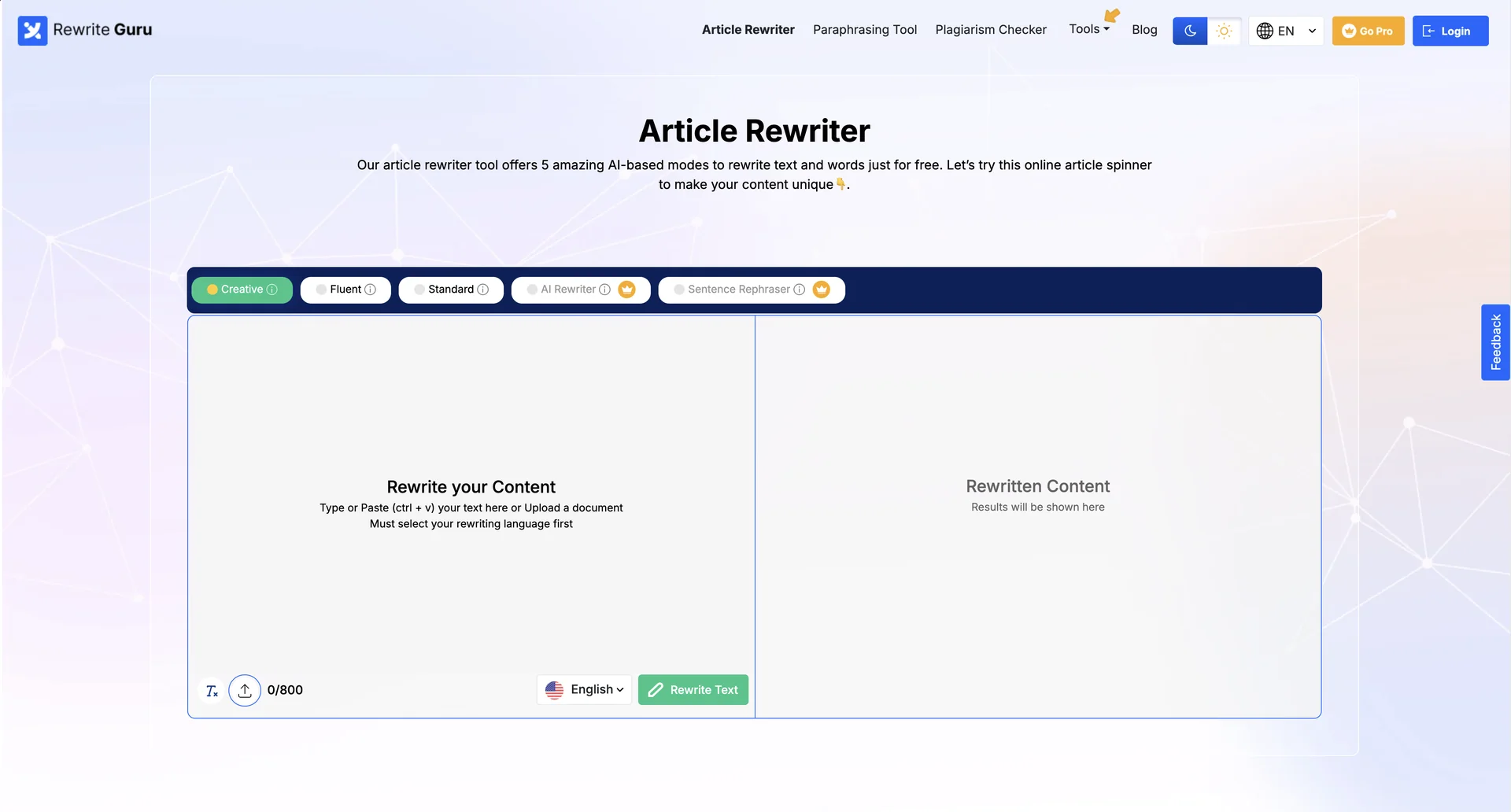
Description
🖼 Tool Name:
Article Rewriter
🔖 Categories:
Paraphrasing & Style (Rephrasing for clarity, conciseness, and unique presentation)
Article & Social Generation (Repurposing long-form content into shorter posts or new drafts)
Summaries, Headlines & Ideas (Condensing lengthy text into bite-sized summaries or key points)
Editing, Enhancement & Upscaling (Improving readability, grammar, and professional tone)
SEO/ASO & Keyword Research (Optimizing rewritten content for search engine ranking)
✏ What do these tools offer?
Multiple Writing Modes: Advanced rewriters offer specialized modes such as Formal, Creative, Academic, and Simple to tailor content to specific audiences.
Tone and Formality Sliders: Tools like ParagraphAI use interactive controls to adjust formality (formal vs. informal) and tone (friendly vs. assertive).
Context-Aware Processing: These engines understand the original intent of a sentence, allowing them to rephrase content while preserving the original meaning.
Deep Integration: Many tools operate as browser extensions or plugins for Google Docs, Microsoft Word, and Outlook, allowing for real-time editing.
Plagiarism and AI Detection: Built-in scanners check for content originality and can sometimes detect AI-generated phrasing to ensure a more human-like output.
⭐ What do they actually offer based on user experience?
Productivity Boost: Users report saving hundreds of millions of hours by automating the rewording of emails, reports, and social media captions.
Natural Language Output: High-quality tools like ParagraphAI and Rytr are praised for producing text that sounds natural and "like you," rather than robotic.
Multilingual Support: These platforms often support over 30 languages, making them essential for non-native speakers to polish professional writing.
Versatility for Beginners: Tools like Wordtune are noted for their simplified interfaces, making them ideal for users who want quick rephrasing options without complex setups.
🤖 Does it include automation?
One-Click Optimization: Most tools provide one-click features to improve sentence clarity, fix grammar, and adjust tone automatically.
Automated Summarization: Users can instantly condense long PDFs, articles, or even YouTube videos into concise bullet points.
Workflow Automation: Platforms like Copy.ai offer specialized go-to-market automation workflows for teams producing large volumes of assets.
AI Command Triggers: Users can instruct the AI via commands to expand content, emphasize points, or even generate counter-arguments automatically.
💰 Pricing Model
Freemium Model: Most rewriters provide a "forever free" version with daily limits, while premium tiers offer unlimited usage and advanced modes.
🆓 Free Plan Details
QuillBot: Limited free version with restrictions on character/word count and available modes.
Rytr: Free plan allows generating up to 10,000 characters per month.
Wordtune: Very limited free edition, often restricted to roughly 10 rewrites per day.
Cost: Free ($0).
💳 Paid Plans (2026 Estimates) 🔹 Premium / Individual Tier
Price: Starts between $4.17/mo (QuillBot) and $12.67/mo (Writesonic).
Features: Unlimited rewrites, custom tones, increased input limits, and access to advanced reasoning models (e.g., GPT-4)
🔹 Business / Enterprise Tier
Price: Ranges from $39/mo (Reword) to $249/mo (Semrush Pro) for full marketing suites.
Inclusions: Collaborative editing, multiple user seats, brand voice governance, and advanced SEO analysis
🧭 How to access the tool:
Web platforms accessible via browser, desktop applications, or mobile keyboards.
🔗 Experience link or official website:
