Description
🖼 Tool Name:
GPT for Work
🔖 Categories:
Business Docs Automation
CRM & Deal Tracking (Data Enrichment)
Finance, Forecasting & Dashboards (Data Analysis)
RPA & Task Automation (Bulk Spreadsheet Workflows)
✏ What does this tool offer?
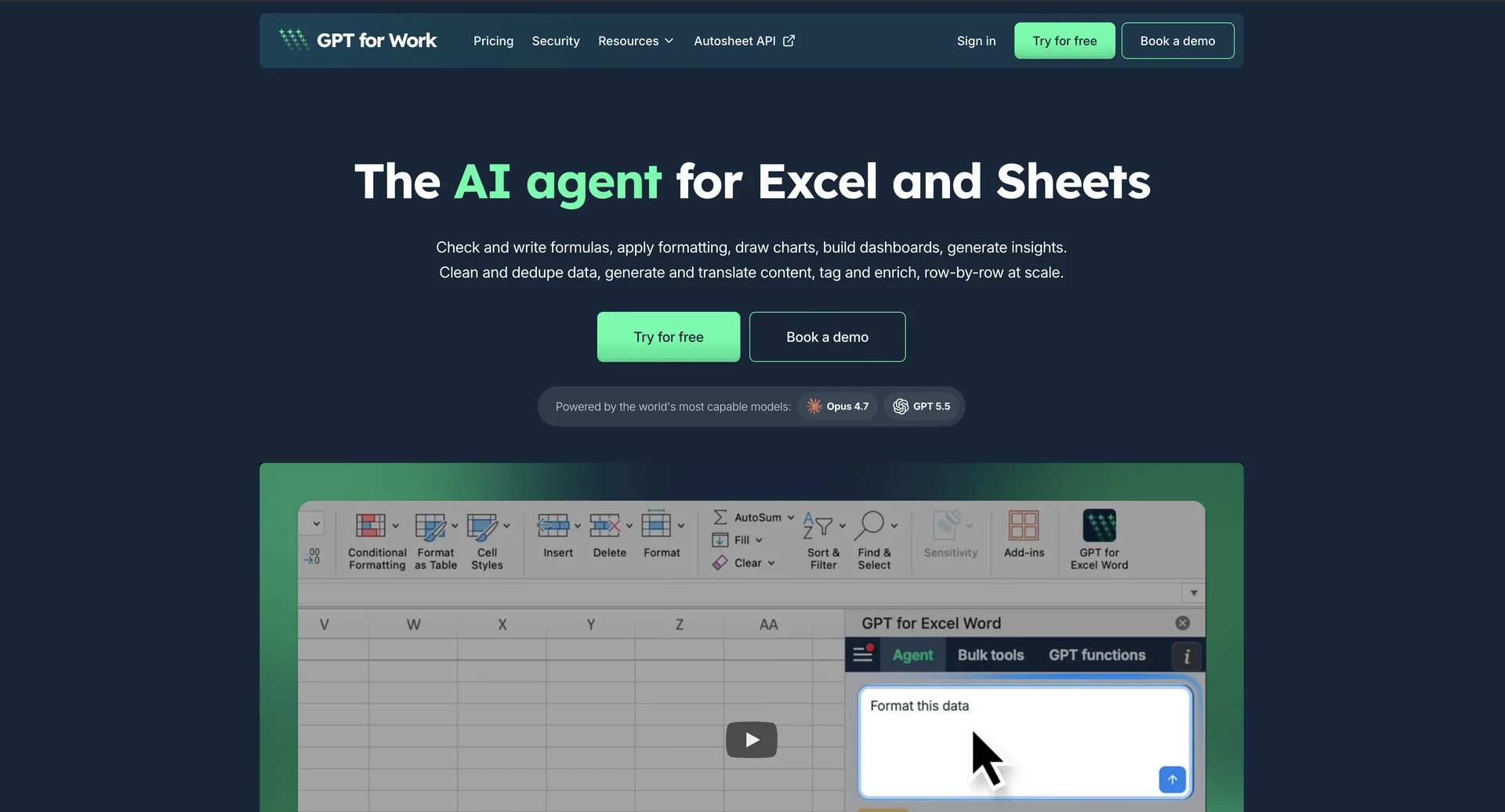
Native Spreadsheet AI Agent: GPT for Work (developed by Talarian) is a productivity add-on that integrates top-tier large language models directly inside Google Sheets, Microsoft Excel, Google Docs, and Microsoft Word.
Multi-Model Ecosystem Support: Allows users to execute tasks using a wide choice of AI providers—including OpenAI (GPT-5.5/4o), Anthropic (Claude 3.5/Opus 4.7), Google Gemini, Grok, and DeepSeek—without switching browser tabs.
Bulk Row-by-Row Processing: Features a table-filling agent that applies a standard prompt template row-by-row at scale. It handles up to 1,000 answers per minute across hundreds of thousands of rows for data cleaning, text classification, and attribute extraction.
Custom
=GPT()Functions: Enables advanced users to write prompts directly into cells as formulas. These functions can reference neighboring cell ranges, creating dynamic sheets that recalculate when raw data changes.Enterprise-Grade Security: Fully built with data privacy in mind, featuring ISO 27001 certification, GDPR compliance, and a strict policy ensuring user data is never used to train public AI models.
⭐ What does it actually offer based on user experience?
Massive Reduction in Manual Labor: Operations teams, financial analysts, and e-commerce managers highlight saving dozens of hours previously spent on manual data entry, catalog translation, and cell cleaning.
Zero Prompt Engineering Barriers: Users appreciate that the built-in agent handles model selection and prompt structuring natively, letting casual Excel users gain immediate results just by describing what they need.
Unmatched Integration and Reliability: Unlike standalone chat windows, spreadsheet power-users value the ability to build pivot tables, structure charts, and fix formula errors natively inside their active workspace grid.
Unpredictable Scaling Costs: Reviewers frequently issue a warning regarding premium models; while standard models keep data enrichment highly affordable, running heavy premium models across massive datasets can drain credits rapidly if not monitored via the usage dashboard.
🤖 Does it include automation?
Yes, GPT for Work replaces tedious manual spreadsheet macros with semantic automation:
Automated Format & Clean: Autonomously restructures raw text dumps, isolates duplicate entities, fixes broken data formatting, and standardizes text strings on a massive scale.
Auto-Triggered Batch Execution: Generates thousands of corresponding rows for metadata, product descriptions, or localized translations automatically upon dragging down a cell formula.
Autonomous Web & Image Analysis: Deploys underlying lookup tools (
GPT_WEB) to automatically crawl current online data or inspect visual assets directly from spreadsheet references.
💰 Pricing Model
Item Details: Pay-as-you-go credit pack system with zero monthly recurring subscription lock-ins.
General Concept: Users buy prepaid token bundles as needed. The consumption rate varies according to the specific AI model selected for the cell execution.
🆓 Free Plan Details
Feature: Free Introductory Trial.
Details: Includes an initial free trial pool of credit tokens upon installation to test data formatting, cleaning, and custom formula responses.
Cost: Free ($0).
💳 Paid Plans (2026 Estimates)
| Plan | Price (Prepaid Packs) | Key Features |
| 🔹 Starter Pack | $29 (One-time) | Pay-per-token usage credit pooled across up to 20 users. Best for small data cleaning tasks and occasional bulk translations. |
| 🔹 Essential Pack | $79 (One-time) | Larger pooled token allocation. Keeps per-cell costs highly predictable when sticking to standard mainstream models. |
| 🔹 Enterprise Tier | Custom Pricing | Designed for massive scaling. Includes unlimited usage subscriptions (requires API key), manual corporate invoicing, custom security integrations, and SSO via Google OIDC. |
🧭 How to access the tool:
Available for direct integration through the Google Workspace Marketplace (for Google Sheets/Docs) and the Microsoft AppSource Store (for Excel/Word desktop and web apps). Workspace management and tokens are controlled via gptforwork.com.