MightyMeld
Description
🖼 Tool Name:
MightyMeld
🔖 Categories:
Code Generation & ReviewUI/UX Design & Wireframing
✏️ What does this tool offer?
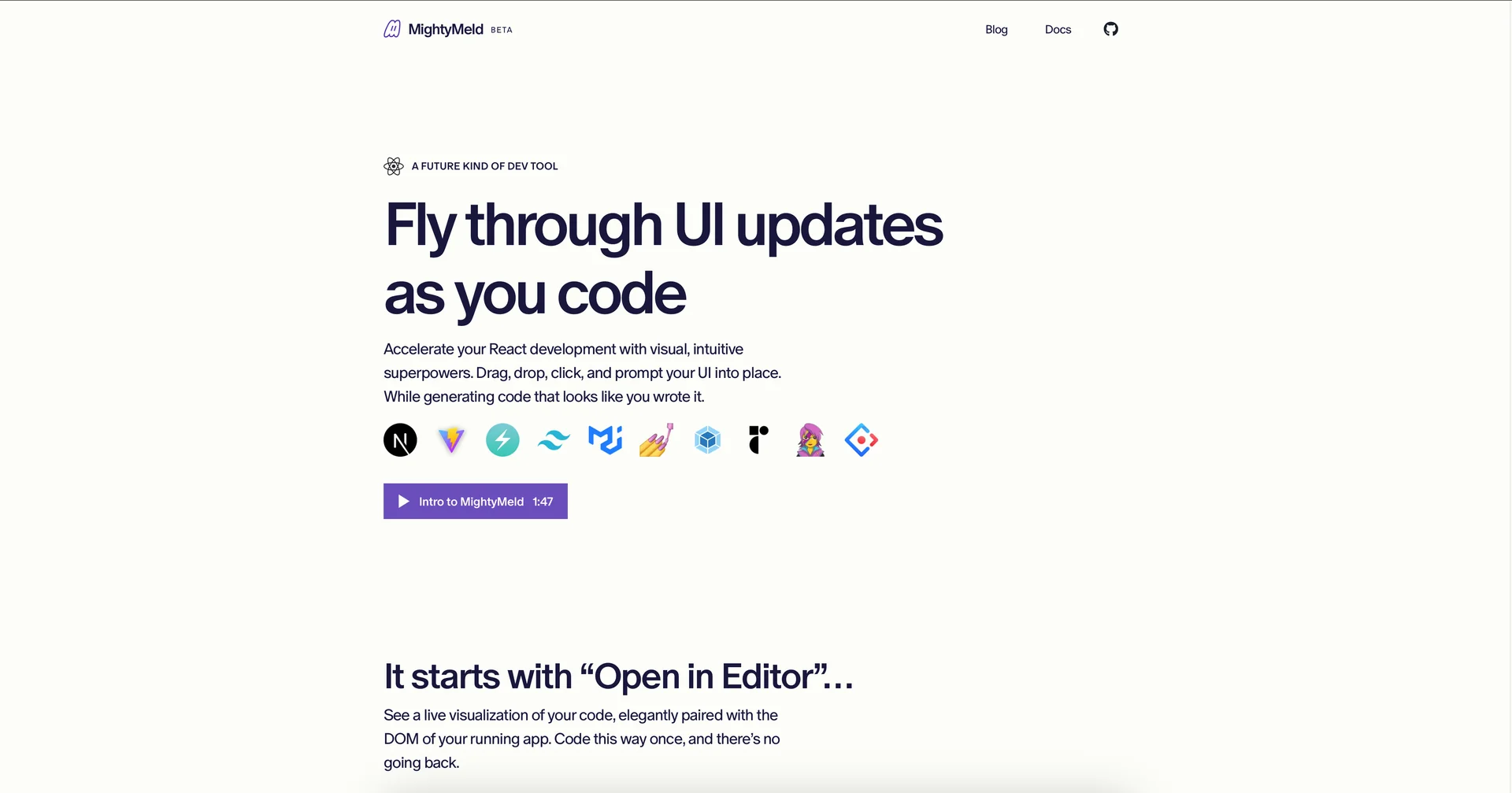
Visual WYSIWYG Dev Tool for React: MightyMeld is a bidirectional visual development tool designed for complex React applications, functioning like an advanced browser inspect-element tab but with the power to surgically write and change code.
Deep Codebase Representation Matrix: Instead of working in an isolated low-code bubble, it directly visualizes the JSX tree of a live, running app, mapping visual DOM elements straight to their underlying structural source strings.
Surgical Micro-Update Scribe Engine: Integrates a specialized Node.js server ("Scribe") that parses and rewrites source files on local disk when layout adjustments are made visually, avoiding messy, bloated boilerplate and formatting just like human-written code.
Generative AI Style & Component Assist: Employs localized context-aware AI prompts that allow front-end developers to describe layout or aesthetic modifications to have them rendered directly into real code.
Prefabs & Library Plugin Ecosystem: Includes modular UI blocks ("Prefabs") alongside native support for popular third-party design frameworks like Tailwind CSS, Chakra UI, and Material UI for rapid interface scaffolding.
Simultaneous Multi-Screen Responsive View: Features a unified, multi-device view panel where developers can adjust, track, and iron out responsive styling rules across mobile, tablet, and desktop viewports at the same time.
⭐ What does it actually offer based on user experience?
Eliminates IDE-to-Browser Context Switching: Front-end engineers heavily praise the tool for saving time on style adjustments, highlighting that modifying margins, layouts, and colors on canvas updates their source code file instantly without constant browser refreshes.
Zero-Learning-Curve App Navigation: Developers value the native "Open in Editor" shortcut, noting that clicking any visual element in the web studio lets them jump straight to that exact source line inside VS Code.
Maintains Absolute Source Code Integrity: Development teams appreciate that the tool respects their pre-configured folder architecture, custom hooks, and state logic rather than forcing rigid templates on them.
🤖 Does it include automation?
Yes, MightyMeld manages UI generation and environment synchronization loops through deep automation:
Automated Source Writing and Formatting: Autonomously alters matching JSX and CSS configurations on local storage disk upon a layout change.
Autonomous AST Code Ingestion: Programmatically scans project directory abstract syntax trees (ASTs) behind the scenes to track application structural changes.
Live Hot Reload Invocations: Automatically triggers local framework dev server hot reloading the moment visual elements are dropped or updated on the canvas.
💰 Pricing Model
Item Details: Freemium Single Seat & Tiered Commercial Plan SaaS.
General Concept: The fundamental visualization core, drag-and-drop code building, and AI tools remain completely free for individual creators, scaling into paid premium structures for professional scaling and organizations.
🆓 Free Plan Details
Feature: Core Visual Track.
Details: Grants single-user seats complete access to the visual building dashboard, live code inspection tools, full JSX hierarchy tracking, prefab modules, and unthrottled AI assist integrations.
Cost: Free ($0 permanent individual designer tier).
💳 Paid Plans (Official 2026 Standards)
🧭 How to access the tool:
React front-end architectures can be visually checked, Tailwind styles prompted via AI, and local code codebases modified dynamically by installing the background agent suite (npx mightymeld) within your project terminal or visiting mightymeld.com.