CAPIT
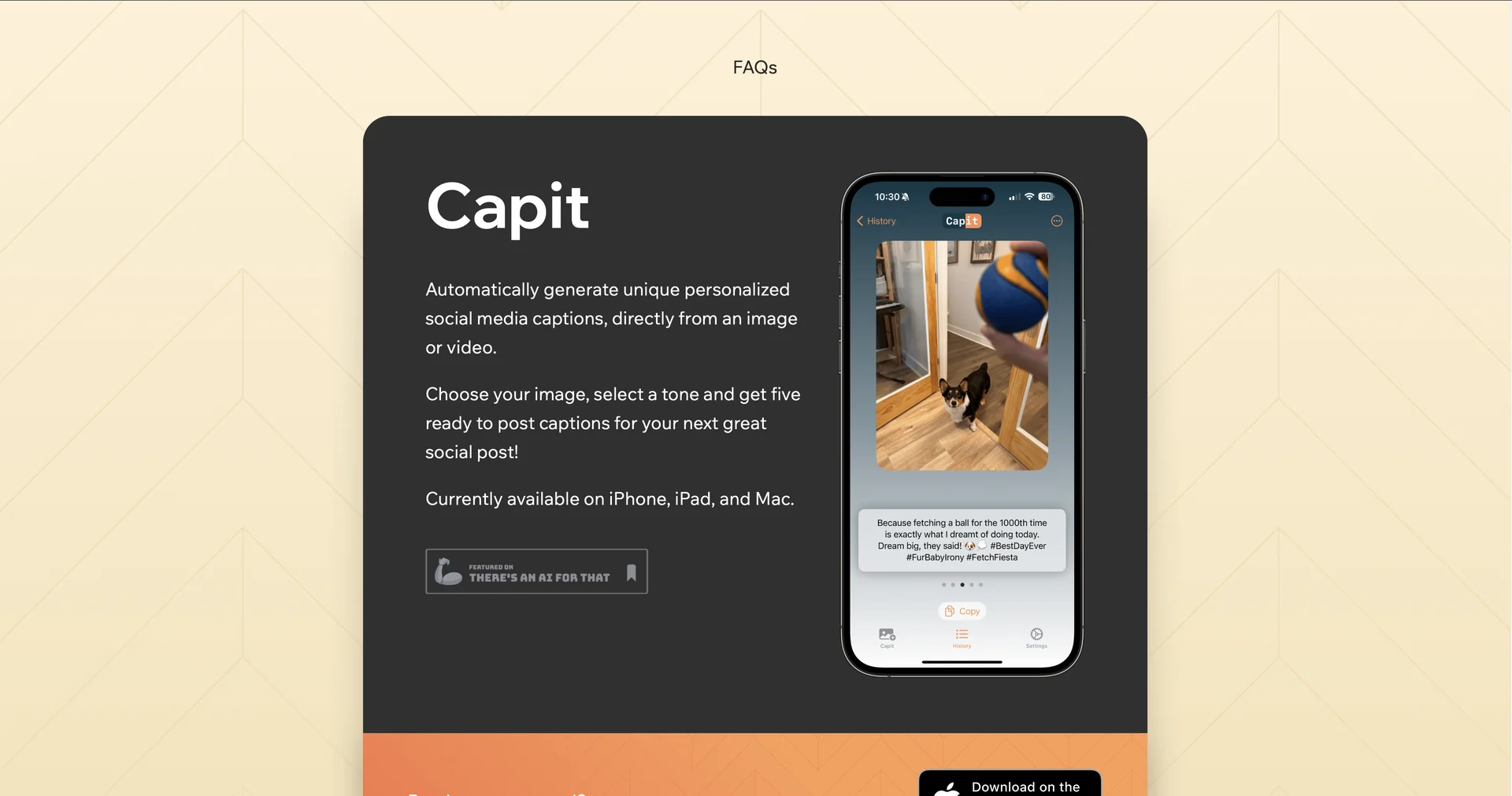
Description
🖼 Tool Name:
CAPIT
🔖 Approved Categories:
Video Summaries & ClipsSocial Templates & Auto-Editing
✏️ What does this tool offer?
Local-First AI Video Captioning Suite: CAPIT is an AI-powered talking-video editor and auto-captioning application designed for short-form creators, social media marketers, and small teams. Its key technical feature is its focus on complete privacy and offline capability—processing audio scripts and video transcriptions directly on your local device instead of bouncing data blocks to external cloud servers.
Scroll-Stopping Trending Caption Styles: Houses a visual customization canvas featuring pre-configured subtitles inspired by trending styles popular on TikTok, Instagram Reels, and YouTube Shorts. The engine applies word-by-word active text highlighting and context-aware emoji injections automatically.
100+ Language Translation & Dual-Subtitles: Powered by offline natural language processing algorithms that transcribe and translate content across over 100 global languages. It supports displaying dual-language subtitles concurrently on screen to capture cross-cultural or bilingual audiences.
Timeline Caption Control & Script Writing: Includes a full post-production correction editor alongside a local teleprompter. Authors have total structural layout control to fix phonetic typos, realign exact clip timestamps, or merge and split subtitle blocks manually.
Clean SRT File Exports: Offers an open metadata export track. Users can bypass the native rendering stage entirely and export their synchronized text logs as unwatermarked
.SRTfiles to use in advanced traditional suites like Adobe After Effects, Premiere Pro, DaVinci Resolve, or within LMS platforms like Udemy.
⭐ What does it actually offer based on user experience?
Guarantees Ironclad Privacy Safeguards: Professionals handling highly confidential corporate training videos, proprietary documents, or raw footage deeply value the offline local processing model, removing compliance worries about cloud breaches.
Frictionless No-Internet Editing: Mobile creators and vloggers heavily appreciate that the transcription pipeline runs natively on phone or tablet storage, meaning they can accurately script, edit, and caption multi-minute clips perfectly while on planes or in remote areas with zero cell reception.
Eliminates Processing Bottlenecks: Users note that local on-device generation eliminates external server queue delays, generating immediate timeline previews for rapid content turnarounds.
🤖 Does it include automation?
Yes, CAPIT relies on completely local, hardware-accelerated speech and visual automations:
Autonomous Speech-to-Text Conversion: Programmatically analyzes underlying localized video audio paths to convert spoken language into text strings with no external calls.
Automated Emoji Placement: Automatically scans conversational text context to inject matching graphic emojis on active frames.
Instant Subtitle Timing Syncing: Autonomously links translated word arrays with corresponding temporal microsecond marks across the editing timeline.
💰 Pricing Model
Item Details: Freemium Local App / Optional Pro In-App Subscriptions.
General Concept: CAPIT operates a highly accessible freemium setup. Downloading the mobile client, creating talking video drafts, and exploring core editing layouts is completely unpaywalled. Unlocking unrestricted, unthrottled premium generations or advanced style layouts can be handled via flexible weekly, monthly, or annual in-app purchase modules.
🆓 Free Plan Details
Feature: Baseline Local Sandbox.
Details: Provides free core access to download the application, utilize the baseline offline text-to-speech transcribing tools, edit local project timelines, and test trending visual preset filters.
Cost: Free ($0 / Self-contained on-device utility).
💳 Subscription Plans (Official 2026 Standards)
In-app upgrade options fluctuate marginally depending on your operating ecosystem (App Store / Google Play Store).
🧭 How to access the tool:
Your talking-video audio can be converted to text offline, custom emoji-driven TikTok subtitle aesthetics applied, and clean synchronized SRT timeline files exported securely by installing the client application interface directly from capit.app.