AICommit
Description
🖼 Tool Name:
AICommit
🔖 Approved Categories:
DevOps, CI/CD & MonitoringNo-Code Workflows
✏️ What does this tool offer?
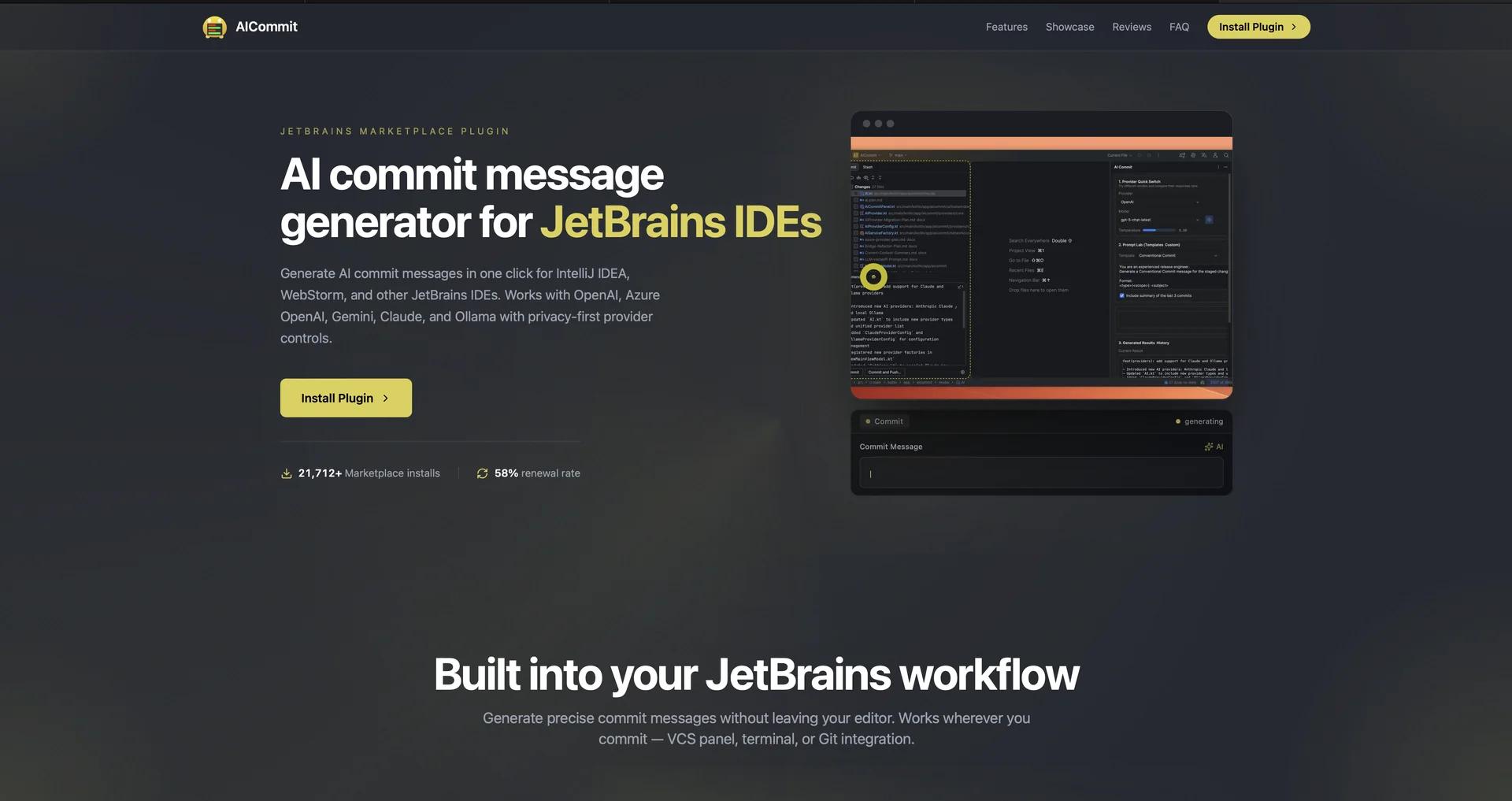
AI Commit Message Generator for JetBrains IDEs: AICommit (
aicommit.app) is a developer tool and plugin for IntelliJ IDEA, WebStorm, PyCharm, and other JetBrains IDEs that automatically generates git commit messages in a single click.Multi-Provider AI Engine Support: Integrates with leading cloud and local AI providers—including OpenAI (GPT-4/GPT-4o), Azure OpenAI, Google Gemini, Anthropic Claude, and Ollama—allowing developers to bring their own API keys or run models locally.
Privacy-First & Local Processing: Gives developers complete control over code security; staged diffs are sent only to the user's chosen provider, or kept entirely on-device using local Ollama models.
Prompt Lab & Style Templates: Allows users to customize prompt templates to output commit messages matching team standards (e.g., Conventional Commits, Gitmoji, plain text, or custom subject/body formats).
Direct IDE Integration: Operates directly inside the JetBrains VCS panel, terminal, or Git commit panel to convert staged diffs into messages without leaving the editor.
⭐ What does it actually offer based on user experience?
Eliminates Blank-Screen Delay: Developers love saving time and avoiding writer's block when drafting detailed commit logs for complex code changes.
Flexible Provider Options: Users appreciate being able to switch seamlessly between cloud APIs and offline local models without modifying complex configuration files.
Maintains Consistent Commit Standards: Engineering leads value how the customizable prompt templates enforce standardized commit formats across team repositories.
🤖 Does it include automation?
Yes, AICommit automates Git documentation and message drafting:
Automated Diff Parsing: Programmatically reads staged Git diffs and analyzes code changes in under two seconds.
Programmatic Commit Generation: Automatically formats and populates the IDE commit input field based on selected model parameters and prompt rules.
💰 Pricing Model
Item Details: Freemium JetBrains Plugin / Bring Your Own Key (BYOK) Model.
General Concept: The plugin is free to install. Users connect their own LLM API keys (OpenAI, Gemini, Claude) or use free local Ollama setups to run generation.
🆓 Free Access Details
Feature: Free JetBrains Marketplace Plugin & Local Ollama Support.
Details: The plugin can be installed for free from the JetBrains Marketplace. Running it with local models via Ollama incurs zero API cost.
Cost: Free ($0) Plugin / Pay-Per-API usage (if using paid cloud providers like OpenAI).
💳 Plugin Standard Details
🧭 How to access the tool:
Your staged Git diffs can be converted into conventional commit messages, local privacy maintained with Ollama, and IDE workflows streamlined by downloading the plugin at aicommit.app or searching for AICommit directly in the JetBrains Marketplace.