Description

️ Tool Name: 🖼
Figma AI Workflows

Categories: 🔖

  • Design and Image Creation
  • Brand Guidelines Templates
  • Digital Asset Management
  • Cross-Platform Publishing and Collaboration
  • Automation and Smart Agents
  • Business Document Creation
  • Programming and Development
  • No-Code Workflows

️ What does this tool offer? ✏
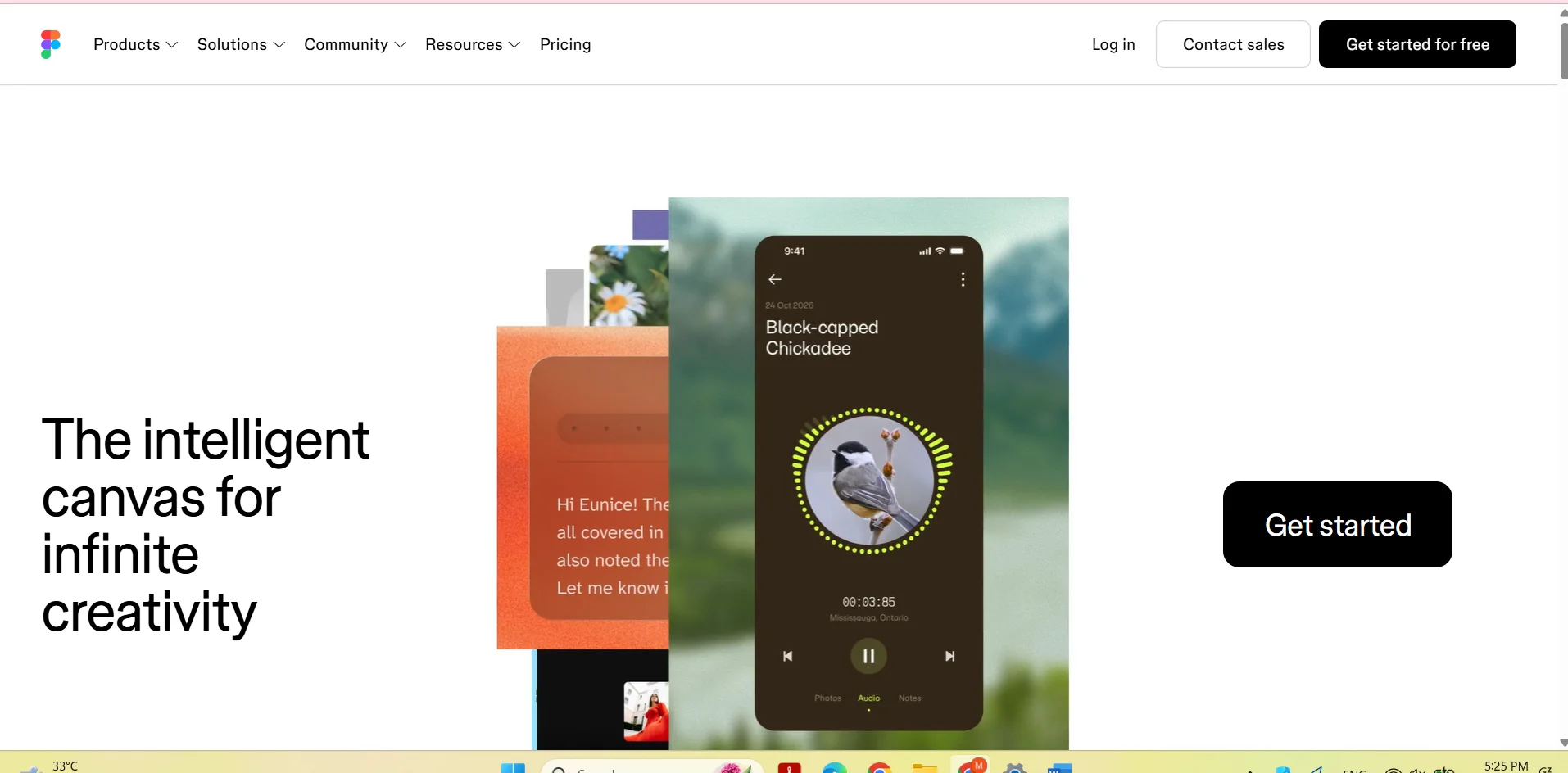
Figma AI Workflows is a set of AI-powered workflows within the Figma platform, designed to help teams build products quickly and confidently while maintaining visual identity and enhancing collaboration among team members.

The platform offers an AI-powered design experience from start to finish through three main stages:

  • Generation:
    Using AI to generate new design ideas and trends and explore creative solutions.
  • Exploration:
    Helping teams experiment with multiple design options and rapidly develop ideas.
  • Execution:
    Turning ideas into actionable designs through collaboration between designers and other teams.

Figma Agent, an AI agent that assists with various design tasks, such as:

  • Creating new design directions.
  • Creating diagrams and illustrations.
  • Editing images.
  • Searching within Figma files.
  • Performing additional design tasks.

The Polish phase also allows you to:

  • Compare multiple design directions side by side.
  • Discussing details with the team.
  • Any team member to edit designs.
  • Interacting with the AI agent to refine and improve designs.

The platform supports various Figma products, including:

  • Figma Design.
  • Figma Make.
  • Figma Draw.
  • Dev Mode.
  • FigJam.
  • Figma Slides.
  • Figma Motion.
  • Figma Sites.
  • Figma Buzz.

What does it actually offer based on user experience? ⭐

  • Generate new design ideas and trends using artificial intelligence.
  • Accelerate product design phases.
  • Create diagrams and illustrations.
  • Edit images within the design environment.
  • Searching within design files.
  • Compare multiple designs and collaborate on them with the team.
  • Refine designs through interaction with the AI agent.
  • Maintain visual identity during product development.
  • Facilitate collaboration between designers and different teams.

Does it include automation? 🤖
Yes, Figma AI Workflows include AI-powered automation through Figma Agent.

Automation includes:

  • Creating design directions.
  • Generating diagrams and illustrations.
  • Editing and refining designs.
  • Searching within files.
  • Supporting exploration and development.
  • Helping teams carry out repetitive design tasks.

Pricing Model: 💰
Figma uses a multi-tier pricing model that combines:

  • A limited free plan.
  • Monthly or annual paid subscription plans.
  • The option to choose the number of seats based on the team’s needs.
  • The ability to add additional AI Credits.
  • A pay-as-you-go option.
  • Governance+ is available as part of the Enterprise plan.

Plans include:

  • Starter.
  • Professional.
  • Organization.
  • Enterprise.

🆓 Free Plan Details:

FeatureDetails
Plan NameStarter
PriceFree
AccessLimited free access to Figma products
FilesUnlimited drafts
TemplatesUI kits and templates
AI credits150 AI credits/day, up to a maximum of 500 AI credits/mo

Paid plan details: 💳

PlanPriceFeatures
ProfessionalFull seat: $16/mo + 3,000 AI credits/mo, Dev seat: $12/mo + 500 AI credits/mo, Collab seat: $3/mo + 500 AI credits/moDesigned for professionals and small teams, includes unlimited files and projects, team-wide design libraries, Advanced Dev Mode inspection, and MCP Server.
OrganizationFull seat: $55/mo + 3,500 AI credits/mo, Dev seat: $25/mo + 500 AI credits/mo, Collab seat: $5/mo + 500 AI credits/moDesigned for companies that design enterprise-level products, this plan includes unlimited teams, shared libraries and fonts, and centralized admin tools.
EnterpriseFull seat: $90/mo + 4,250 AI credits/mo; Dev seat: $35/mo + 500 AI credits/mo; Collab seat: $5/mo + 500 AI credits/moDesigned for companies with enterprise-level needs, includes custom team workspaces, design system theming and APIs, and SCIM seat management.

Optional add-ons:

  • Purchase additional AI credits for the entire team.
  • Pay-as-you-go or subscription to save on costs.
  • Governance+ for security management, access control, collaboration, and compliance—available only on the Enterprise plan.

How to access the tool: 🧭

MethodDetails
WebAvailable via the Figma platform
AppThrough Figma apps
CollaborationCollaboration within Figma files
Artificial IntelligenceVia Figma Agent
Dev ModeAvailable on paid plans

Trial link or official website: 🔗
https://www.figma.com/pricing/

Pricing Details

Figma offers a free plan called Starter, which provides limited free access to Figma products, including unlimited drafts, UI kits, and templates, as well as 150 AI credits per day, up to a maximum of 500 AI credits per month. The platform also offers several paid plans. The Professional plan comes with different seat options: a Full seat costs $16/mo with 3,000 AI credits/mo, and a Dev seat costs $12/mo with 500 AI credits/mo, while the Collab seat costs $3/mo with 500 AI credits/mo; it is designed for professionals and small teams and includes unlimited files and projects, team-wide design libraries, Advanced Dev Mode inspection, and MCP Server. As for the Organization plan, a Full seat costs $55/mo with 3,500 AI credits/mo, while a Dev seat costs $25/mo with 500 AI credits/mo, and the Collab seat costs $5/mo with 500 AI credits/mo; it is designed for companies that design products at the enterprise level and includes unlimited teams, shared libraries and fonts, and centralized admin tools. Figma also offers an Enterprise plan, where a Full seat costs $90/mo with 4,250 AI credits/mo, and a Dev seat costs $35/mo with 500 AI credits/mo, and a Collab seat for $5/mo with 500 AI credits/mo. This plan is designed for companies with enterprise-level needs and includes custom team workspaces, design system theming and APIs, and SCIM seat management.