Description
️ Tool Name: 🖼
Prio
Categories: 🔖
Automation and Smart Agents
Business and Operations Management
Cold Email and Sequences
Customer Relationship Management and Deal Tracking
Productivity and Scheduling
Calendars and Content Scheduling
Smart Calendars and Personal Assistant
RPA Automation and Repetitive Tasks
Marketing and Sales
Integrations and APIs
Tasks and Projects
Knowledge Base and Self-Service
️ What does this tool offer? ✏
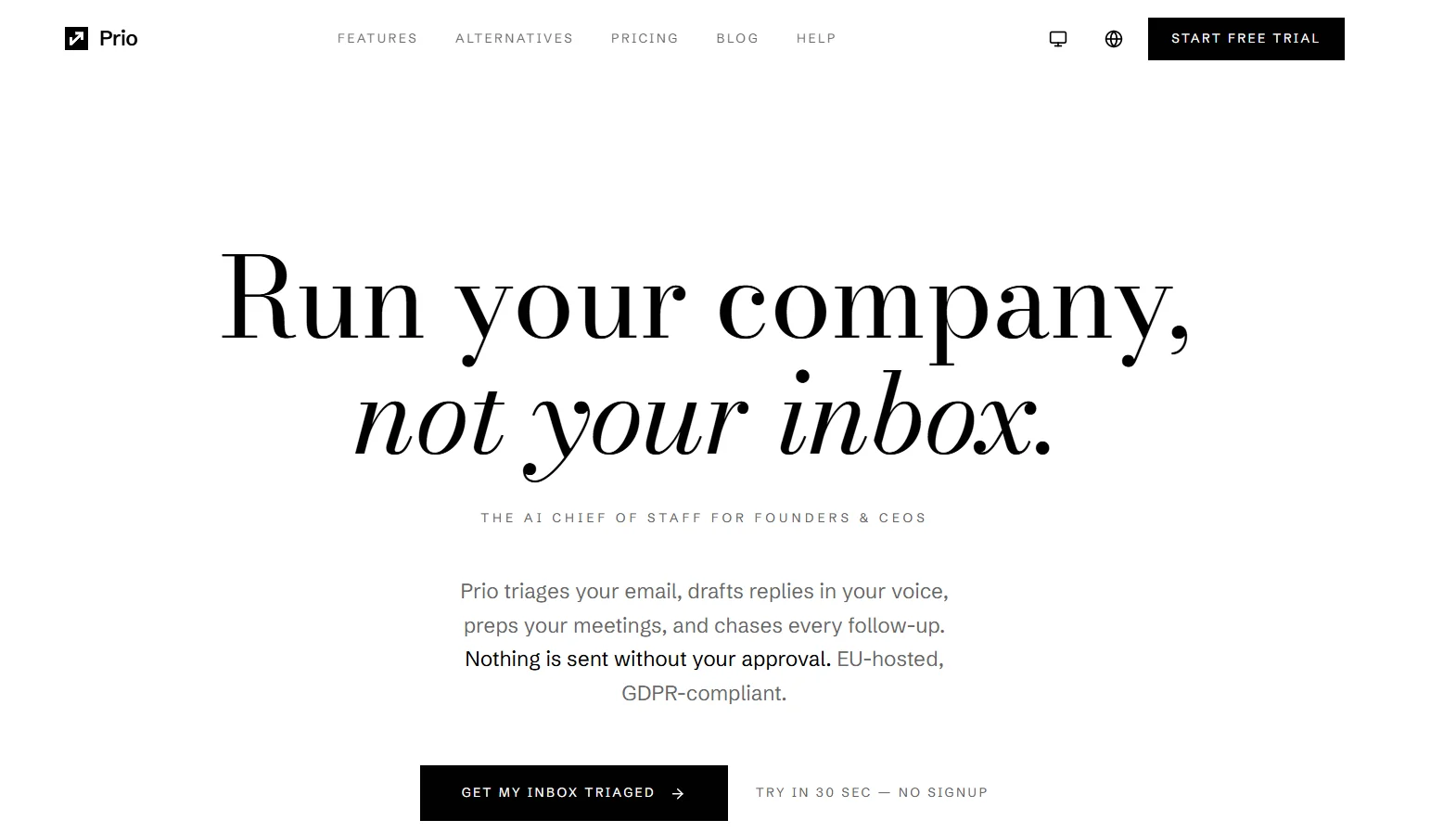
Prio is an AI-powered platform that acts as an executive assistant or “Chief of Staff” for company founders and CEOs, designed to reduce daily administrative tasks by managing email, scheduling meetings, tracking tasks, preparing for meetings, and following up on messages.
The platform sorts and categorizes emails and drafts replies in the user’s style, while ensuring the user retains final decision-making authority; no message is sent or action taken without their approval.
Prio can be integrated with Gmail, Google Calendar, and other work tools, and then interacted with using natural language commands. The platform understands context, priorities, and preferences, then suggests appropriate actions for the user to review and approve.
The platform also offers the ability to look ahead from one to 30 days to prepare for tasks that require advance planning, such as board meetings, contract renewals, and important meetings.
Prio provides a morning summary that displays the day’s schedule, priority emails, and pending tasks, along with calendar management that protects focus time, automatically schedules tasks, and enforces buffer periods between appointments.
It also includes task management, allowing users to assign tasks to Prio for automatic tracking, delegation, and follow-up.
The platform also offers a voice note feature, allowing users to dictate notes on the go; Prio then transcribes them, extracts action items, and automatically adds them to the to-do list.
Prio supports a range of integrations, including Gmail, Outlook, Google Calendar, Slack, Notion, GitHub, Attio, Google Drive, LinkedIn, Telegram, and MCP.
What does it actually offer based on user experience? ⭐
- Sorting and categorizing emails.
- Creating draft replies using the user’s voice.
- Never sends an email without the user’s approval.
- Preparing meetings and appointments in advance.
- Preparing a morning summary of the schedule, emails, and tasks.
- Manage the calendar and schedule tasks.
- Protect focus time in the calendar.
- Apply smart scheduling rules.
- Track tasks and reminders.
- Automatically follow up on messages.
- Advanced web search included in the Pro plan.
- Manage contacts through CRM with the Pro plan.
- Provide tools for communication and networking via LinkedIn as part of the Pro plan.
- Voice calls via an AI-powered phone agent included in the Pro plan.
- Provide voice notes and transcribe them to text.
- Extracting action items from voice notes and adding them to a to-do list.
- Integration with Slack and Notion is available on the Pro plan.
- Scan invoices and extract data using OCR as part of the Business plan.
- Integration with GitHub is available on the Business plan.
- Provide a cross-platform bot for Slack, Telegram, and Teams on the Business plan.
- Provide custom delegation templates in the Business plan.
- Priority support is available with the Business plan.
Does it include automation? 🤖
Yes, Prio includes extensive automation for administrative tasks.
The platform can sort emails and generate replies, manage calendars, schedule tasks, track reminders, and follow up on actions, in addition to executing automated workflows within the Pro plan.
However, Prio relies on user consent; the platform clarifies that actions generated by the system—such as email drafts, calendar events, and to-do lists—are not executed without the user’s approval.
Prio can also look up to 30 days ahead and prepare in advance for meetings, tasks, and events that require preparation.
Pricing Model: 💰
Paid subscription with a 14-day free trial.
Three main plans are available: Starter, Pro, and Business, with the option to cancel before billing begins.
🆓 Free Plan Details:
| Plan | Price | Details |
|---|---|---|
| Free Trial | 0 euros for 14 days | Try all the features of your chosen plan for 14 days, with no charges during the trial period, and the option to cancel at any time before billing begins |
The website also mentions a 30-day money-back guarantee following the trial period.
Paid Plan Details: 💳
| Plan | Price | Features |
|---|---|---|
| Starter | €29 per month | 30 conversations per day, email sorting and draft creation, calendar management, task and reminder tracking, Gmail and Google Calendar, morning summaries, and voice notes |
| Pro | €79 per month | 100 conversations per day, smart scheduling rules, CRM contact management, LinkedIn networking tools, voice calls via an AI-powered virtual assistant, workflow automation, advanced web search, and Slack and Notion integration |
| Business | €199 per month | Unlimited conversations, invoice scanning and OCR, GitHub integration, cross-platform bot for Slack, Telegram, and Teams, custom delegation templates, and priority support |
According to the official website, the prices listed do not include annual contracts or hidden fees.
How to access the tool: 🧭
| How to access | Details |
|---|---|
| Web | Prio can be accessed and used via the website |
| Gmail | Seamless integration with Gmail |
| Outlook | Integration with Outlook |
| Google Calendar | Connect and manage your calendar |
| Slack | Integration available on the Pro plan; cross-platform bot available on the Business plan |
| Notion | Integration available on the Pro plan |
| GitHub | Integration available on the Business plan |
| Networking and communication tools included in the Pro plan | |
| Telegram | Cross-platform bot available on the Business plan |
| Microsoft Teams | Cross-platform bot in Business |
| MCP | Supported integration |
Demo link or official website: 🔗