Description

️ 🖼Tool Name:

fx

🔖 Categories:

  • Programming and Development
  • Code Generation and Review
  • Automation and Smart Agents
  • DevOps, CI/CD, and Monitoring
  • Integrations and APIs

️ ✏What does this tool offer?

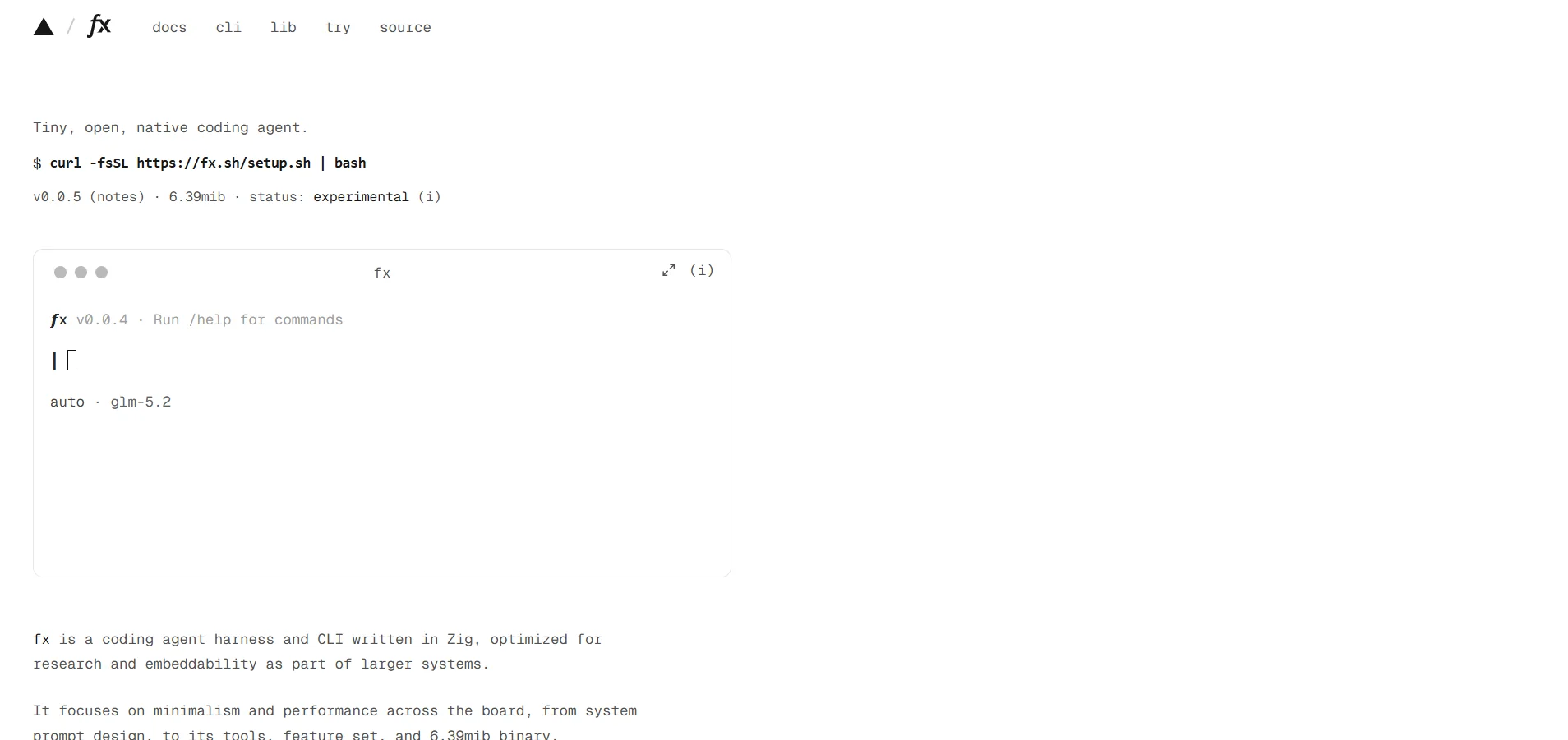
fx is a small, open-source command-line (CLI) agent written in Zig. It is designed to be lightweight, fast, and embeddable within other tools and environments, with support for local and cloud inference and various model providers. It is approximately 6.39 MiBin size and is currently in the Experimental stage.

fx can be run inside a project folder, where it can be directed using natural language to read files, understand the project, and perform tasks such as adding and running tests. The agent also displays the steps involved in using the tools as the task is executed, and you can pause and review the execution.

fx supports a range of tools for managing project files and executing commands. It also features a permissions system that requires user approval for sensitive operations such as creating, modifying, or deleting files and executing commands. The permissions settings can be adjusted directly within the tool.

It also supports Skills, Plugins, MCPs, and Subagents to extend its capabilities and integrate with external tools and resources, with a design based on Unix philosophy, scalability, and embeddability.

fx is model-agnostic, meaning it is not tied to a single AI model and can be used with on-premises models, model gateways, direct APIs, or subscriptions.

It can be used interactively within the terminal or run non-interactively using ` fx ask`, which allows it to be used within scripts and CI workflows. It also supports JSON output for programmatic use.

What does it actually offer based on user experience?

  • Reading project files and understanding their structure.
  • Execute programming tasks using natural language commands.
  • Modifying, creating, and deleting files when granted the required permissions.
  • Running commands and tests within the project.
  • Search for files and read their contents.
  • Work through a Unix-like shell interface instead of heavy IDE interfaces.
  • Use Skills to extend the agent’s capabilities.
  • Use MCPs to connect to external tools and resources.
  • Run subagents to perform independent tasks.
  • Resume previous sessions in the project.
  • Use it within scripts and continuous integration workflows via fx ask.
  • Attach images to tasks that require visual capabilities.
  • Selecting the template to use from the template catalog.

🤖 Does it include automation?

Yes. fx acts as a Coding Agent capable of executing a series of programming steps based on user requests, including reading files, searching, modifying files, and running commands and tests.

It can also be run non-interactively using fx ask,allowing it to be used within scripts and CI pipelines. Skills, MCPs, and Subagents help expand the range of tasks the agent can perform.

fx uses a permissions system to protect sensitive operations; operations that may modify the device or files are reviewed before execution based on the user’s permission settings.

💰 Pricing Model:

The fx software itself isfree and open source; it is released under the Apache-2.0 license. The cost of using AI models depends on the inference provider or model portal used; local models can also be used to avoid inference fees associated with cloud providers.

🆓 Free Plan Details:

ItemDetails
fx PriceFree
LicenseApache-2.0
SoftwareOpen Source
Software SizeApprox. 6.39 MiB
Modelsfx does not impose a specific model; it supports both on-premises and cloud-based models
On-premises deploymentAvailable with compatible on-premises endpoints
Inference costDepends on the model provider used
On-premises usageInference can be run locally to avoid cloud inference fees

Just because fx is free doesn’t mean using AI models is free; requests that pass through the AI Gateway are billed and tracked, while on-premises inference can avoid per-code usage fees.

💳 Paid plan details:

PlanPriceFeatures and Differences
There is no paid plan for fx itself$0The software itself is open-source and free.
Using AI GatewayPay-as-you-goThe cost of requests depends on the models and the inference provider used; you can track usage and costs via fx usage or the AI Gateway dashboard.
Third-party models or providersBy providerfx supports cloud inference through various providers and gateways; the cost of the model is subject to the pricing of the provider used.

🧭 How to access the tool:

Access methodDetails
Terminal / CLIThe primary method for using fx
Local InstallationIt can be installed using the official installation command
WebAssemblyA WebAssembly version is available that can run in browsers that support WebAssembly. JSPI
fx askRun a single task non-interactively
VercelYou can sign in with a Vercel account
AI Gateway APIYou can use your Vercel AI Gateway API key
Local modelsSupports compatible on-premises endpoints
MCPSupports MCP servers and associated resources and tools

🔗 Demo link or official website:

fx – Official Website

fx – Official documentation

Pricing Details

💰 Pricing Model: The fx software itself is free and open source, available under the Apache-2.0 license, so there are no subscription fees or paid plans for using the software. The cost of using AI models is not determined by fx, but rather depends on the inference provider or model portal used. Local models can also be used via compatible endpoints, allowing inference to run locally and avoiding usage fees associated with cloud service providers. The software is approximately 6.39 MiB in size, and fx does not require the use of a specific AI model; rather, it supports both on-premises and cloud-based models depending on the operating environment chosen by the user. As for AI Gateway, the cost of use depends on consumption, the model, and the inference provider; usage and costs can be tracked through fx usage or the AI Gateway dashboard, while the use of third-party models or service providers is subject to each provider’s individual pricing. Therefore, using fx itself does not incur any fees, but using AI models via cloud services may result in usage-based costs, while these costs can be reduced or avoided by using on-premises models. 🆓 Free Plan Details: There is no separate free plan because fx itself is completely free and open-source; the software can be used at no cost, with the option to run models locally or connect to cloud-based model providers as needed. This does not mean that all associated AI services are free; the cost of cloud inference is subject to the pricing of the provider used, while on-premises inference allows models to run on the user’s own infrastructure without paying cloud inference fees per token. 💳 Paid Plan Details: There are no paid plans for the fx software itself; it is available for free under the Apache-2.0 license. However, AI-related services, such as AI Gateway, models, and third-party inference providers, may be billed on a pay-as-you-go basis, and costs vary depending on the model and service provider used.