Description

️ 🖼Tool Name:

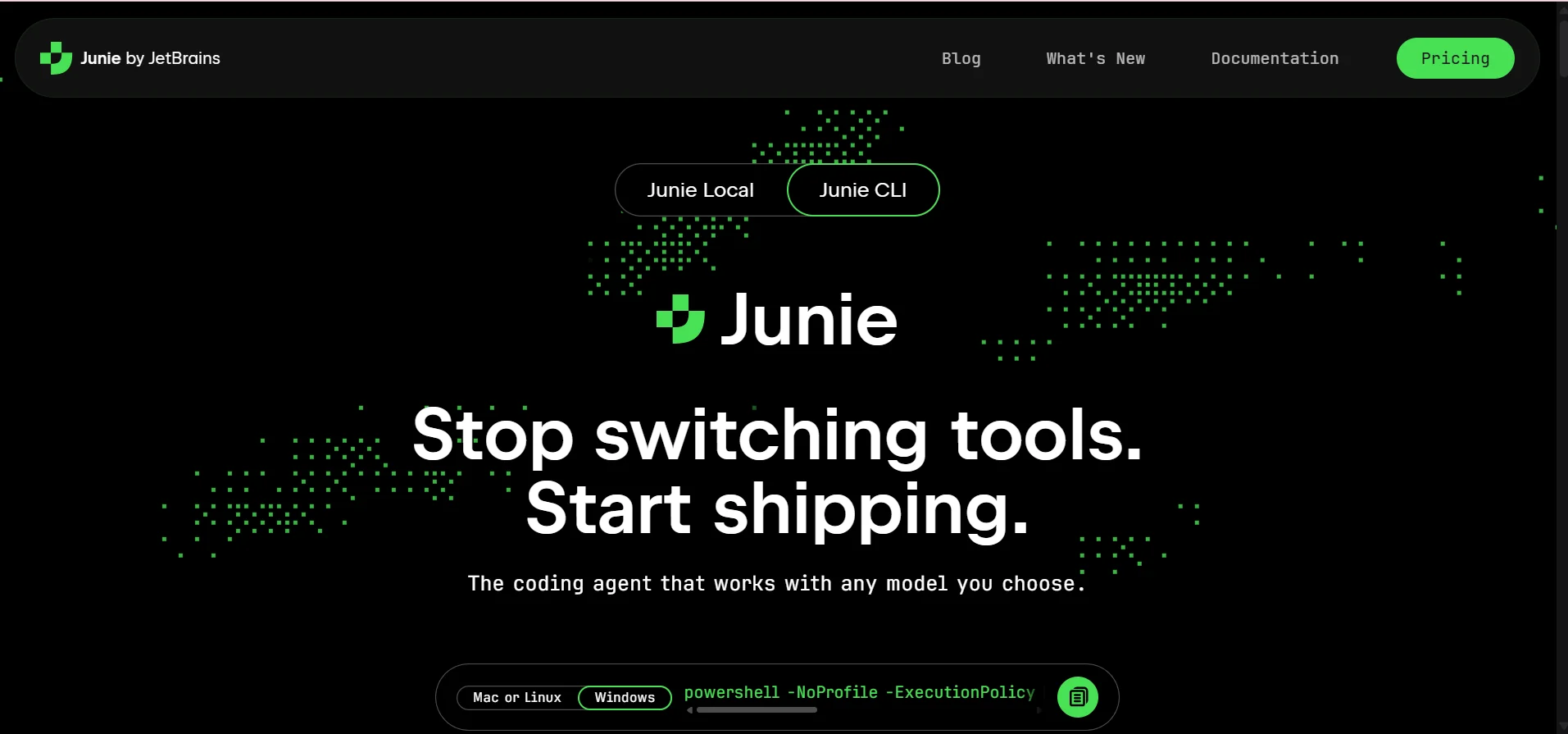
Junie by JetBrains

🔖 Categories:

  • Programming and Development
  • Code Generation and Review
  • Automation and Smart Agents
  • DevOps, CI/CD, and Monitoring
  • Testing and Quality Assurance

️ ✏What does this tool offer?

Junie is an AI-powered coding agent from JetBrains that works with models selected by the user, supporting over 10 models via the “Bring Your Own Key” (BYOK) feature, including Claude Opus 4.8, Claude Sonnet 5, Claude Fable 5, Gemini 3.1 Pro, Gemini 3.7 Flash, GPT-5.6, and Grok 4.5. Junie is available on Mac, Linux, and Windows, can be run directly from the terminal, and integrates with GitHub and GitLab to execute tasks from GitHub issues and pull requests or GitLab issues and merge requests. Its advanced planning mode enables the creation of requirements and a structured plan for design, implementation, and delivery before modifying the code, with the ability to save plans in editable files and commit them to the repository, as well as use different templates for planning and execution. Direct control also allows the agent’s path to be changed during task execution, while the human-in-the-loop system enables key actions to be reviewed, approved, and directed, with a dynamic permission list and user confirmation prior to execution. The platform also provides remote control to initiate migration processes from a computer, monitor progress from a phone, and review withdrawal requests, in addition to agent error correction—which allows agents to run a real-time debugger, set breakpoints, check runtime status, and trace the code— with support for the JVM, IntelliJ, breakpoints in class and JAR files, stack traces, expression evaluation, and agent strings. It also allows for customizing agent guidelines and skills according to the team’s coding standards, naming conventions, and review rules, and supports Agent Skills and commands shared between the CLI and IDE via ACP, as well as sub-agents to break down complex tasks and delegate them to specialized agents working in parallel, and MCP integration to add custom tools, databases, and APIs.

What does it actually offer based on user experience?

The information provided does not include any documented user reviews or evaluations that can be relied upon; therefore, specific results based on user experiences cannot be confirmed.

🤖 Does it include automation?

Yes, Junie includes extensive automation capabilities through AI agents that can perform coding tasks, work with GitHub and GitLab, debug errors, perform migrations, and add test coverage. It also allows sub-agents to split and delegate tasks in parallel, as well as asynchronous execution via the CLI and web app, with a system that lets users review and approve actions before they are executed.

💰 Pricing Model:

Junie uses a Freemiummodel ,offering a free plan alongside paid subscription plans based on AI credits, with the option to use BYOK and have usage billed at the model provider’s rates without any additional markup.

🆓 Free Plan Details:

FeatureDetails
Price$0
AI Credits5 credits
BYOKAvailable
ModelsAbility to use any AI model, including on-premises models
BYOK CostBased on the model provider’s pricing with no additional markup
Credit CardNo credit card required
SubscriptionNo subscription required to get started

💳 Paid plan details:

PlanPriceFeatures
AI Pro$8.33 per user per month10 AI credits every 30 days, the ability to purchase additional credits at any time, AI-powered software assistance, expanded access to AI chat, and the ability to try Junie.
AI Ultimate$25 per user per month35 AI credits every 30 days, with the option to purchase additional credits at any time; this is the recommended plan for Junie and is designed for frequent use of AI agents.

🧭 How to access the tool:

How to accessDetails
DesktopAvailable on Mac, Linux, and Windows
Command Line Interface (CLI)Junie can be run directly from the terminal
Web AppSupports asynchronous execution and remote control
IDESupports integration with JetBrains environments
GitHubIntegration with GitHub issues and pull requests
GitLabIntegration with GitLab issues and merge requests
MCPSupport for adding custom tools, databases, and APIs via the Model Context Protocol

🔗 Demo link or official website:

Junie by JetBrains

Pricing Details

Junie from JetBrains is an AI-powered coding assistant that works with any model the user chooses, It is available for Mac, Linux, and Windows, and you can get started for free without a credit card or subscription, with support for over 10 models via the Bring Your Own Key (BYOK) feature, It also supports models such as Claude Opus 4.8, Claude Sonnet 5, Claude Fable 5, Gemini 3.1 Pro, Gemini 3.7 Flash, GPT-5.6, and Grok 4.5, It allows you to run it directly from the terminal, along with integration with GitHub and GitLab to execute tasks from GitHub issues and pull requests or GitLab issues and merge requests. The platform offers an advanced planning mode that generates requirements and a structured plan for design, implementation, and delivery before modifying the code, with the ability to save plans as editable files and commit them to the repository, as well as use different models for planning and execution, in addition to a direct routing feature that allows the agent’s path to be changed during task execution without restarting, and a human-in-the-loop system that enables users to review, approve, and direct key actions, with a dynamic permission list and user confirmation before execution. Junie also offers a remote control feature that allows users to start migration processes from a computer, track progress from a phone, and review pull requests, with asynchronous execution via the CLI and web app, which is suitable for tasks such as Spring Boot upgrades, migrations, and adding test coverage, along with a proxy debugger that does more than just read logs—it actually launches a debugger, sets breakpoints, inspects runtime status, and traces the code, with support for the JVM, IntelliJ, breakpoints in class and JAR files, stack frames, expression evaluation, and proxy chains, and offering standalone, user-assisted, or semi-automatic modes. The platform also allows you to customize agent instructions and skills to teach Junie your team’s coding standards, naming conventions, and review rules, while preserving these guidelines across sessions and supporting Agent Skills packages and commands shared between the CLI and IDE via ACP, as well as custom sub-agents for breaking down complex tasks into subtasks and delegating them to specialized agents working in parallel, and support for MCP integration to add custom tools, databases, and APIs via the Model Context Protocol, along with an assistant for setting up MCP servers. In terms of pricing, Junie offers a free starter plan that includes 5 AI credits—enough to run a real-world task—with the option to provide your own API key and have usage billed at the model provider’s rates without any additional markup, and support for any AI model, including those running locally, while the AI Pro plan costs approximately $8.33 per user per month, and includes 10 AI credits every 30 days and the ability to purchase additional credits at any time, and provides AI-powered software assistance and expanded use of AI chat, along with the ability to try Junie. The AI Ultimate plan, which is the recommended plan for Junie, costs $25 per user per month, It includes 35 AI credits every 30 days and the ability to purchase additional credits at any time, and is designed for more frequent use of programming agents. JetBrains tools also adhere to advanced security standards, including SOC 2 certification, to protect enterprise data and ensure compliance with global regulations.