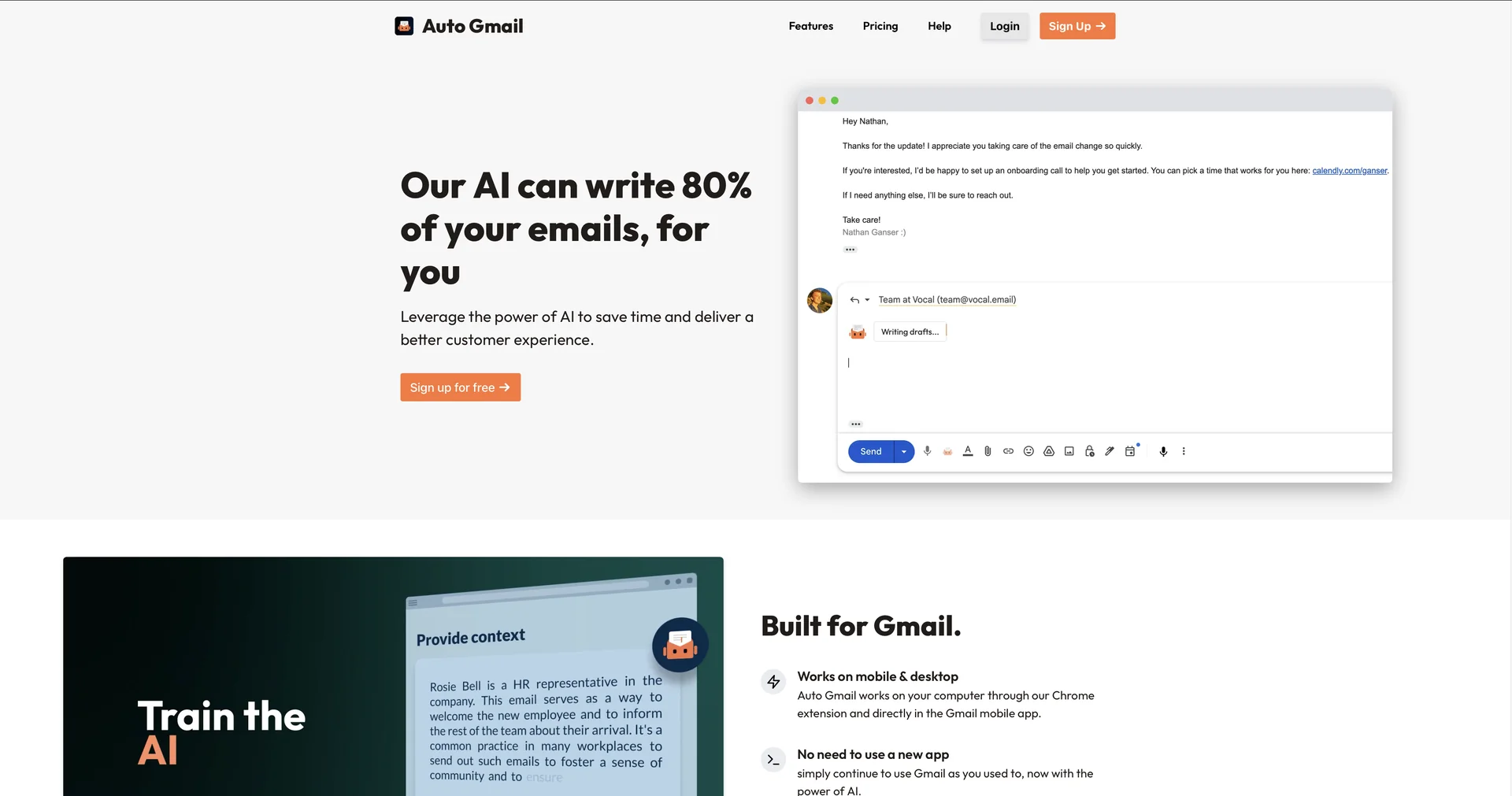
Description
🖼 Tool Name:
Auto Gmail
🔖 Approved Categories:
RPA & Task AutomationSummaries, Headlines & IdeasEditing, Enhancement & UpscalingIntegrations & APIs
✏️ What does this tool offer?
Autonomous Inbox Assistant & Draft Generator: Auto Gmail is an AI-powered email drafting extension that automatically writes response drafts for incoming messages across desktop and mobile.
Inbox-Trained Persona & Tone Learning: Connects via Gmail API to analyze past sent emails, learning your communication style, knowledge base, and context without requiring manual prompts.
Background Automated Drafting: Generates full email drafts automatically in the background as new messages arrive, making them instantly ready in your Gmail drafts folder on both web and mobile apps.
Custom Context & Link Training: Allows users to inject additional background context, such as calendar booking links, FAQ URLs, product documentation, and custom signatures.
Blacklisting & Controls: Provides safety filters to exclude specific contacts or domains from triggering automated draft generation.
⭐ What does it actually offer based on user experience?
Reduces Routine Email Drafting: Eliminates repetitive typing by pre-generating ~80% of email replies directly in your inbox.
Cross-Platform Convenience: Drafts appear natively in the official Gmail mobile app and desktop interface without forcing users to adopt a separate email client.
Human-in-the-Loop Safety: Generates drafts passively while leaving execution and sending exclusively in user hands; no emails are ever sent automatically.
🤖 Does it include automation?
Yes, Auto Gmail automates inbox data parsing, background AI response drafting, tone learning, and context injection
Automated Background Drafting: Continuously monitors incoming Gmail threads and generates complete response drafts without user intervention.
Automated Inbox Training: Periodically re-analyzes sent email history to keep the AI updated on new information and phrasing habits.
💰 Pricing Model
Item Details: Paid Monthly & Annual Subscription (Includes Free Trial).
General Concept: Requires a paid monthly or yearly subscription per inbox following a short trial window.
🆓 Free Access Details
Feature: 5-Day Free Trial.
Details: Users receive a full 5-day trial upon installing the extension to test background draft generation.
Cost: Paid Software with Free Trial.
💳 Access & Subscription Options (Official Standards)
🧭 How to access the tool:
Your automated Gmail response drafting, inbox-trained AI writing, and mobile-synced draft generation can be launched by visiting autogmail.com.