Pixlr AI Image
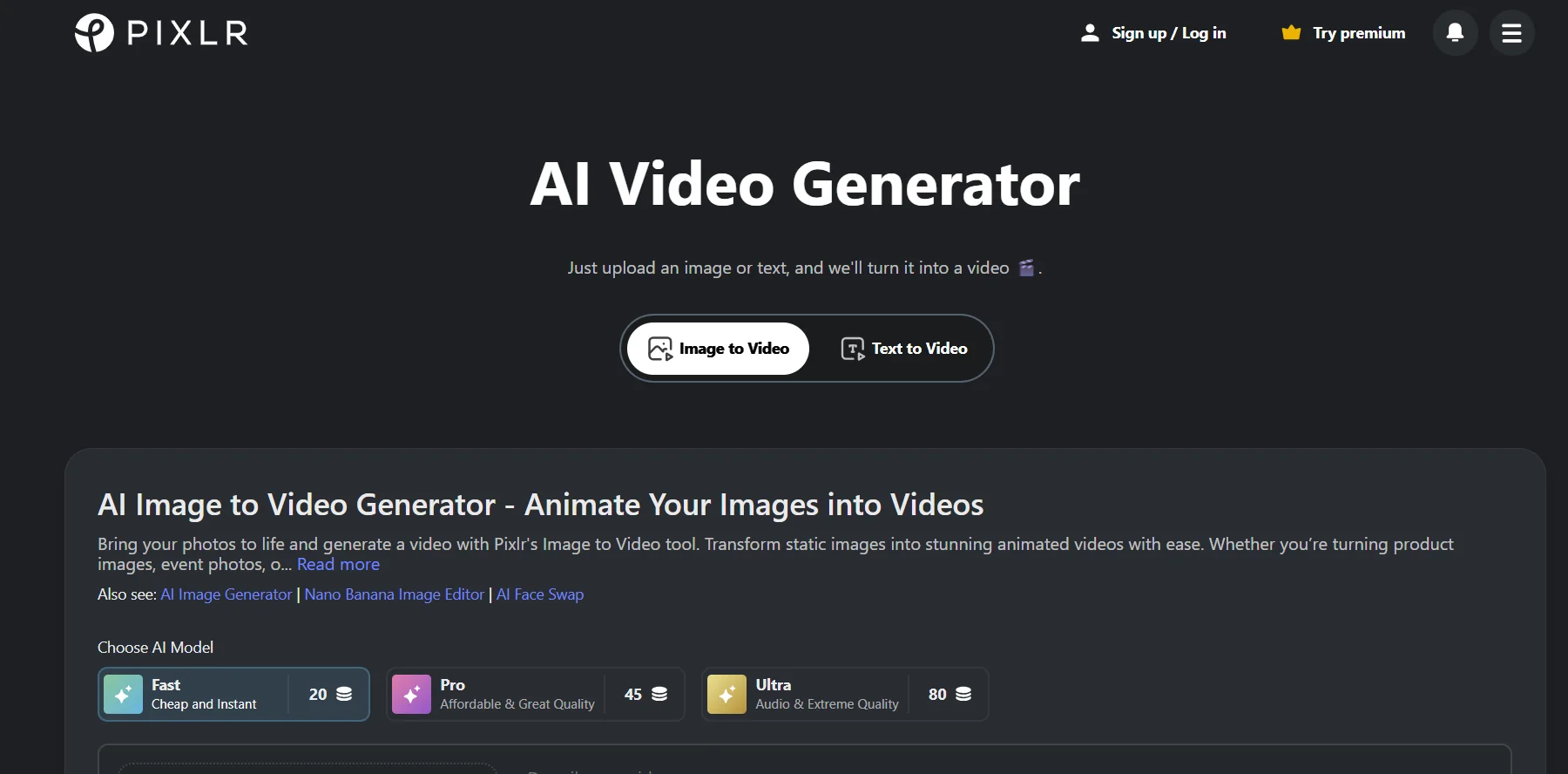
Description
️ 🖼Tool name: Pixlr Image to Video Generator
🔖 Tool Category: AI Image to Video Generator / Online Video Creator
️ ✏What does this tool do?
Convert still images into dynamic and engaging videos.
Add motion effects, transitions, and background music.
Support vertical (16:9) and horizontal (16:9) video formats.
Easily customize the video without the need for editing experience.
Ability to download videos in high quality and without watermarks.
⭐ What does it actually offer based on user experience?
A fast and efficient tool for creating short videos for social media.
Simple and straightforward user interface.
Multiple customization options such as adding music and effects.
Support for cross-platform video formats.
🤖 Does it include automation?
Yes, it does:
Automatically generate videos from photos with effects and transitions.
Automatically add background music.
Convert still images into dynamic videos without much manual intervention.
💰 Pricing model:
Free plan:
Create short videos for free.
Upload videos in high quality and without watermark.
🧭 How to access the tool:
Visit the Pixlr website via browser.
Upload images (JPG, PNG, or WEBP).
Edit captions and settings if needed.
Click "Generate" to create the video.
Upload the video immediately after processing.
🔗 Link to the demo or official website: