PixAI.art
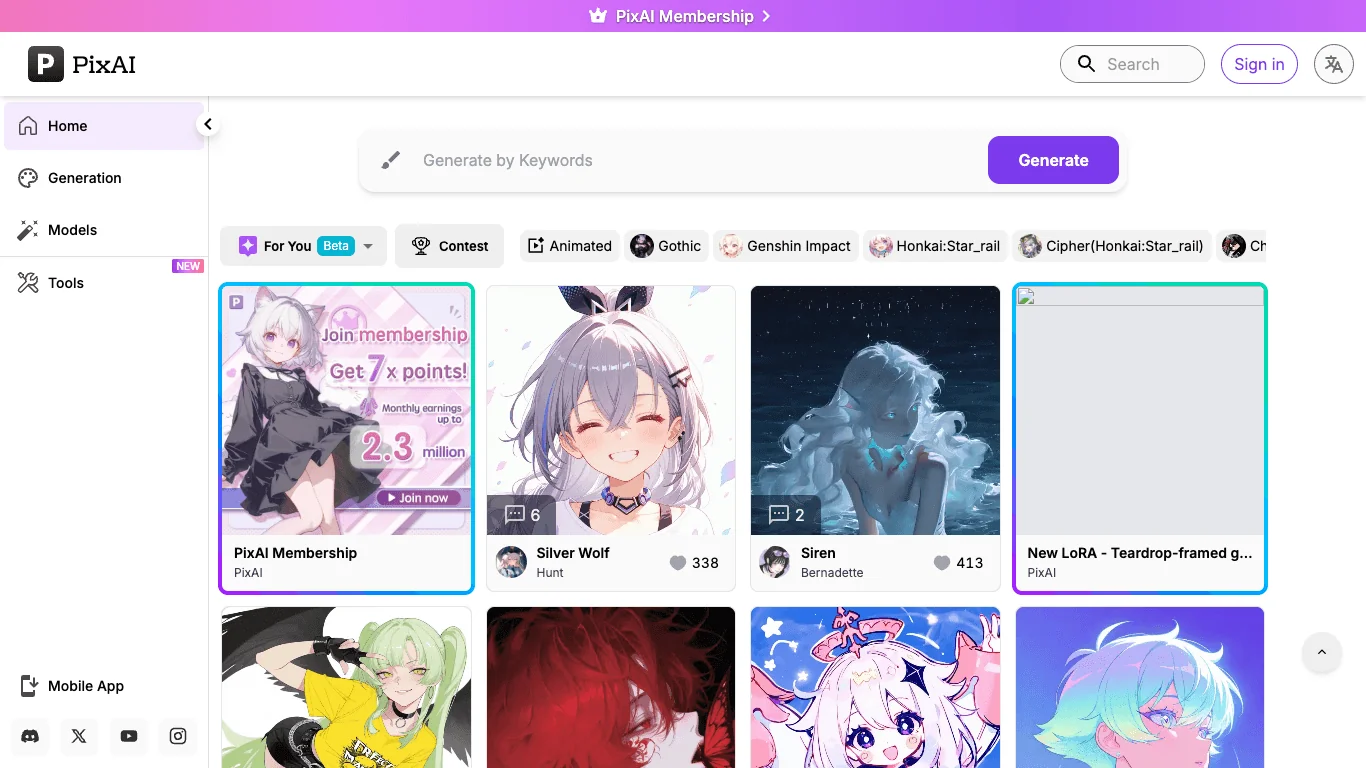
Unleash AI to create stunning anime art, effortlessly and without artistic skills.
- Text to Image Generation
- Editing, Enhancement & Upscaling
- Object & Background Editing
- Style Transfer & Batch
- Interactive Stories & Characters
- 3D Modeling & Rendering
Last updated
Features
- Generates anime-style images from text prompts
- Refines artwork with image-to-image
- Creates characters in various anime styles
- Offers multiple anime-trained models such as manga, chibi and fantasy
- Trains custom models with LoRA and DreamBooth
- Creates backgrounds and character poses
- Keeps characters consistent and enhances faces
- Generates in batches
- Provides a community gallery and shared models
Pricing Details
💰 Pricing Model:**
Freemium + Paid credits
🆓 Free Plan Details:
• Limited daily generations
• Access to basic models
• Standard resolution
💳 Paid Plan Details:
• Higher generation limits
• Priority rendering
• HD/4K outputs
• Access to premium anime models
• Custom model training (LoRA / DreamBooth)
• Commercial usage rights
• Batch generation features
Related Tips
- How to Use the Pokecut Tool to Easily Extract Images · Image Design and Creation, Editing, Enhancement & Upscaling…
- A professional prompt for turning a meal name into a full recipe infographic · Image Design and Creation, Text to Image Generation…
- Bosala Brand Studio Explains: How to Create a Complete Visual Identity from a Logo in Minutes? · Image Design and Creation, Text to Image Generation…
- An Explanation of GeminiGen AI for Creating Videos and Images for Children · Video Generation & Editing, Text and Images to Video…
- A Comparison of VisualGPT and NoteGPT for Creating Free Images and Designs on GPT Image 2 · Image Design and Creation, Text to Image Generation