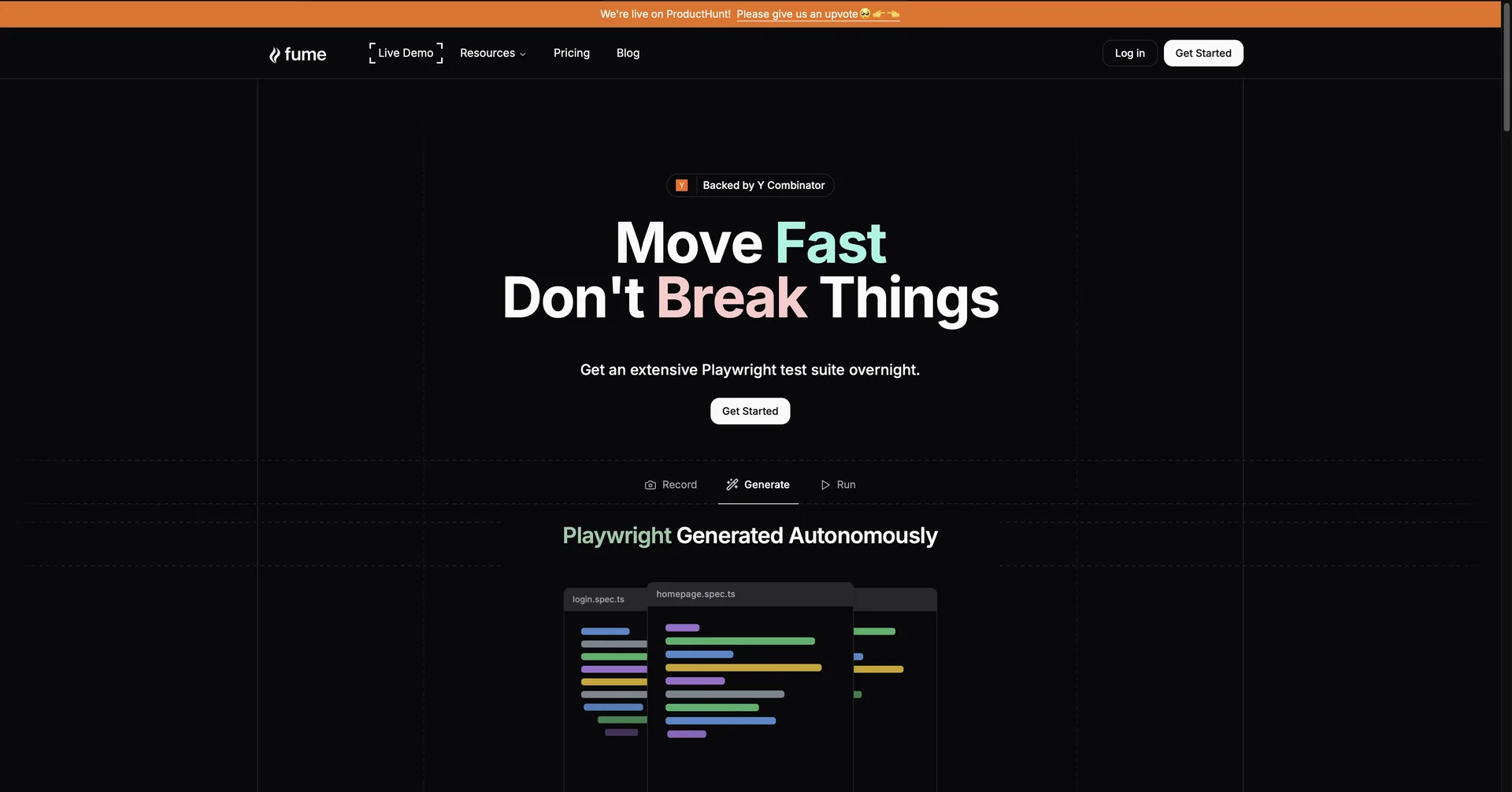
Description
🖼️ Tool Name:
Fume
✏️ What does this tool offer in 2026?
Slack-Driven Engineering: You don't need to leave your chat app. Tag
@Fumein a thread with a bug report or a feature request, and it starts working immediately.Autonomous Task-to-PR: Fume analyzes the task, creates a multi-step plan, writes the code across multiple files, runs the necessary tests, and submits a Pull Request for human review.
Persistent "Studios": In 2026, Fume operates in its own persistent development environments where it can run, test, and validate code autonomously before you ever see it.
Visual Bug Recognition: It can "watch" Loom videos or analyze screenshots provided in Slack to understand visual bugs or UI requirements.
AI-Powered QA: Converts user-recorded videos of a bug into Playwright end-to-end tests automatically to prevent future regressions.
Sentry Error Resolution: Automatically picks up Sentry alerts and attempts to fix the root cause of the error without manual intervention.
Self-Correction Logic: If a test fails in its "Studio," Fume analyzes the logs and self-corrects its code until the tests pass.
⭐️ What does it offer? (User Experience)
"The Junior Dev in Slack": Rated 4.7/5 for its seamless integration. Teams love that they can delegate "routine but tedious" tasks (like fixing CSS bugs or writing boilerplates) while they focus on high-level architecture.
Reduced Context Switching: Because it lives in Slack/Git, developers don't have to learn a new UI; they simply "assign" work to the AI.
🤖 Automation:
Full-Cycle Autonomy: Once a task is assigned, Fume handles the research, coding, testing, and PR submission without requiring constant "nudging" from a human.
💵 Pricing (January 2026 Status)
🎁 Is the free version a trial or completely free?
It is Freemium/Trial. There is a trial version to see how Fume handles your specific codebase, but the Team Plan is where most companies start to get the full "Autonomous Developer" experience.
⚙️ Access or Source:
Official Website
Platforms: Primarily Slack and GitHub/GitLab.
🔗 Experience Link: