Openwork
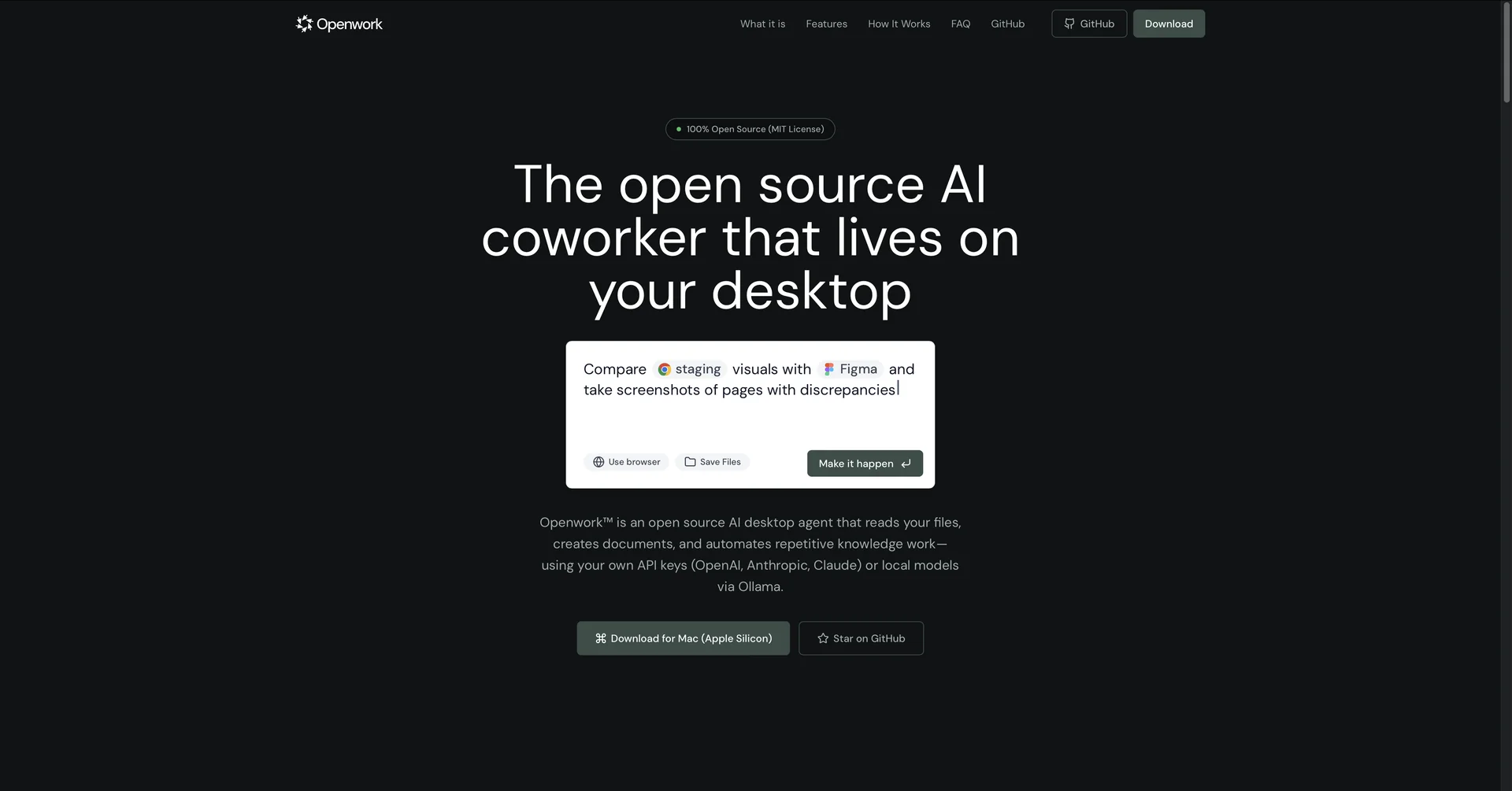
Description
🖼️ Tool Name:
Openwork
✏️ What does this tool offer in 2026?
"Bring Your Own Key" (BYOK): You connect your own API keys (Anthropic Claude, Google Gemini, OpenAI, or xAI). This eliminates monthly subscriptions—you only pay for what you use.
Local Model Support: It integrates with Ollama, allowing you to run completely offline models (like Llama 3) for maximum privacy and zero cost.
Autonomous File Management: You can give it commands like "Organize my Downloads folder by project name" or "Find all invoices from last month and move them to a new folder."
Browser Interaction: It can launch a controlled browser instance to perform research, fill out forms, or scrape data while you watch.
Privileged Desktop Access: Unlike browser-based AI, it can write and run code locally, create directories, and interact with other local Mac apps.
Approval-Based Execution: For safety, the agent shows you what it plans to do (e.g., "I am about to delete 5 files") and waits for your click to proceed.
⭐️ What does it offer? (User Experience)
"The Subscription Killer": Rated 4.7/5 by developers. It provides the power of a $200/month "Agent" plan for the cost of a few API cents.
Transparency: Users love the real-time execution logs that show exactly what the AI is thinking and doing at every step.
💵 Pricing (January 2026 Status)
Openwork is an open-source project, meaning the software itself is free, but the "brain" (API) costs money based on usage.
🎁 Is there a free version?
The software is entirely free and open-source. If you use a free API tier (like Google AI Studio’s free Gemini key) or run local models via Ollama, the entire experience is 100% free.
⚙️ Access or Source:
Official Website
GitHub Repository
Platforms: macOS (Apple Silicon) currently; Windows/Linux planned for late 2026.
🔗 Experience Link: