Arting AI
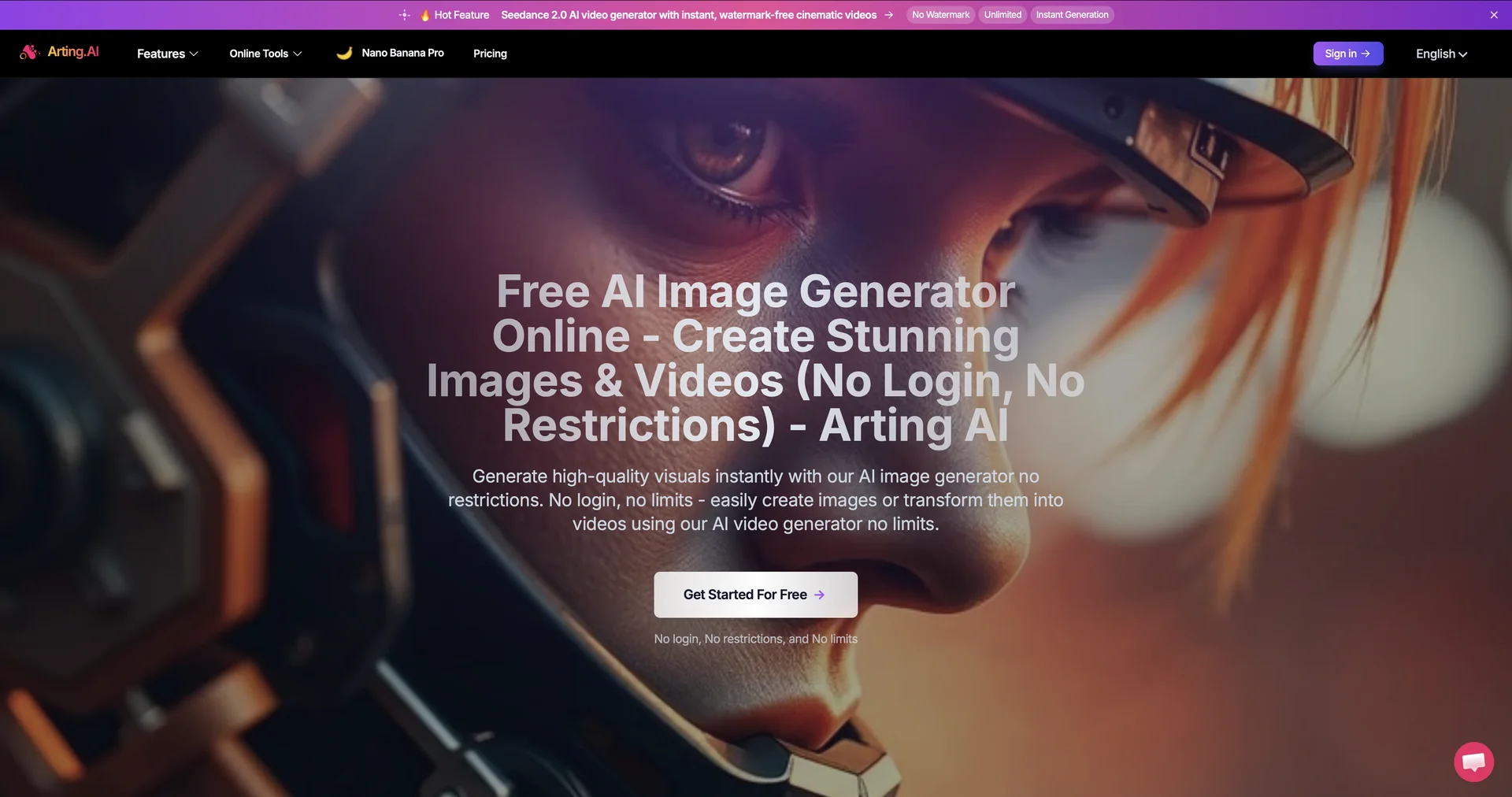
Create videos from images with free AI.
Last updated
Features
- Handles text-to-image, image-to-image and text-to-video in one interface
- Works without sign-up and without watermarks on basic tiers
- Swaps faces while keeping natural expressions and lighting
- Updates images live as you type or adjust prompts
- Applies style templates like Cyberpunk, Oil Painting and 3D Render in one click
- Generates celebrity-style voice clips for videos
- Runs entirely in the browser
Pricing Details
💵 Pricing & Plans (February 2026 Status):
| Plan | Price (Approx.) | Key Features |
|---|---|---|
| Free Access | $0 | No sign-up required; unlimited basic image/video creations; no watermarks. |
| Pro / Premium | Variable | Priority rendering speeds; high-resolution 4K exports; private generation mode. |
| Enterprise API | Custom | Scalable API integration for developers; batch processing; commercial rights. |
🎁 How to Get Started:
Visit arting.ai. You don't need an account to start. Simply type a descriptive sentence into the "Text to Image" box (e.g., "A futuristic neon city in the rain") or upload a photo to the "Face Swap" section to see the AI magic happen in seconds.
Related Tips
- How to Use the Pokecut Tool to Easily Extract Images · Image Design and Creation, Editing, Enhancement & Upscaling…
- AI Room Designer Explained: How to Redesign Rooms in Your Home Using a Single Photo? · Image Design and Creation, Editing, Enhancement & Upscaling…
- AI Room Designer Explained: How to Redesign Rooms in Your Home from a Single Photo? · Image Design and Creation, Editing, Enhancement & Upscaling…
- An explanation of the Kittl Vectorizer tool for converting images into editable vectors · Image Design and Creation, Editing, Enhancement & Upscaling…
- An explanation of the Kittl Vectorizer tool for converting images into editable vectors · Image Design and Creation, Editing, Enhancement & Upscaling…