Unblur Img AI
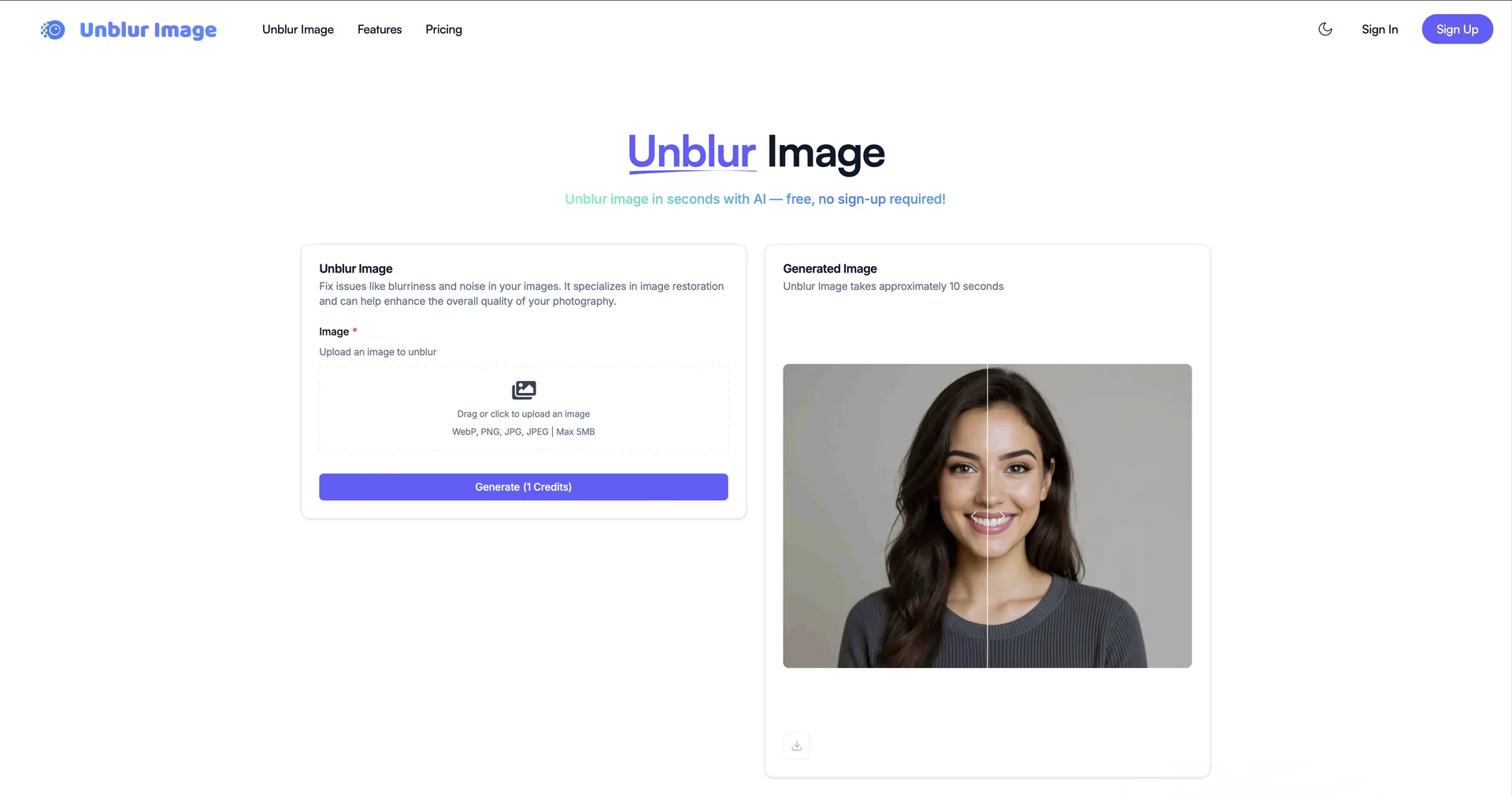
Description
🖼️ Tool Name:
Unblur Img AI
✏️ Overview & Key AI Features (2026 Edition):
Multimodal Blur Correction: Specifically trained to distinguish between and correct Motion Blur (camera shake), Focus Blur (misjudged depth), and Gaussian/Pixelation Blur.
Plausible Detail Hallucination: Using a vast library of 2026 generative models, it "fills in" details like skin texture, fabric patterns, and text that are logically present but optically missing from the blurred input.
Text & Face Specialist: Features dedicated modes for License Plate Recovery (for security) and Facial Reconstruction (for portrait restoration), achieving high-fidelity results from highly corrupted data.
Temporal Video Unblur: Capable of analyzing adjacent frames in a low-quality video clip to synthesize a sharp, reconstructed still image (ideal for forensic analysis).
Batch Production: Can process 1,000+ images per hour in the background, making it perfect for real estate, e-commerce, or stock photo agencies.
Cross-Platform Integration: Works as a web app, a Photoshop plugin, and a robust API for direct integration into third-party software.
⭐️ User Experience (2026):
"Data Recovery for Your Memories": Rated 4.8/5 by photographers and archivists. Users often describe the results as "magic," particularly its ability to rescue cherished but blurry family photos.
Simplicity vs. Power: While the one-click mode is popular, professional users value the "Advanced Precision"dashboard, which allows them to fine-tune the hallucination level for different object types.
💵 Pricing & Plans (March 2026 Status):
🎁 How to Get Started:
Visit Create a free account to receive your 5 daily credits. Drag and drop your most challenging blurred photo (up to 2K for free) into the interface. Select "Auto-Detect Blur Type" and click "Unblur Img AI" to see the transformation in seconds.
⚙️ Access or Source:
Official Website
Plugin Store: Photoshop Marketplace.
Category: AI Image Restoration, Photo Enhancement, Forensic Tools.
Primary Use Case: Helping photographers, security agencies, e-commerce sellers, and ordinary individuals restore high-fidelity detail, focus, and clarity to optically corrupted or low-resolution images.
🔗 Experience Link:
https://unblurimg.ai/