Vivideo
Description
️ Tool Name: 🖼
Vivideo
Tool Category: 🔖
Text and photos to video, video editing and motion graphics, productivity and scheduling
️ What does this tool offer? ✏
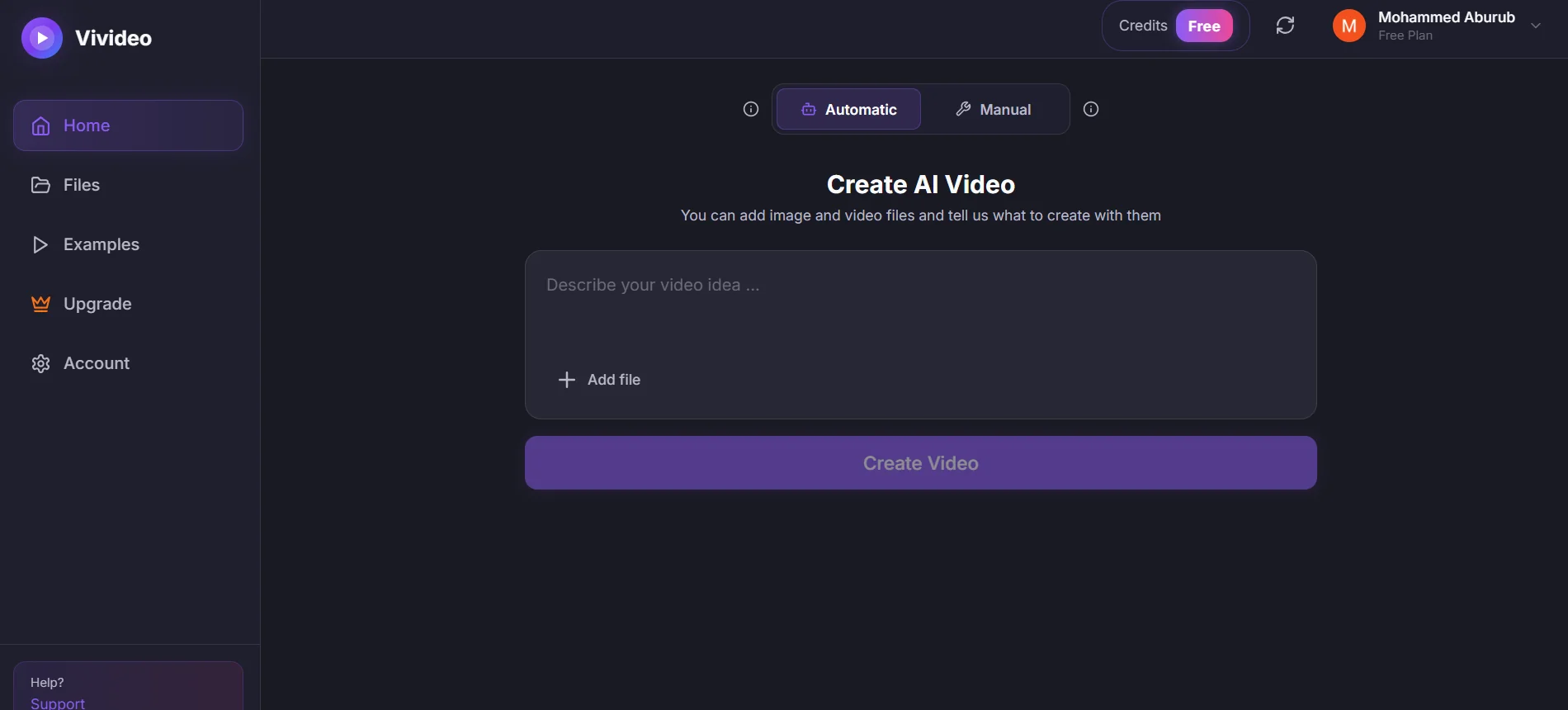
The Vivideo tool enables users to quickly create professional videos using artificial intelligence. The tool allows users to convert text and images into video, edit scenes, and remix any video, as well as edit videos based on text and add music and various effects. It also offers the ability to download and share HD-quality videos without a watermark, along with tools to expand video content using AI.
What does it actually offer based on user experience? ⭐
Users praise the tool’s speed and efficiency in video production, as well as its ability to enhance content quality and save time. It is ideal for content creators, marketing agencies, and digital entrepreneurs, offering an easy and effective experience for quickly producing high-quality videos.
Does it include automation? 🤖
Yes, Vivideo relies on artificial intelligence to automate video creation, remixing, scene editing based on scripts, and automatically expanding content to streamline the production process and reduce the time required.
Pricing Model: 💰
The tool uses a flexible pricing model, with weekly and annual plans to meet the needs of individual users and small businesses.
🆓 Free Plan Details:
There are no specific details available about a free plan, but you can start a trial through the tool’s demo.
Paid Plan Details: 💳
PRO Plan: $9 per week or $99 per year, provides 30 credits per week to produce up to 10 HD videos without a watermark, along with all video editing and remixing features.
MAX Plan: $19 per week or $199 per year, providing 100 credits per week to produce up to 33 videos, with all PRO features, allowing you to produce a larger number of videos quickly and efficiently, with secure payment via Stripe and the ability to cancel at any time without hidden fees.
How to access the tool: 🧭
Vivideo can be accessed via a web browser through the official link, without the need to install additional software, by registering an account to access paid features.
Trial link or official website: 🔗