AI Tools ""
What do you want to do?
Pricing

mnml AI
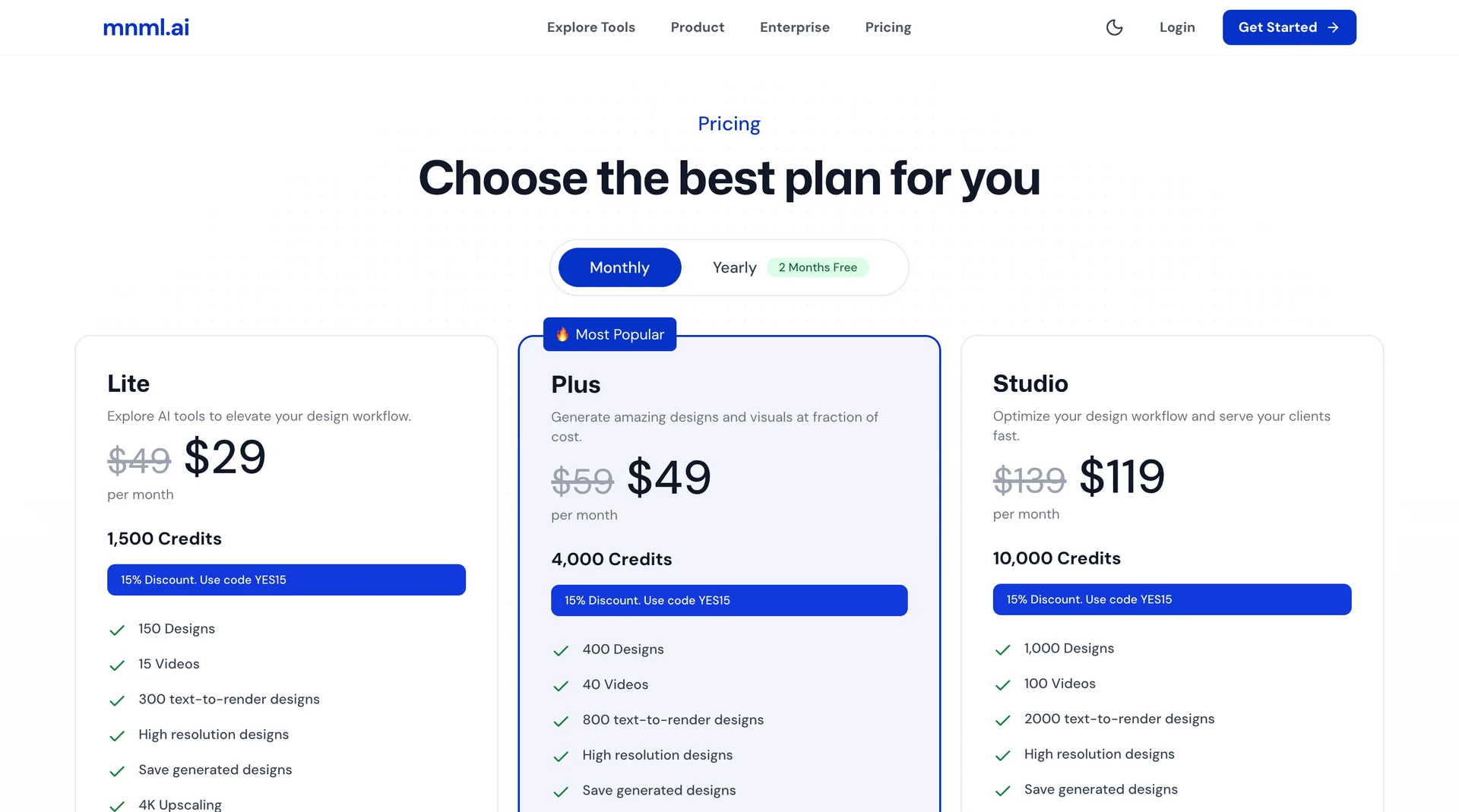
Freemnml.ai is an AI platform specializing in architectural design and visualization, helping architects and designers transform preliminary sketches, photos, and model shots into realistic architectural renderings and designs that can be further developed and presented. The platform provides tools for creating interior and exterior designs, landscape designs, floor plans, and urban projects, as well as for editing images, enhancing their accuracy, and creating short videos. It also integrates with SketchUp, Revit, Rhino, and Grasshopper, and supports collaboration among team members as well as project and design management through the Studio and Flow interfaces.

YouArt
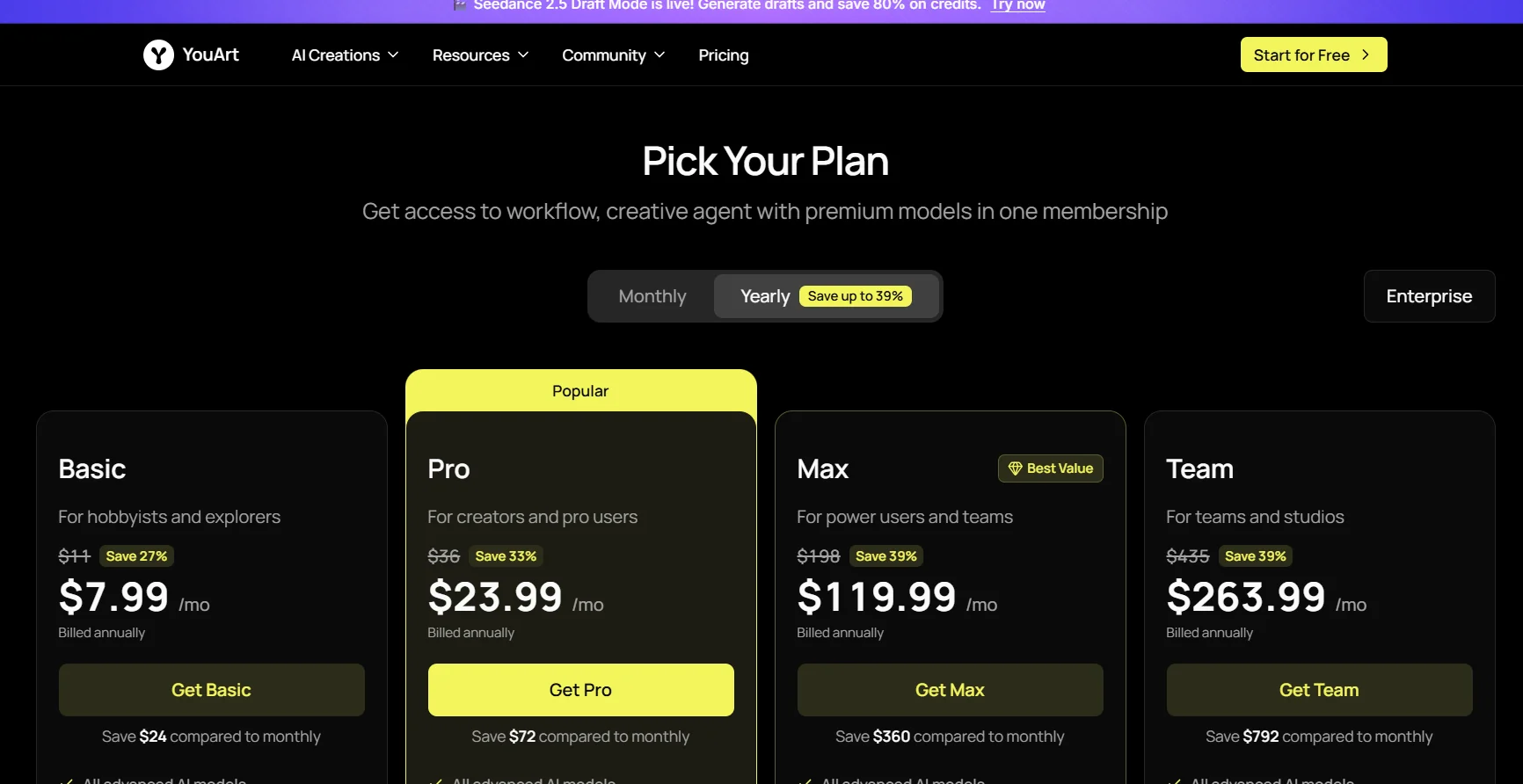
Free TrialYouArt is an AI-powered content creation platform designed to help creative teams turn ideas into projects and visual content. The platform offers YouArt Agents and the Video Workflow Builder for content creation, along with a suite of tools and workflows specialized for producing videos, images, and marketing and commercial content.

Kaiber
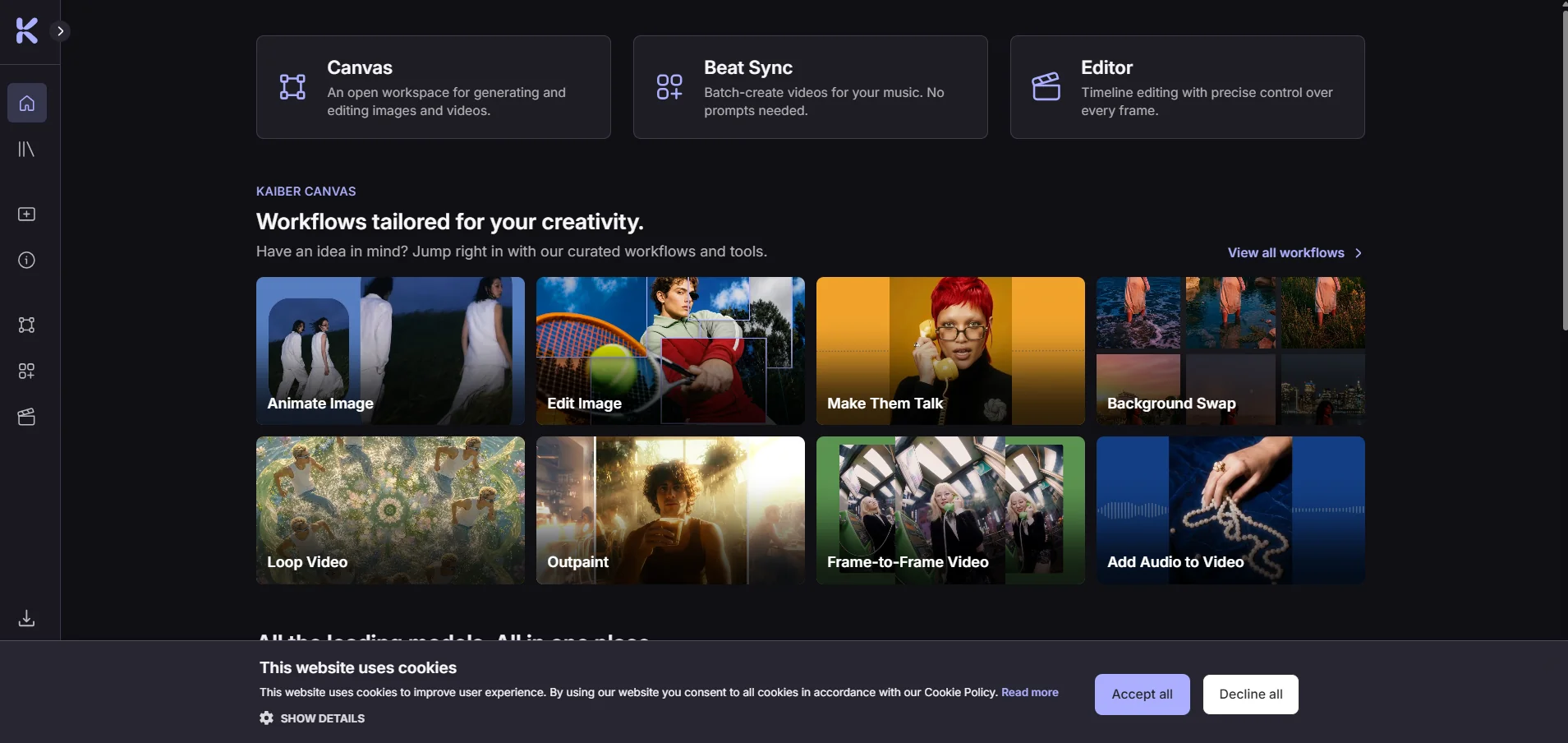
FreeKaiber is a creative platform that uses artificial intelligence to generate videos, images, and audio; sync visual content with music; and edit videos—all within a single workspace. The platform consists of three interconnected tools—Canvas, Beat Sync, and Editor—all of which are accessible from the control panel, along with a media library that stores files that are created or uploaded.

APIMart
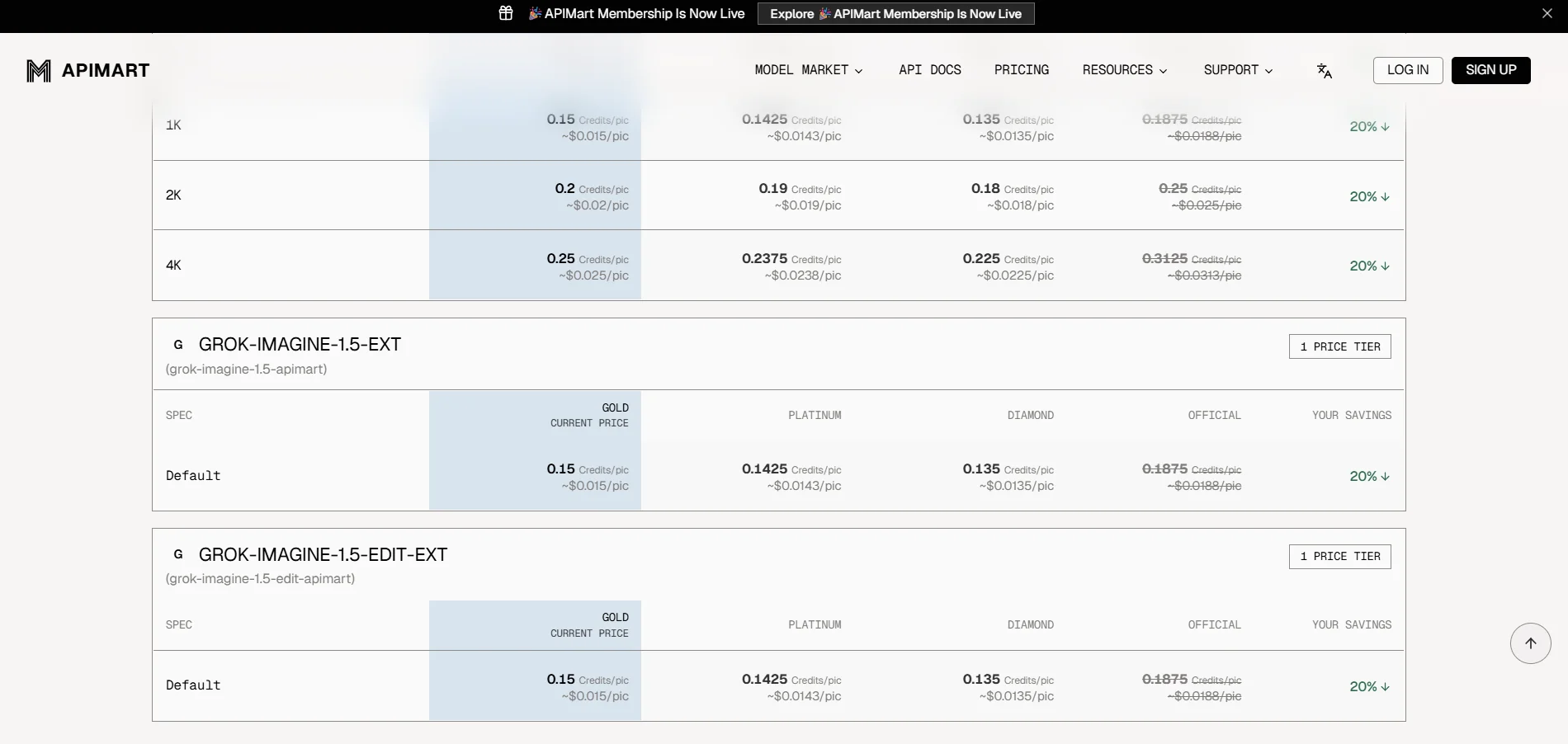
Free TrialAPIMart is a unified platform that provides access to more than 500 AI models through a single OpenAI-compatible API interface, including models for conversation, language, images, video, audio, and music. The platform allows developers to use multiple models from different providers without having to manage separate API keys and accounts for each provider, with the ability to use models such as GPT, Gemini, Claude, Flux, GPT Image, Sora, Veo, Kling, Seedance, Seedream, Suno, Wan, Vidu, and others. It also provides a unified dashboard for managing keys, quotas, usage, billing, and logs, as well as documentation and examples for software integration. APIMart explains that its system is based on pay-per-successful-request and actual usage, with no monthly minimum, and offers volume-based discounts.
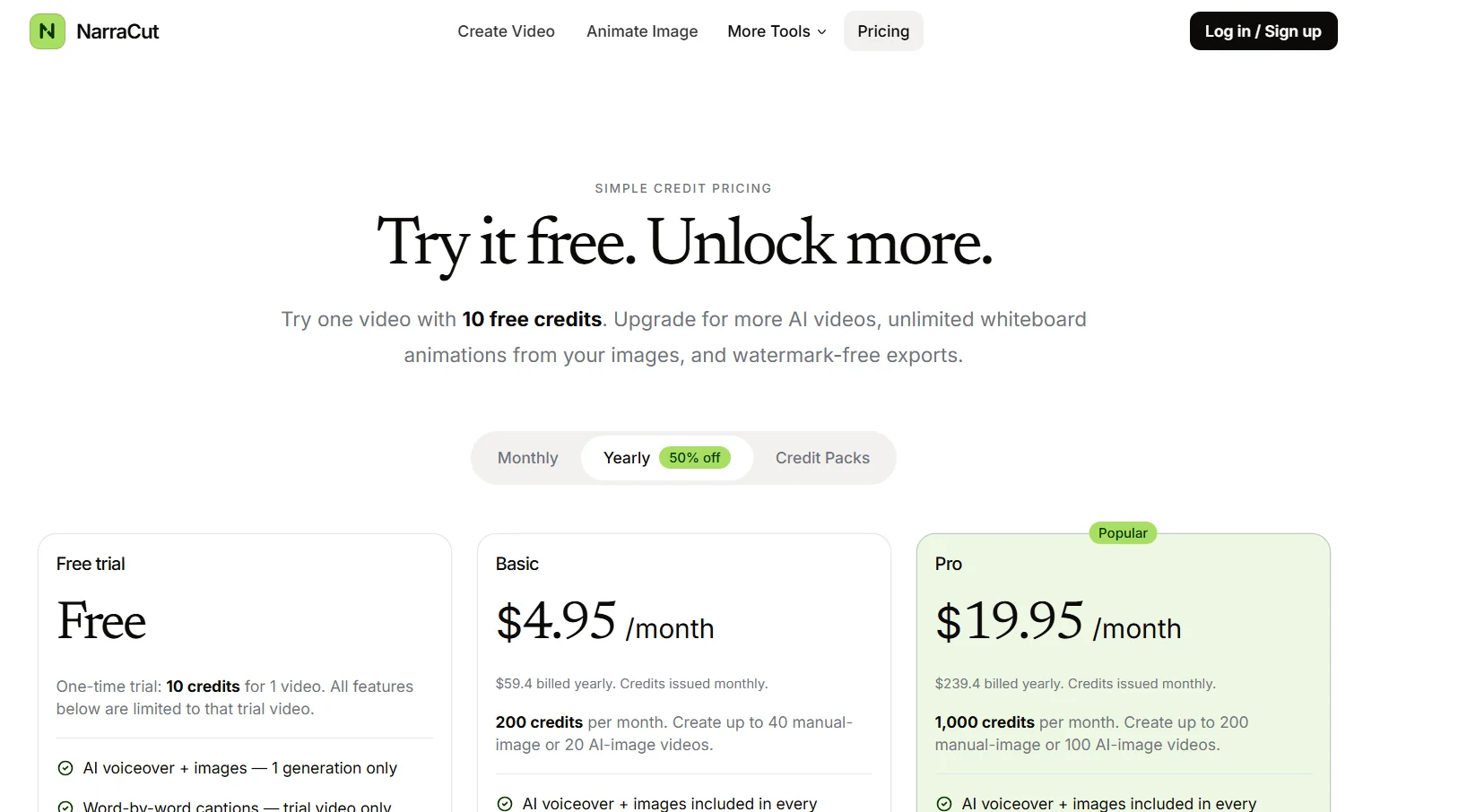

NarraCut
Free TrialNarraCut is a platform for converting text and visuals into ready-to-use narrated videos, where users can add their own narration and images or let artificial intelligence handle the creation of the visuals, The platform then generates voice-over and word-by-word captions, automatically synchronizes the audio, captions, and visuals, matches each image to the appropriate part of the narration, and exports the video in MP4 format. Users can paste the full script or create a rough draft of a topic using AI Polish, choose a Landscape, Vertical, or Square aspect ratio, select the audio, then upload their own images or generate images using AI, and finally select “Generate a video” to create the video. The platform relies on a unified timing system that uses the generated voiceover as the timing source, so that captions follow the spoken words, and images change according to the meaning of each section of the script rather than cycling through them on a fixed timer. NarraCut allows you to review the entire video, change the aspect ratio and motion settings, replace images associated with specific parts of the text, and export the current result in H.264 MP4 format. You can also start a new project by selecting “Create new video.” The platform supports the use of your own images, including product photos, screenshots, diagrams, and drawings, or create a cohesive set of visuals using artificial intelligence by specifying the number of images and the style, where the platform divides the text into consecutive sections and generates a visual concept for each section. It also offers tools such as AI Explainer Video Maker, Script to Video, Script to Video with Your Images, Whiteboard Animation, Add Voiceover to Video, Add Text to Video, and Photo Slideshow Maker. Uses include creating faceless videos for Shorts, Reels, and TikTok; converting news articles and comments into videos; creating videos for product updates, repurposing articles, news reports, and approved scripts into video format, publishing the same content in Landscape, Vertical, and Square formats, and creating recurring videos for clients within a standardized workflow. It also provides Whiteboard Animation tools to convert a single image into an animated line drawing with gradual color reveal, add AI-generated voiceovers and independently timed subtitles to an existing video, create MP4-format photo slideshows with individual durations, captions, and optional dissolve transitions, and add titles, labels, lower thirds, and text watermarks to existing videos.
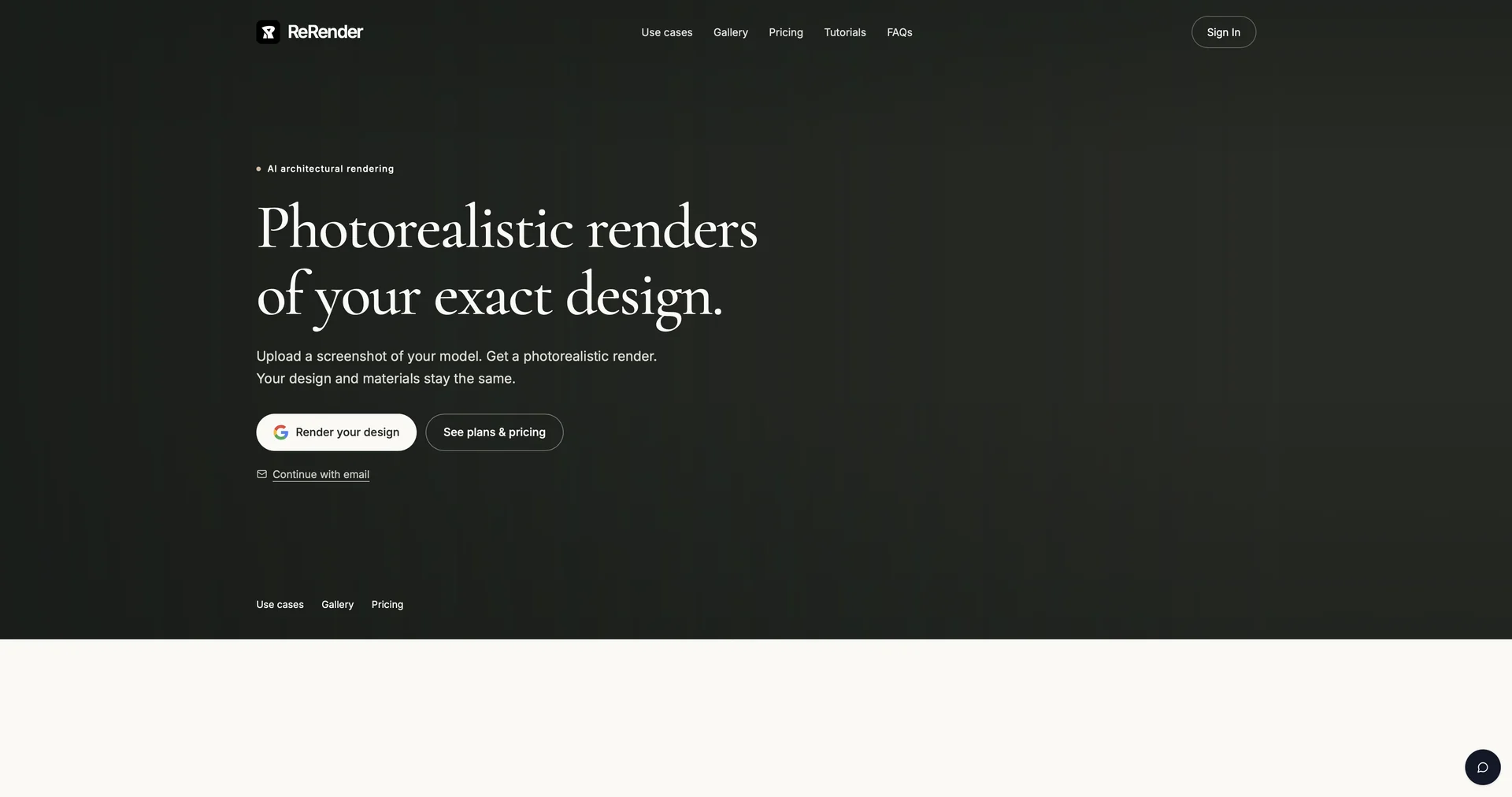

ReRender AI
Free TrialInstant photorealistic renders for architectural designs.
Loading tools...
No tools found
Try adjusting your filter criteria to find results