Duino Code Generator
Description
🖼 Tool Name:
Duino Code Generator
🔖 Categories:
Code Generation & Review
Docs & Software Development Kit
Integrations & APIs
Edu-Games & Fun
✏ What does this tool offer?
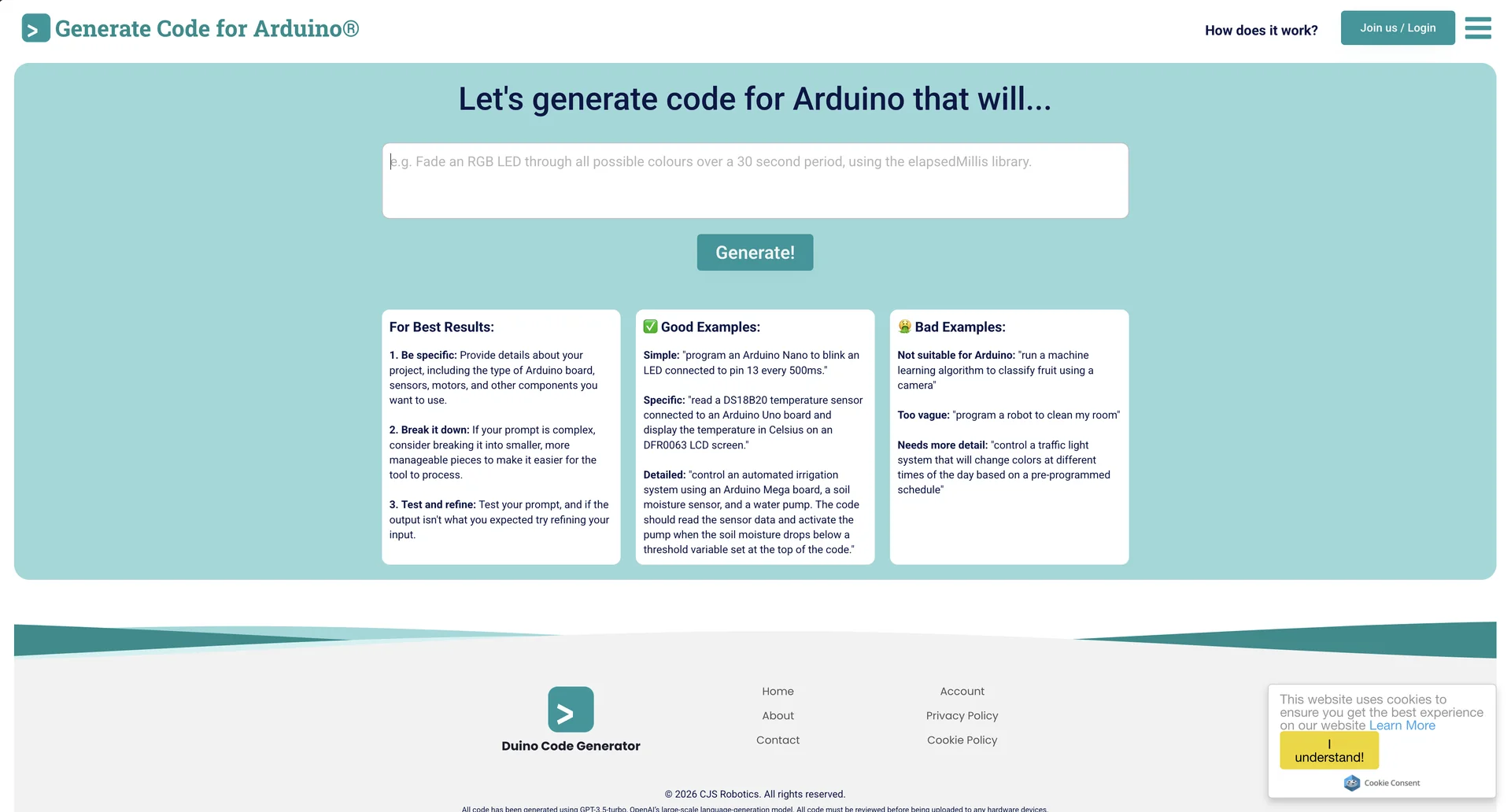
Natural Language Electronics Prototyping: Duino Code Generator is a highly specialized AI tool engineered to translate plain-English descriptions of hardware projects directly into valid, ready-to-flash Arduinsketch files.
Component-Aware Contextual Intelligence: Unlike generic LLM chat windows, specialized Arduino AI generators understand the hard constraints of hardware engineering—including native pin maps, voltage limits, compatible communication buses (I2C/SPI), and standard C++ micro-controller syntax.
Integrated Libraries Scaffolding: Automatically includes the required
#includeheader libraries for a massive index of popular sensors, displays, and actuators (such as DHT22 temperature modules, servo motors, and I2C LCD screens).Wiring Guide Output: Frequently supplements code blocks with explicit, step-by-step documentation detailing exactly which physical pins on your micro-controller (e.g., Uno, Nano, Mega) connect to which pins on your modules.
Alternative Smart Hardware Ecosystems:
Arduino AI Assistant: Anthropic Claude-powered code assistant directly built into the official Arduino Cloud Editor with full access to project context and internal documentation.
PleaseDontCode: An advanced end-to-end web companion that automatically writes firmware, draws downloadable Fritzing wiring schematics, and compiles/flashes firmware directly to ESP32/Arduino boards over local browser USB or Wi-Fi.
⭐ What does it actually offer based on user experience?
A "Cheat Code" for Hobbyists: Non-coders and electronics tinkerers highly value these assistants as a pathway to creating functional physical systems (like automated plant waterers or smart home layouts) without grinding through years of technical syntax learning.
Streamlined Project Iteration: Experienced engineers use it to bypass the writing of routine boilerplate code, handling basic sensory loops in seconds so they can focus on complex logic design.
Bypassing Tab Jumps: Users of integrated variants like the Arduino AI Assistant report far less development friction because they don't have to bounce between standalone chatbots and official documentation tabs.
Granular Debugging: Highly regarded for its endless patience in explaining cryptic compilation error stack traces and identifying forgotten semicolons or misassigned pins.
🤖 Does it include automation?
Yes, hardware code generators automate the foundational tasks of embedded development:
Automated Syntax Ingestion: Translates conversational goals (e.g., "Blink an LED every 500ms") into structured
void setup()andvoid loop()C++ syntax frameworks automatically.Smart Compilation Checkers (Advanced Tiers): Platforms like PleaseDontCode run automated CLI environments to test-compile generated files behind the scenes, recursively prompting the AI to resolve logic bugs until the script compiles successfully.
Auto-Annotated Commentary: Every line or block of generated code is automatically appended with verbose, pedagogical inline comments detailing the function's structural purpose.
Hardware Mapping Sync: Ensures that pin configurations referenced inside code blocks always dynamically align with the generated schematic diagrams.
💰 Pricing Model
Item Details: Open-Access Freemium or Platform Subscription tiers depending on the specific assistant ecosystem used.
General Concept: Foundational natural-language tools are usually entirely free or offer daily request thresholds. Deeper cloud editor access or over-the-air browser-flashing tools scale into monthly subscription models.
🆓 Free Plan Details
Feature: Standard Sketch Generation.
Cost: Free ($0/mo).
Details: Tools like Duino Code Generator or the base Arduino Cloud AI Assistant offer free access (e.g., 30 full prompt interactions per month) to build and export baseline micro-controller code.
💳 Paid Plans (2026 Estimates)
🔹 Arduino Cloud Maker Plan
Item: Price / Details: Approx. $6.99/month.
Item: Features / Details: Boosts your built-in Arduino AI Assistant limit to 1,500 interactions/month, granting comprehensive access to cloud sketches and live device-board context loops.
🔹 PleaseDontCode Pro / IoT Fleet Tier
Item: Price / Details: Custom scale models or paid premium limits for multi-device provisioning.
Item: Features / Details: Allows direct browser-to-board USB/OTA flashing for dozens of custom devices simultaneously, cloud dashboard widget tracking, and full SVG schematic exports.
🧭 How to access the tool:
Access standalone web-generation platforms at duinocodegenerator.com or pleasedontcode.com.
Alternatively, open the cloud editor tab directly via create.arduino.cc to access the official native assistant.