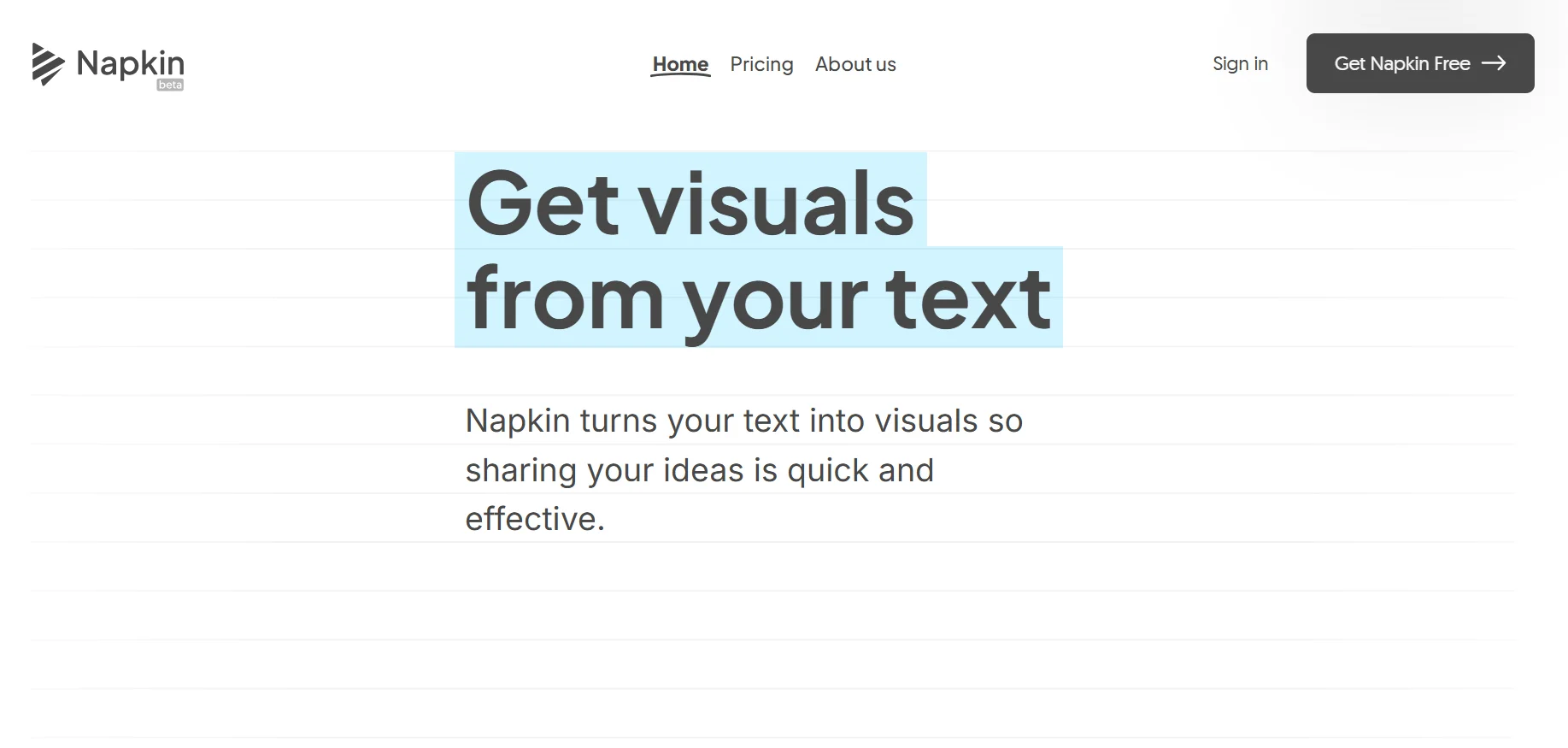
Description
️ Tool name: 🖼
Napkin AI
Tool category: 🔖
• Image design and creation
• Motion graphics, titles, and subtitles
• Productivity and scheduling
• Cross-platform publishing and collaboration
• Business document creation
• Business and operations management
️ What does this tool offer? ✏
Napkin AI allows users to quickly create and edit visuals using artificial intelligence, with support for multiple file formats such as PPT, DOC, PDF, HTML, and MD, and unlimited PNG and PDF export. The tool provides built-in styles and fonts, basic icons, and the ability to manage teams and brands, with advanced customization options to remove watermarks and design with your own brand.
What does the tool actually offer based on user experience? ⭐
Unlimited visual editing using artificial intelligence
Import multiple files and easily merge content
Export high-quality visuals in PNG, PDF, SVG, and PPT formats
Create consistent content with built-in styles and fonts
Team management and centralized billing in advanced plans
Full brand customization and addition of fonts and icons in premium plans
Does it include automation? 🤖
Yes, Napkin AI includes automation in:
Automatically generating visuals using artificial intelligence
Suggesting consistent styles, fonts, and icons
Quickly combining different files and producing ready-to-use designs
Pricing model: 💰
Monthly or annual subscription with a 25% discount for annual payments
🆓 Free plan details:
Priced at $0
500 AI credits per week
Unlimited visual editing
Unlimited import of PPT, DOC, PDF, HTML, and MD files
Unlimited PNG and PDF exports
Built-in styles and fonts
Basic icons
Napkin watermark on visuals
Paid plan details: 💳
Plus (most popular) at $9 per person per month: 10,000 AI credits per month, unlimited PPT and SVG exports, 3 brand styles, premium icons, watermark removal, team management, and billing
Pro: $22 per person per month: 30,000 AI credits per month, exclusive designs, full branding customization, custom font uploads, team management and billing, option to purchase additional AI credits
Enterprise: Custom plan based on needs, available by contacting the Napkin AI team
Access: 🧭
Web-based platform, accessible directly through a browser
Access via user account after registration
Trial link or official website: 🔗
https://www.napkin.ai/pricing/