Flora AI
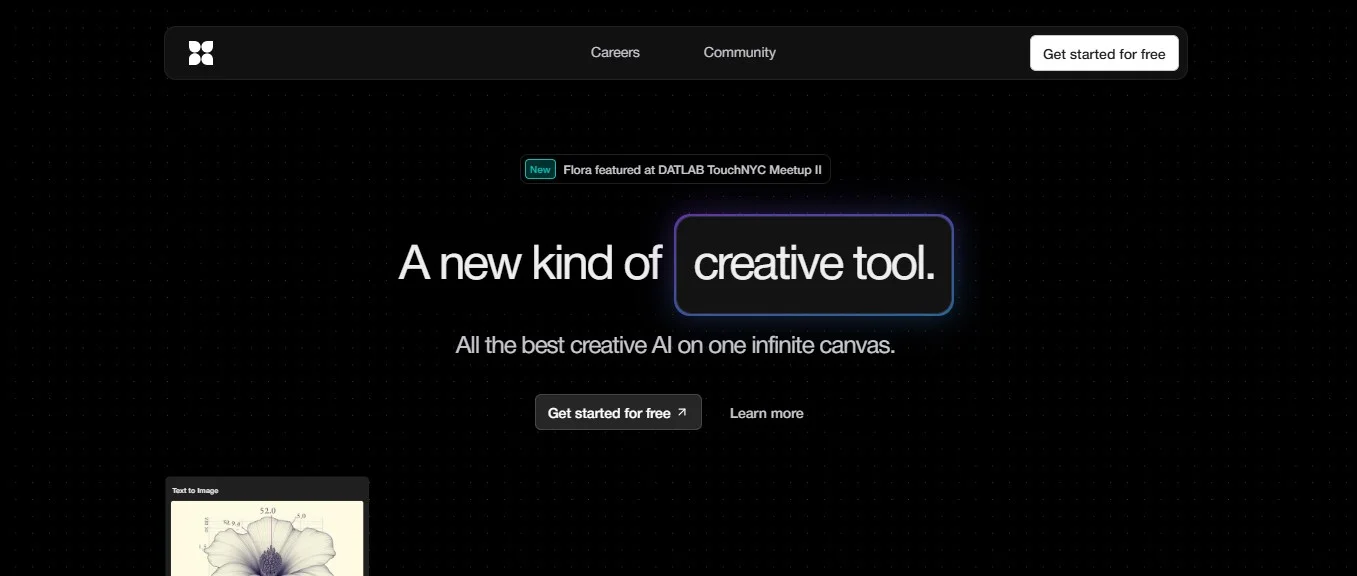
FLORA is an advanced creative platform that aggregates all creative AI tools into one visually and logically connected environment, enabling the user to create images, control styles, generate outputs, and adjust results within a single interactive space. It enables the transition from a simple sketch to a high-quality photorealistic image, while maintaining visual and stylistic consistency, making it suitable for artists, designers, creative teams, and agencies.
- Digital Asset Management
- Image Design and Creation
- Text to Image Generation
- Editing, Enhancement & Upscaling
- Object & Background Editing
- Style Transfer & Batch
Last updated
Features
- Creates and edits images in a single interactive canvas
- Controls styles and keeps visual consistency across projects
- Uses custom LoRAs
- Builds customized workflows
- Compares generated results
- Turns simple sketches into photorealistic images
Pricing Details
The free plan (Starter/Get Started) gives free initial access, with a limited number of generators or credits available, allowing users to experiment with the platform's interface and editor before moving on to paid plans.
The Pro plan, priced at $16 per month per user, offers full access to the editor and tools, advanced techniques to maintain visual consistency, the ability to upload custom LoRAs, create custom Workflows, and credits up to 20,000 per user per month with the option to purchase additional credits, and unused credits are carried over to the next month. This plan is suitable for individual creators and regular designers.
Agency Standard, at $48 per month per user, includes all the features of the Pro plan, with larger credits ranging from 80,000-240,000 per month per user depending on the tier, support for credit rollover, and is suitable for agencies and creative teams that produce content in large volumes.
The Enterprise plan is customized by company communication, and includes all the features of Agency Standard, plus fully customized workflows, a dedicated account manager, custom onboarding setup (white-glove), high-priority support, advanced security features like SAML, a private support channel via Slack, and customized credits and packages depending on the company's needs.
Related Tips
- How to Use the Pokecut Tool to Easily Extract Images · Image Design and Creation, Editing, Enhancement & Upscaling…
- A professional prompt for turning a meal name into a full recipe infographic · Image Design and Creation, Text to Image Generation…
- Bosala Brand Studio Explains: How to Create a Complete Visual Identity from a Logo in Minutes? · Image Design and Creation, Text to Image Generation…
- An Explanation of GeminiGen AI for Creating Videos and Images for Children · Video Generation & Editing, Text and Images to Video…
- A Comparison of VisualGPT and NoteGPT for Creating Free Images and Designs on GPT Image 2 · Image Design and Creation, Text to Image Generation