Find the right tool
Say what you want to do in your own words, in English or Arabic, and we will search the AI tools for it.
- Summaries, Headlines & Ideas 81
- Study Assistants & Notes 31
- Automation & Agents 30
- Article & Social Generation 29(selected, press to remove)
- Education & Research 29
- Paper Summaries & Research 28(selected, press to remove)
- Chat/Voice Agents(selected, press to remove)
- Paraphrasing & Style(selected, press to remove)
72 tools found · showing 12

Ask Your PDF
Free TrialA tool to summarize and interact with PDF files.
PDF2GPT
Free TrialSummarize PDFs with GPT: Full text to concise insights.
Summarizer.org
PaidTransform audio/video into diverse, shareable content formats instantly.
GenForge AI
PaidSummarize PDFs and documents with AI chat
TLDR
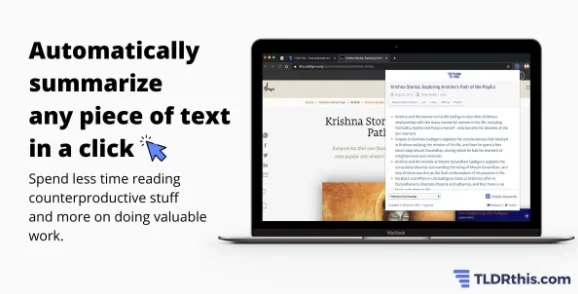
Free TrialTLDR This is a fast, smart summarization tool that gives you clean, no-ad summaries with key metadata. The free plan includes unlimited basic summaries and limited AI summaries. Paid plans (Starter, Pro, Business) offer higher limits and power features. You can also pay as you go. Fully online and easy to use, with browser extensions for fast summarizing anywhere.
selfGPT
Free TrialselfGPT is a platform that uses artificial intelligence and RAG (Retrieval-Augmented Generation) technology to convert PDF and text files into interactive information and insights that users can engage with. The platform processes, indexes, and extracts information from documents—including text and images—and then allows users to ask questions and receive answers and context based on the content of their files. It also provides an API interface through which users can submit PDF files or videos via a URL or file to extract information from them, in addition to the ability to interact with YouTube videos to quickly understand their content. The platform enables the analysis of complex documents, the extraction of important information, and the creation of summaries, as well as the understanding of images and the incorporation of information extracted from them into the analysis process. The process involves uploading files, analyzing them using artificial intelligence, and then interacting with the content through questions, summaries, and extracted insights.
MapDeduce
Free TrialA tool to summarize pdf files.
AI Text Summarizer
FreeSkip the scroll get straight to the point.
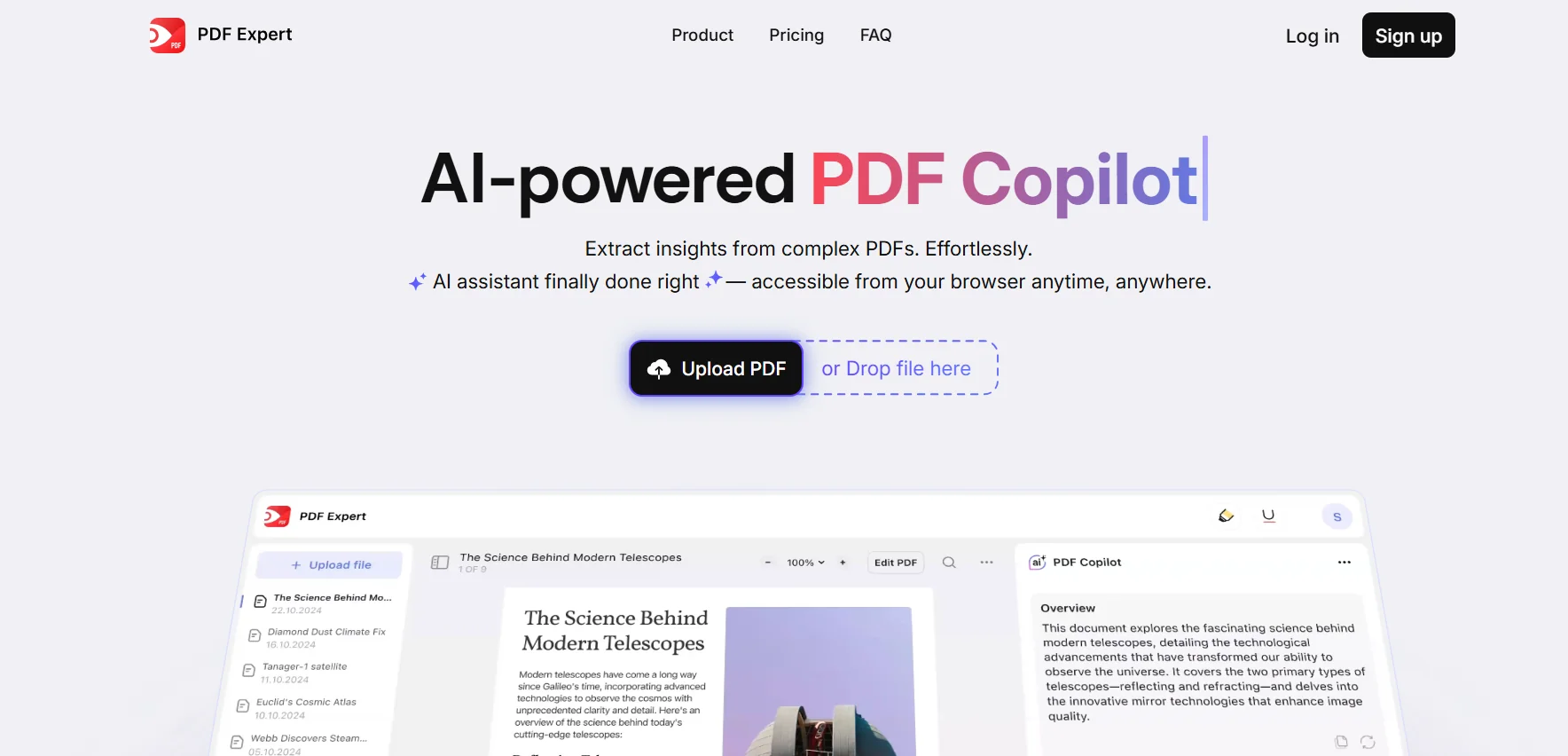
PDF Copilot
Free TrialThe tool offers a range of smart features for working with PDFs, allowing you to ask questions directly on the document and get instant answers based on the content. It also offers the ability to summarize texts and quickly extract key ideas, with the option to translate texts within the document and explain complex sentences or terms. One of its strengths is that it preserves the original formatting of the file during processing, making the result identical to the original format without losing order or formatting. In addition, the tool supports interactive chat context so you can follow up on questions about the same file without having to re-enter texts or passages each time.
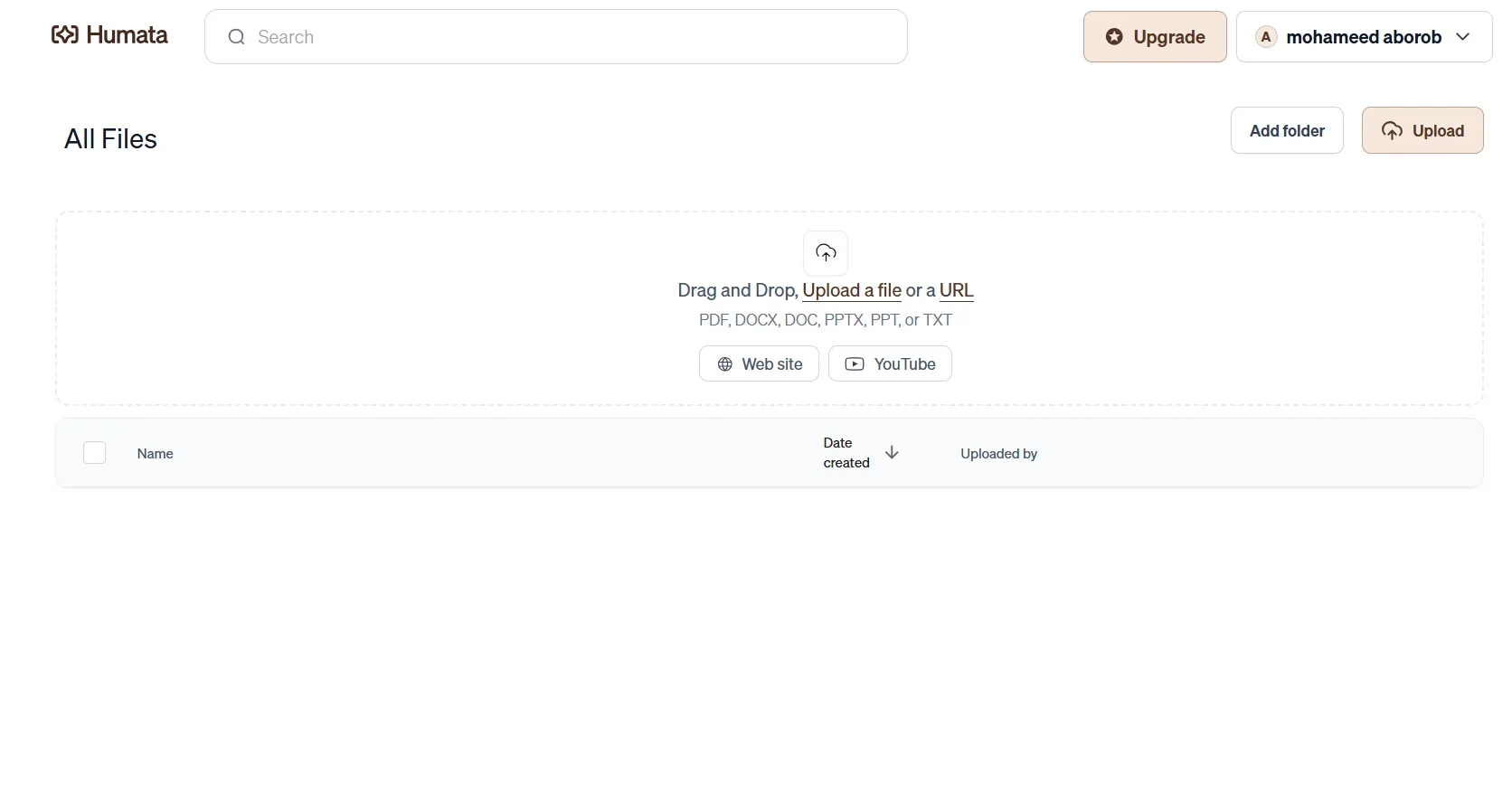
Humata AI
Free TrialHumata AI is a powerful assistant that helps you understand and analyze documents by uploading them and asking questions. It summarizes, answers with context-based citations, and automates document interaction. With a limited free plan and affordable paid tiers starting at $1.99/month, it's ideal for students, researchers, legal professionals, or anyone working with complex files.

Tenorshare AI
Free TrialStreamline PDF interaction with AI summarization, batch processing,
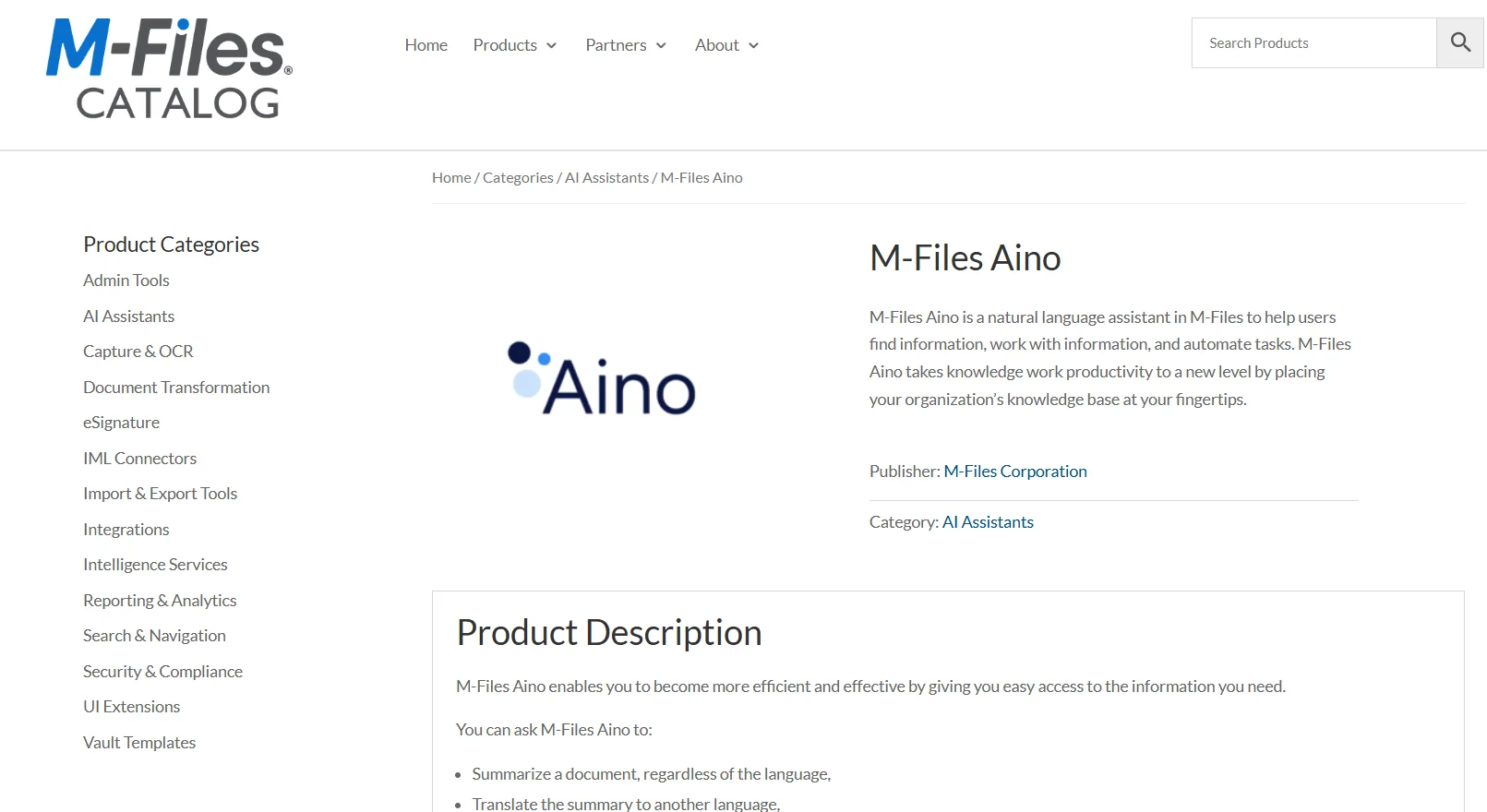
M-Files Aino
Free TrialM-Files Aino is a natural language AI assistant built into M-Files that helps users find and work with information, automate tasks, and access the organization’s knowledge base. Users can request summaries of documents regardless of their language, translate the summary into another language, find answers within documents, and save summaries and answers as metadata. Conversations with Aino are also automatically saved and can be reviewed in the conversation history. The latest versions allow users to find answers from anywhere within the Vault, obtain context-relevant answers—such as those related to a search, view, or business objects—and leverage specialized domain expertise in mathematics and calendar logic. Aino can understand documents and interact with users in most languages, while the administration interface is available in English only.