Twistly
Twistly is an advanced tool that works directly within Microsoft PowerPoint to make it easy to create presentations quickly and accurately.
Last updated
Features
- Works as an add-in directly inside Microsoft PowerPoint
- Converts text, PDF and DOCX files, videos and YouTube links into presentations
- Generates custom AI images to illustrate content
- Automatically generates speaker notes for each slide
- Translates and optimizes slide text with one click
- Ready-made templates for education, work and research
Pricing Details
The tool offers a free trial plan that allows the creation of limited presentations of up to 7 slides per presentation, with a "Made by Twistly" watermark, the ability to add AI images, full speaker notes and use of advanced AI tools at a basic level.
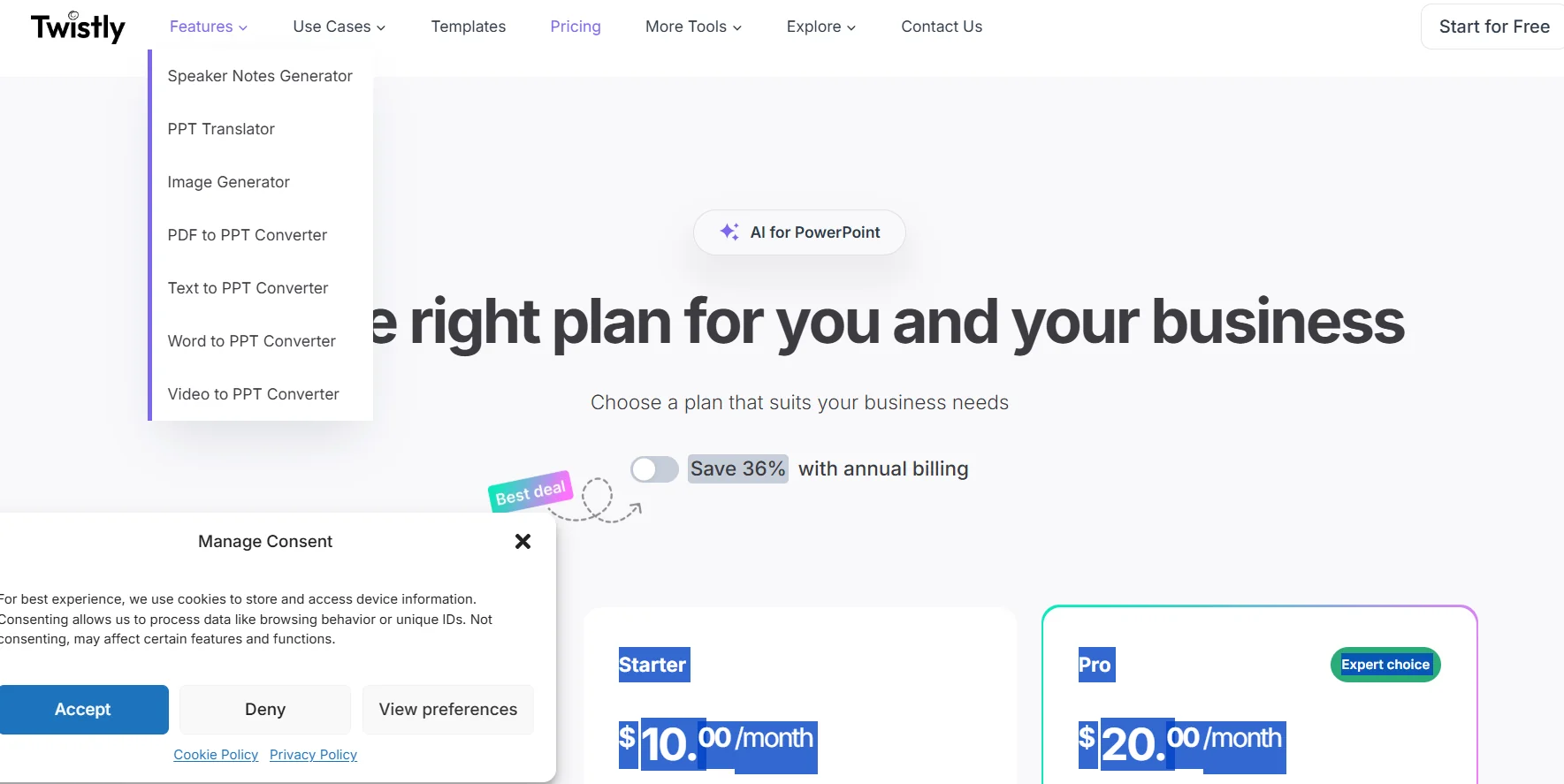
The paid Starter plan, priced at $10 per month, allows for unlimited presentations, up to 35 slides per presentation, the ability to add AI images, higher processing limits, full speaker feedback, and use of all advanced AI tools.
The Pro plan at $20 per month (the recommended option) provides all the features of Starter, with performance and speed improvements, making it ideal for professional users working on advanced and intensive presentations.
Tips for Twistly
Related Tips
- How to Use the Pokecut Tool to Easily Extract Images · Image Design and Creation, Editing, Enhancement & Upscaling…
- A professional prompt for turning a meal name into a full recipe infographic · Image Design and Creation, Text to Image Generation…
- Bosala Brand Studio Explains: How to Create a Complete Visual Identity from a Logo in Minutes? · Image Design and Creation, Text to Image Generation…
- An Explanation of GeminiGen AI for Creating Videos and Images for Children · Video Generation & Editing, Text and Images to Video…
- A Comparison of VisualGPT and NoteGPT for Creating Free Images and Designs on GPT Image 2 · Image Design and Creation, Text to Image Generation