Wavel AI
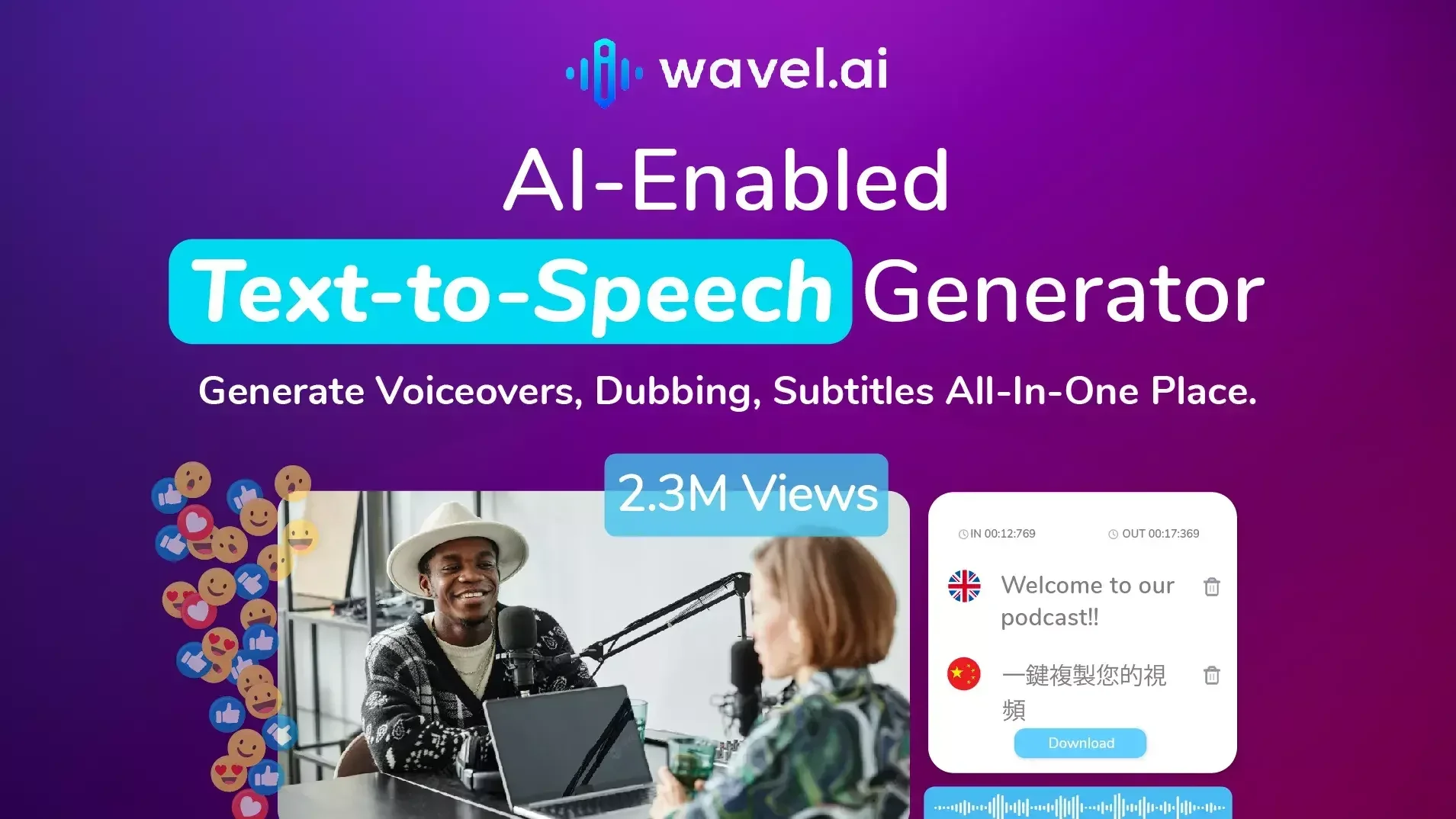
A platform with video solutions, including subtitling and voiceovers.
- Audio & Voice
- Text-to-Speech / Speech-to-Text
- Voice Cloning
- Motion, Titles & Subtitles
- Smart Calendars & Assistants
- Automation & Agents
Last updated
Features
- Dubs video in multiple languages with voice cloning and emotional inflection
- Generates time-synced subtitles in 100+ languages
- Converts text to speech with 250+ voices in 60+ languages
- Offers AI video editor, screen recorder and text-to-video
- Generates video clips for social media
- Transcribes audio and video in multiple formats
- Changes voice style, speed, pitch and accent
- Provides APIs for integration into production pipelines
Pricing Details
💰 Pricing Model:
Freemium with credit-based and tiered subscription plans. Includes free trial for testing.
Offers free lifetime access with starter credits to explore features.
Paid plans unlock full access to advanced AI tools, higher usage quotas, and team options. Specific pricing tiers are available on the platform.
🆓 Free Plan Details:
Free tier includes starter credits and access to basic tools like transcripts, subtitles, and simple dubbing.
💳 Paid Plan Details:
Subscription levels grant access to voice cloning, extended language support, API integration, and higher export volumes.
Related Tips
- How to Create a Series of Educational Videos Using ChatGPT, PixVerse, and Nabat? · Audio & Voice, Text-to-Speech / Speech-to-Text…
- How to Make a Movie Using Artificial Intelligence (Free Trial) · Video Generation & Editing, Text and Images to Video…
- Claude and Kling have teamed up to create fun educational videos for children to teach English letters in Arabic · Video Generation & Editing, Text and Images to Video…
- Videos of historical figures talking about themselves in an entertaining anime style for kids on Krea · Video Generation & Editing, Text and Images to Video…
- Advivi: An AI-powered tool for creating professional video and image ads from a single product photo · Video Generation & Editing, Text and Images to Video…