Description
🖼️ Tool Name:
Lavender
🔖 Tool Category:
AI-powered sales email assistant; it falls under the category of Cold Email & Sequences, CRM & Deal Tracking, and Integrations & APIs.
✏️ What does this tool offer?
Lavender helps sales professionals and teams write better cold emails faster, optimize their outreach, and improve response rates.
Key features include:
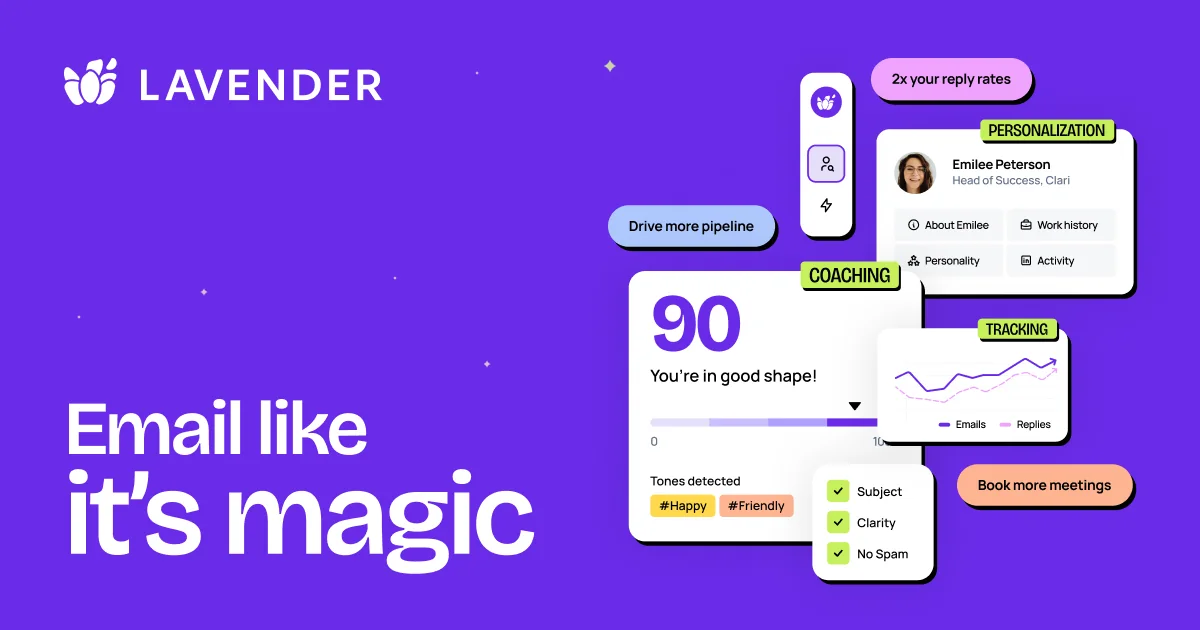
• Email scoring: Lavender analyzes your email drafts and gives a score indicating how likely they are to get a reply.
• Personalization assistant: Suggests personalization based on recipient data (company, role, personality insights).
• In-inbox coaching: Works within Gmail/Outlook and other tools, providing real-time feedback on tone, structure, readability, mobile optimization.
• Template & workflow analytics: Provides dashboards to help sales teams track effectiveness of templates and optimize outreach.
• Integrations: Works with email platforms and sales engagement tools like Gmail, Outlook, SalesLoft, Outreach, HubSpot.
⭐ What does the tool actually deliver based on user experience?
• Users report increased reply rates, more meetings booked, and higher pipeline conversion when using Lavender.
• It speeds up the email writing process by automating initial drafts and suggesting improvements rather than starting from scratch.
• Sales leaders can coach teams more effectively using performance-data from Lavender’s dashboards (identifying what reps need help with).
🤖 Does it include automation?
Yes — Lavender includes automation features:
• Automatically scores and gives actionable feedback on emails in real time.
• Automates personalization suggestions based on recipient/company data.
• Provides analytics and dashboards for team automation of coaching and template optimization.
• Planned features (like Lavender’s “Ora” AI Sales Agent) will further automate outreach sequences.
💰 Pricing Model:
Freemium + Subscription plans.
🆓 Free Plan Details:
• Free forever option: Analyst plan that allows a limited number of email analyses & personalization suggestions.
• 7-day full trial for paid features.
💳 Paid Plan Details:
• Starter plan (for individuals) starting around ~$27/month.
• Team/Enterprise plans with more seats, analytics, integrations and security.
🧭 Access Method:
• Web-based platform: install Chrome extension or use Gmail/Outlook plugin.
• Sign up via Lavender website, connect your email account, install plugin.
🔗 Experience Link: