ImagePromptGen
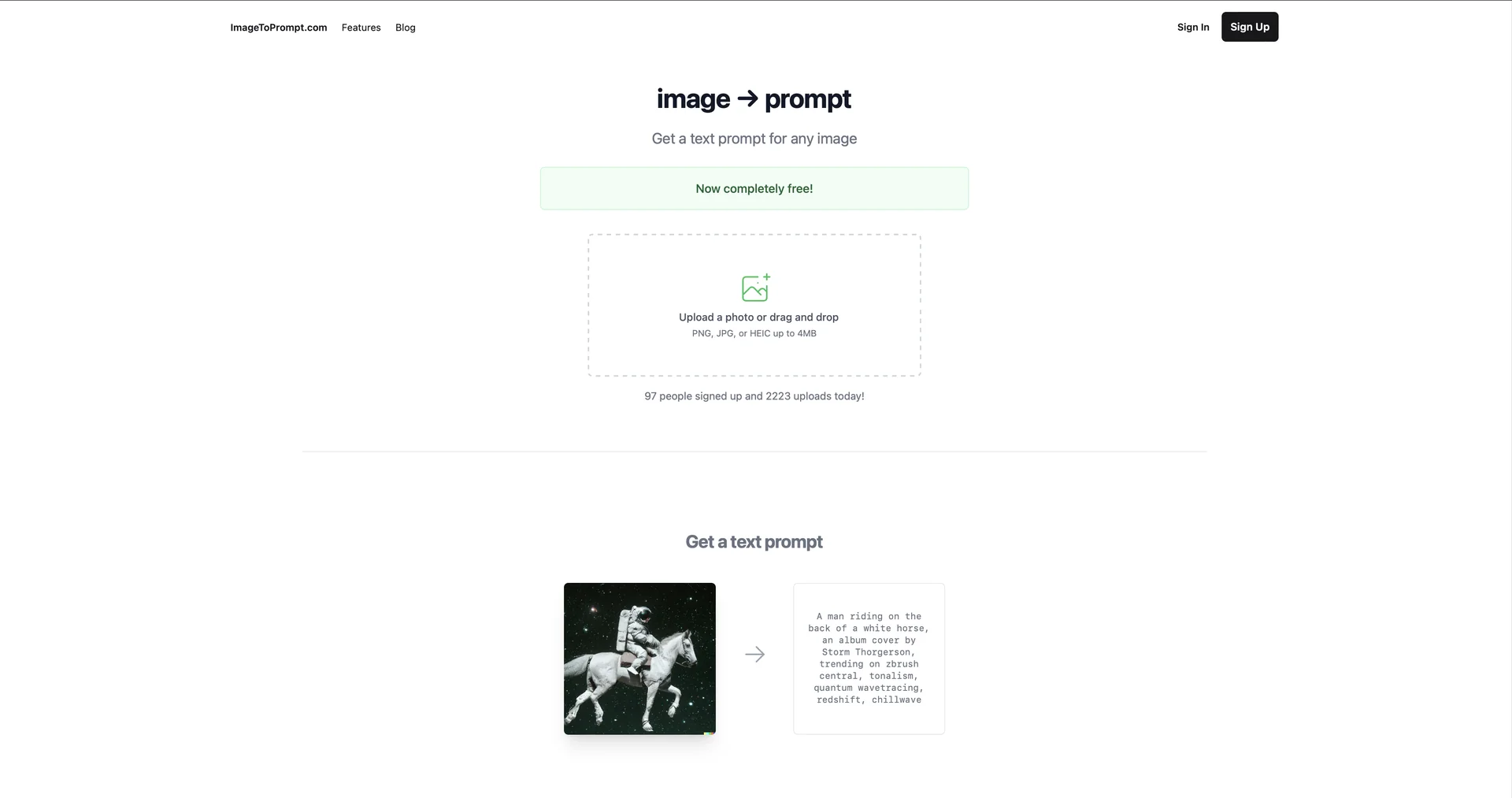
Description
🖼️ Tool Name:
ImagePromptGen
✏️ What does this tool offer in 2026?
Advanced "Reverse Prompting": Upload any image—a photo, a painting, or an AI-generated piece—and the tool provides a highly detailed prompt that captures lighting, camera angles, artistic style, and subject matter.
Model-Specific Optimization: It allows you to toggle between "Dialects" for different AI models. You can ask it to generate a prompt specifically formatted for Midjourney (using
--arand weights), Stable Diffusion (using negative prompts), or Flux.Visual Attribute Extraction: Automatically identifies specific technical parameters like aperture (f/1.8), lighting type (Volumetric, Cinematic), and color palettes (Hex codes) found in the input image.
Prompt Variation Engine: Not only does it give you the original prompt, but it also suggests 5 "Creative Variations" to help you branch out while keeping the same core aesthetic.
Batch Conversion: For pro users, it can process hundreds of images at once, creating a metadata library of prompts for large-scale training or archive management.
Metadata & SEO Generation: In 2026, it is widely used by marketers to generate SEO-friendly "Alt-Text" and descriptive captions for e-commerce product images.
⭐️ User Experience (2026):
"The Prompt Engineer's Cheat Code": Rated 4.9/5 by the AI art community. It is praised for ending the "Guessing Game" of how a certain visual effect was achieved, saving hours of trial and error.
💵 Pricing (January 2026 Status)
ImagePromptGen typically follows a "Freemium" model with high accessibility:
🎁 Free Version:
Most versions of ImagePromptGen offer a No-Login Free Tier (usually 3–5 daily uses) or a dedicated "Daily Credit" system (10 credits) for casual users. This makes it a go-to tool for hobbyists looking for quick inspiration.
⚙️ Access or Source:
Official Sources: Often integrated into platforms like
Category: AI Prompt Engineering & Image Analysis.
🔗 Experience Link: