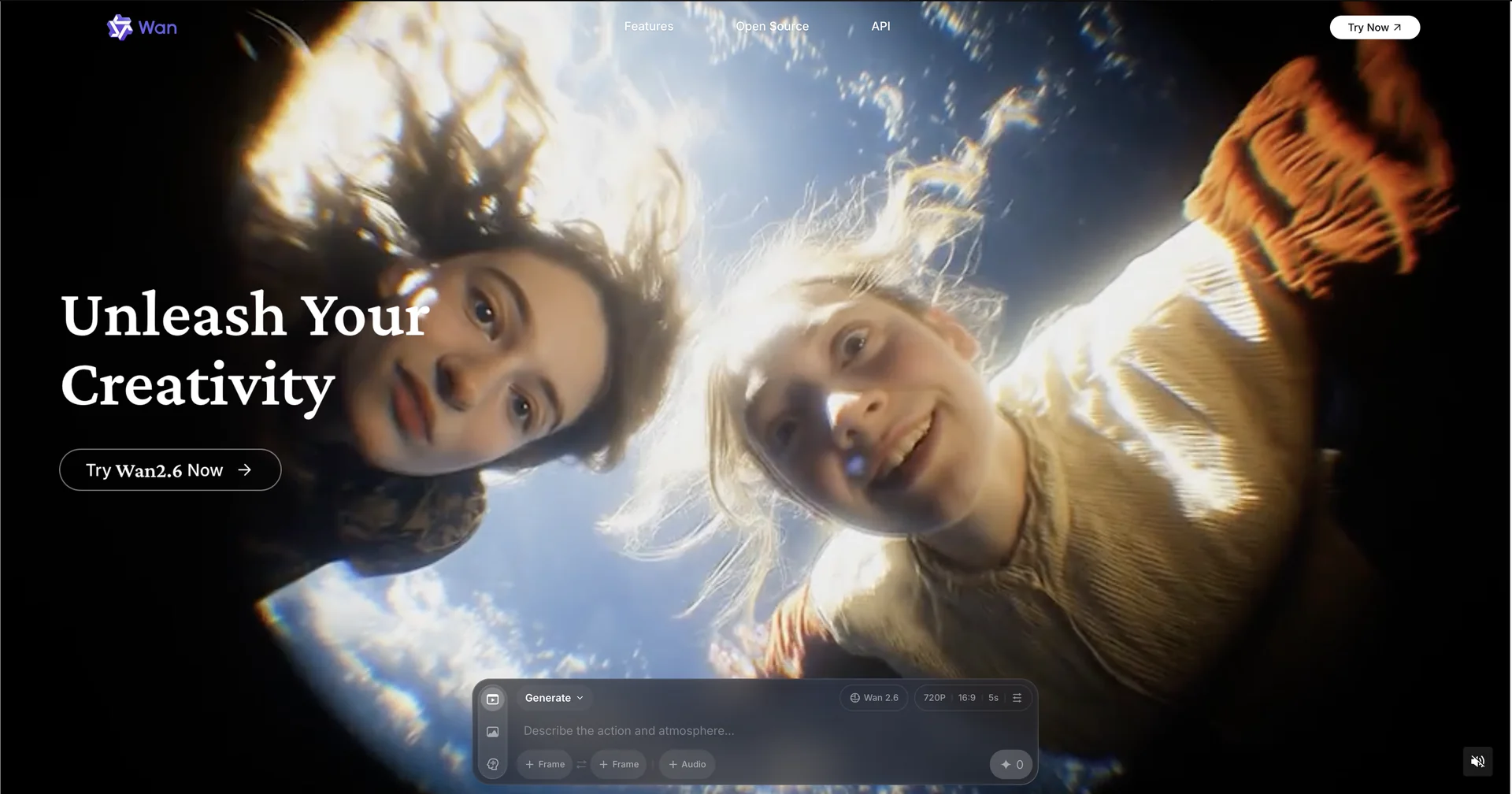
Description
🖼️ Tool Name:
Wan Video AI
✏️ Overview & Key AI Features (February 2026):
Wan 2.6 Native Multimodal Architecture: Unlike older models that "stitched" audio onto video, Wan 2.6 generates them together. This ensures that every footstep, spoken word, or environmental sound (like rushing water) matches the frame-by-frame physics.
Multi-Shot Storytelling: One of the standout 2026 features. Wan can plan and execute multiple camera angles (cuts, pans, and dollies) within a single 15-second generation while maintaining perfect character and environmental consistency.
"Starring" (Character Consistency): Users can upload a reference video of a person. The AI "clones" that person's appearance, body proportions, and even their voice, allowing you to "star" them in entirely new generated scenes.
Realistic Physics Simulation: Highly acclaimed for its handling of complex interactions, such as hair moving in the wind, water ripples, and authentic human-object contact (e.g., a hand picking up a glass).
Prompt Expansion & Camera Control: Includes an intelligent "Prompt Agent" that takes simple user input (e.g., "A robot walking in rain") and expands it into a detailed cinematic script with specific lighting and framing instructions.
Open-Source Roots: Many versions (like Wan 2.1 14B) remain open-source on GitHub, fostering a massive developer community that integrates Wan technology into third-party apps like Imagine.Art and Invideo.
⭐️ User Experience (2026):
"The Director's Favorite": Rated 4.8/5 for its semantic compliance (how well it follows prompts). It is particularly popular for e-commerce and high-end social media marketing because it avoids the "uncanny valley" look common in earlier AI models.
Efficiency: Known for its "Turbo" models that prioritize speed, allowing creators to iterate on shots in under 30 seconds.
💵 Pricing & Plans (February 2026 Status):
🎁 How to Get Started:
Visit Wan.video. You can start by uploading a high-quality portrait or writing a cinematic prompt. Select your desired aspect ratio (e.g., 9:16 for TikTok or 16:9 for YouTube). Click "Generate" and wait about 60 seconds for your 1080p video with synced audio.
⚙️ Access or Source:
Official Website
Developer Platform
Category: AI Video Generation, Generative Multimedia, Cinematic Tech.
Primary Use Case: Creating social media ads, narrative shorts, and casting digital characters in realistic scenes.
🔗 Experience Link:
https://wan.video