Description

Tool name:
Pikimov

Tool category: 🔖
• Video, editing, and motion graphics
• Motion graphics, titles, and subtitles
• Text and images to video
• Text to audio / audio to text
• Editing/enhancement/resolution improvement
• Image design and creation
• No-code workflow

️ What does this tool offer? ✏
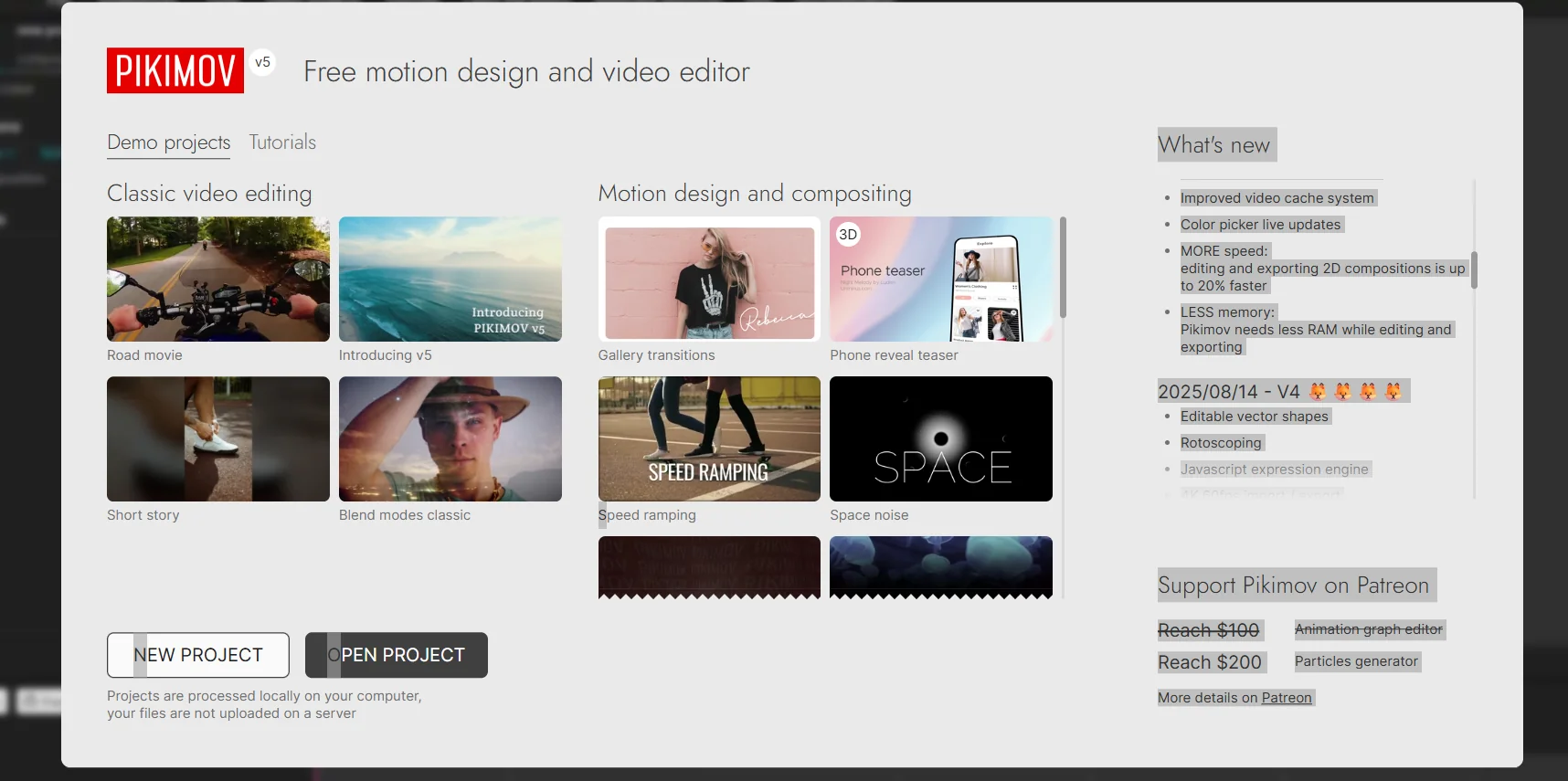
Pikemov offers a comprehensive set of video and animation editing tools, including adding backgrounds to text, advanced effects such as Wiggle, Motion Blur, and Extrude, Vintage Colors, and new Brighten and Darken blending modes. The app allows you to edit 2D compositions with support for exporting and importing .webm videos with transparency, as well as advanced tools such as Slip Edit and Duplicate Into, with full support for Arabic text.

What does it actually offer based on user experience? ⭐
Users benefit from continuous updates that add new features and improved performance, with editing and exporting now up to 20% faster with reduced memory consumption. Advanced tools such as editable vector shapes, Rotoscoping, a JavaScript expression engine, and 4K video export at 60fps are also supported, with various effects such as Fluted Glass, Kaleidoscope, Petzval Lens, Noise, Shake, Wave Warp, and Chromatic Aberration. The app supports multiple file formats and offers advanced options for interactive projects and integration with the Discord and Patreon communities to follow new tutorials and tools.

Does it include automation? 🤖
Yes, through tools such as automatic translation generation, Rotoscoping, and quick and flexible effects addition, as well as intelligent performance optimization during export and editing to facilitate the management of large and advanced projects.

Pricing model: 💰
No specific details about paid subscription plans are mentioned on the official website, but the app offers continuous updates and advanced features that can be accessed directly through the current version.

🆓 Free plan details:
There is no specific information about a separate free plan, but the available version allows users to experience the basic features and full control over video and animation editing.

Paid plan details: 💳
The official website has not announced clear details about the paid plans, focusing instead on providing continuous updates and advanced features for each version.

How to access the tool: 🧭
You can access Picamov through the official website, download the app directly to use the video and animation editing tools, and take advantage of continuous updates and advanced tutorials available through the Discord and Patreon communities.

Trial link or official website: 🔗
https://pikimov.com/app/?utm_source=chatgpt.com

Pricing Details

There is no specific information about a separate free plan, but the available version allows users to experience the basic features and full control over video and animation editing. The official website has not announced clear details about the paid plans, with a focus on providing continuous updates and advanced features for each version. You can access Picamov through the official website, download the app directly to use the video and animation editing tools, and take advantage of the continuous updates and advanced tutorials available through the Discord and Patreon communities.