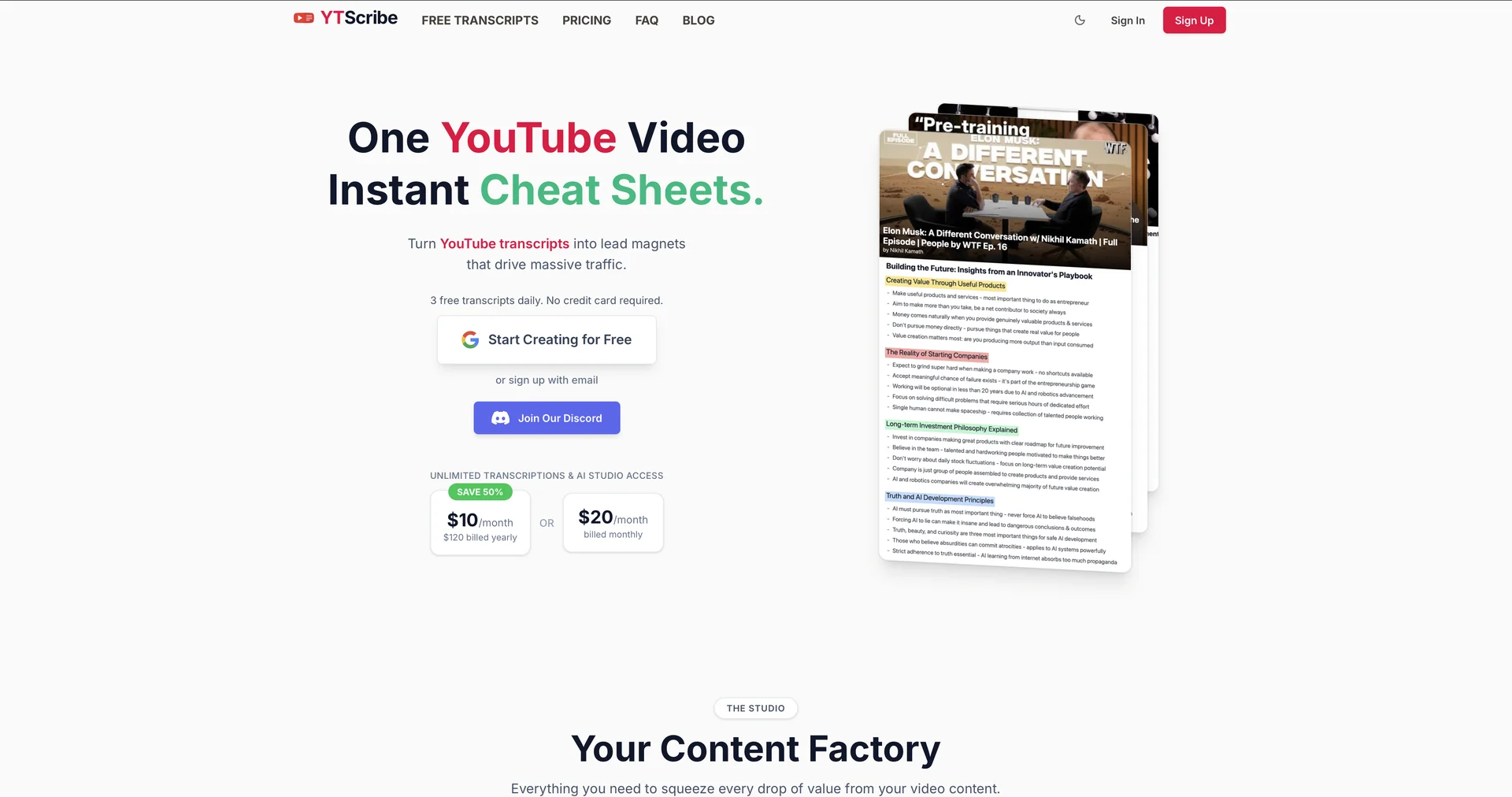
Description
🖼️ Tool Name:
YTScribe
✏️ Overview & Key AI Features (2026 Edition):
Instant URL Processing: Unlike tools that require you to upload MP4 files, YTScribe fetches audio directly from the YouTube link, saving bandwidth and time.
Multi-Language Support (40+): Supports a wide array of global languages including English, Portuguese, Spanish, and French, with automatic language detection.
Smart Punctuation & Speaker ID: The AI doesn't just produce a "wall of text"; it identifies different speakers and adds proper grammar, making the transcript readable as a script.
Interactive Timestamps: Every line of text is linked to a timestamp. Clicking the text jumps the embedded video player to that exact moment.
Export Versatility: Allows one-click downloads in professional formats like SRT (for captions), VTT, and TXT(for articles).
AI Summary Integration: In 2026, it features a direct "Send to GPT/Gemini" button, allowing you to instantly summarize a 2-hour podcast into a 5-bullet point list.
⭐️ User Experience (2026):
"The Student's Lifesaver": Rated 4.8/5 by the academic community. It is praised for turning long lectures into searchable study notes instantly.
Frictionless Utility: Users love the "No Signup" policy for basic transcripts, making it the fastest tool for quick references.
💵 Pricing & Plans (February 2026 Status):
🎁 How to Get Started:
Visit ytscribe.com. Copy any YouTube video link and paste it into the search bar. Click "Transcribe" and wait about 30-60 seconds. Once finished, you can read the transcript alongside the video or download it for your own notes.
⚙️ Access or Source:
Official Website
Category: AI Transcription, YouTube Tools, Content Repurposing.
Primary Use Case: Converting YouTube videos into searchable text for note-taking, content creation, and SEO optimization.
🔗 Experience Link:
https://ytscribe.ai