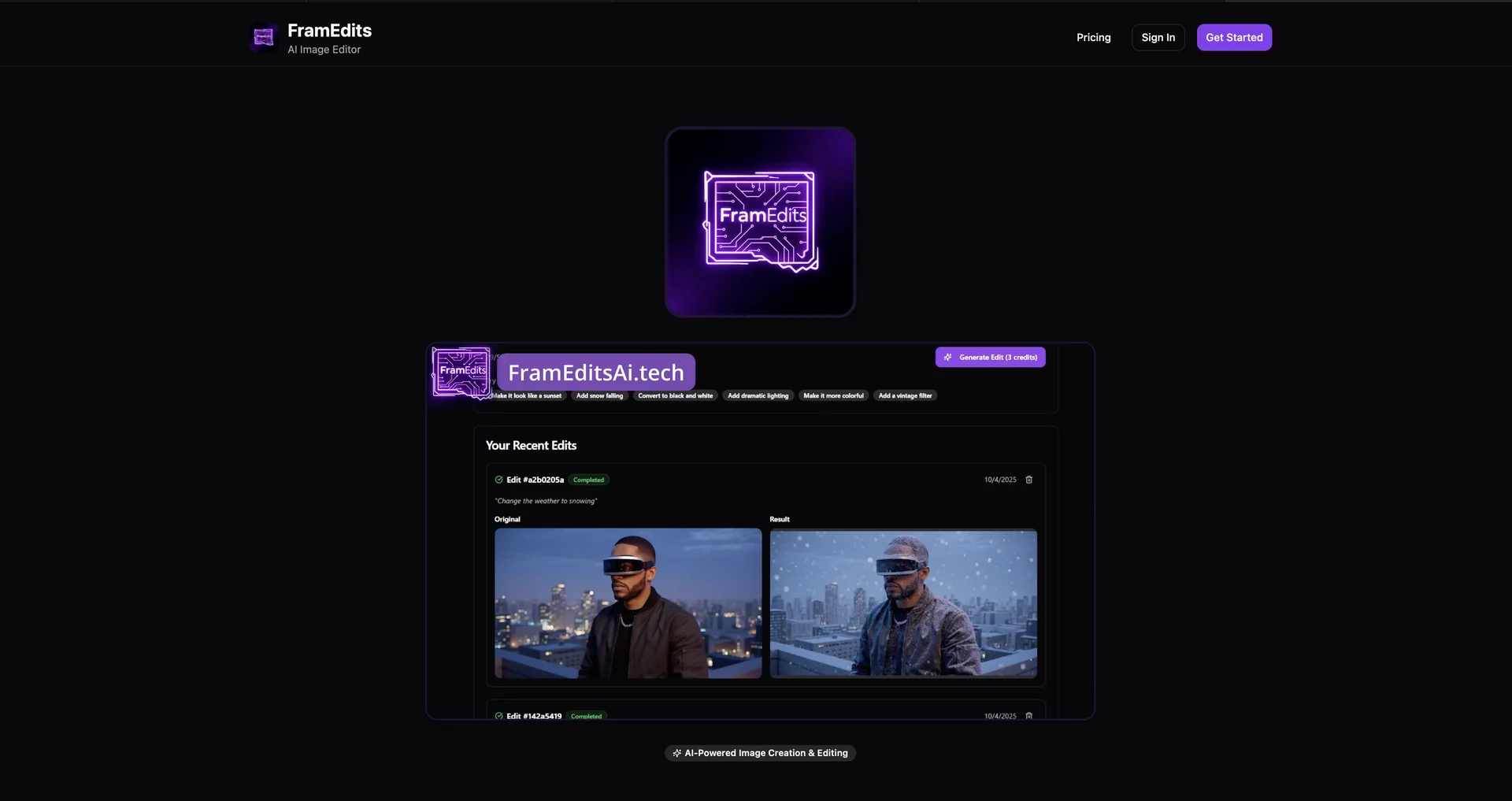
Description
🖼️ Tool Name:
FramEdits.Tech
✏️ Overview & Key AI Features (2026 Edition):
AI-Powered "Visual Healing": Beyond standard filters, the AI performs "pixel-level reconstruction" to fix shaky footage, remove grain, and restore old or damaged photos/videos.
Intelligent Object Tracking & Removal: Select any object or person in a video, and the AI will track it across frames or remove it entirely, filling the background with seamless generative textures.
Auto-Framing for Social Media: One of its most popular 2026 features; it identifies the "action" in a 16:9 video and automatically crops/re-frames it into 9:16 for TikTok or Reels without losing the subject.
Generative Background Swapping: Instantly replace the background of an image or video with an AI-generated environment (e.g., "Minimalist Studio" or "Neon Cyberpunk") that respects original lighting.
Voice-to-Edit Integration: Users can give natural language commands like "Make the colors more cinematic" or "Remove the car from the background," and the AI executes the change instantly.
Style Transfer & Consistency: Apply the aesthetic of a famous film or a specific "vibe" across an entire set of images and videos to ensure brand consistency.
⭐️ User Experience (2026):
"Pro Results, Zero Pain": Rated 4.8/5 by small business owners and creators. It is frequently cited as the tool that "makes you look like you hired a professional editor."
Lightning-Fast Rendering: Praised for its cloud-based processing power, which allows for 4K exports even on low-spec mobile devices or tablets.
💵 Pricing & Plans (March 2026 Status):
FramEdits.Tech offers a flexible "Free-to-Start" model with tiered subscriptions for high-volume users.
🎁 How to Get Started:
Visit FramEdits.Tech. Upload a raw video clip or a set of photos. Use the "Auto-Magic"button to let the AI suggest an initial edit, or use the "Scene Finder" to automatically cut your footage into a social-media-ready montage.
⚙️ Access or Source:
Official Website
Category: AI Video Editing, Image Enhancement, Content Creation Tools.
Primary Use Case: Quickly producing high-quality, professional-looking social media content, ads, and photo restorations with minimal manual effort.
🔗 Experience Link:
https://frameditsai.tech