Sota Video AI
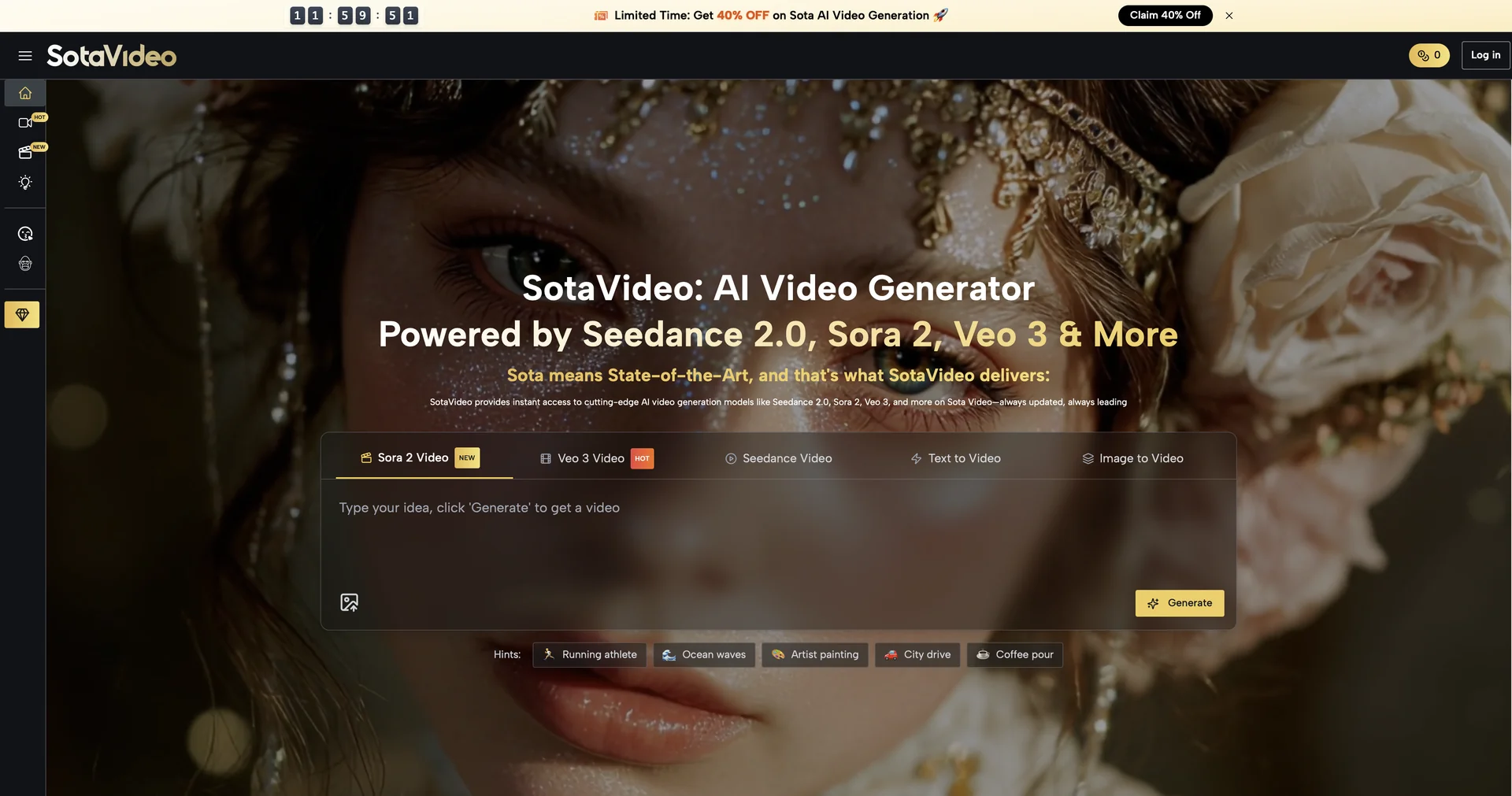
Description
🖼️ Tool Name:
Sota Video AI
✏️ Overview & Key AI Features (2026 Edition):
Dual-Engine Intelligence: Instead of relying on one model, Sota AI intelligently toggles between Sora 2 (for physics and realistic movement) and Veo 3 (for cinematic camera work and 4K textures).
Synchronized Soundscapes: One of its most powerful features; the tool doesn't just add sound later—it generates audio (footsteps, ambient noise, lip-sync) during the video generation process.
Cinematic Camera Language: It understands professional film terms like "Dolly Zoom," "Tracking Shot," and "Panoramas," translating text prompts into complex camera movements.
Character & World Consistency: Maintains the exact appearance of up to 5 characters and their environment across multiple generated clips, solving the common "flickering" issue in AI video.
Production-Ready Editing: A built-in suite that allows for precision splicing, automatic subtitle generation, and instant export for TikTok, YouTube, or professional film formats.
Hybrid Rendering: A cutting-edge 2026 feature that can blend outputs from different models inside a single frame to achieve the highest possible realism.
⭐️ User Experience (2026):
"The Hybrid Supercar of Video": Rated 5.0/5 by filmmakers and marketers. It is praised for eliminating the "second-guessing" of which AI model to use—the tool does it for you.
Extreme Realism: Users report that the physics-true motion (especially water and fire) combined with 4K resolution makes it indistinguishable from live-action footage in many scenarios.
💵 Pricing & Plans (March 2026 Status):
🎁 How to Get Started:
Visit SotaVideo.ai. Start by entering a simple prompt or uploading a script. Use the "Engine Recommendation" toggle to let the AI choose whether to use Sora or Veo for your shot. Once generated, use the "Audio Mixer" to fine-tune the automatically generated sounds.
⚙️ Access or Source:
Official Website
Category: AI Video Orchestration, Text-to-Video, Cinematic Production.
Primary Use Case: Creating high-fidelity, cinematic videos with perfectly synced audio for advertisements, social media, and independent filmmaking.
🔗 Experience Link:
https://sotavideo.ai/