Description
🖼️ Tool Name:
Scraib.app
✏️ Overview & Key AI Features (2026 Edition):
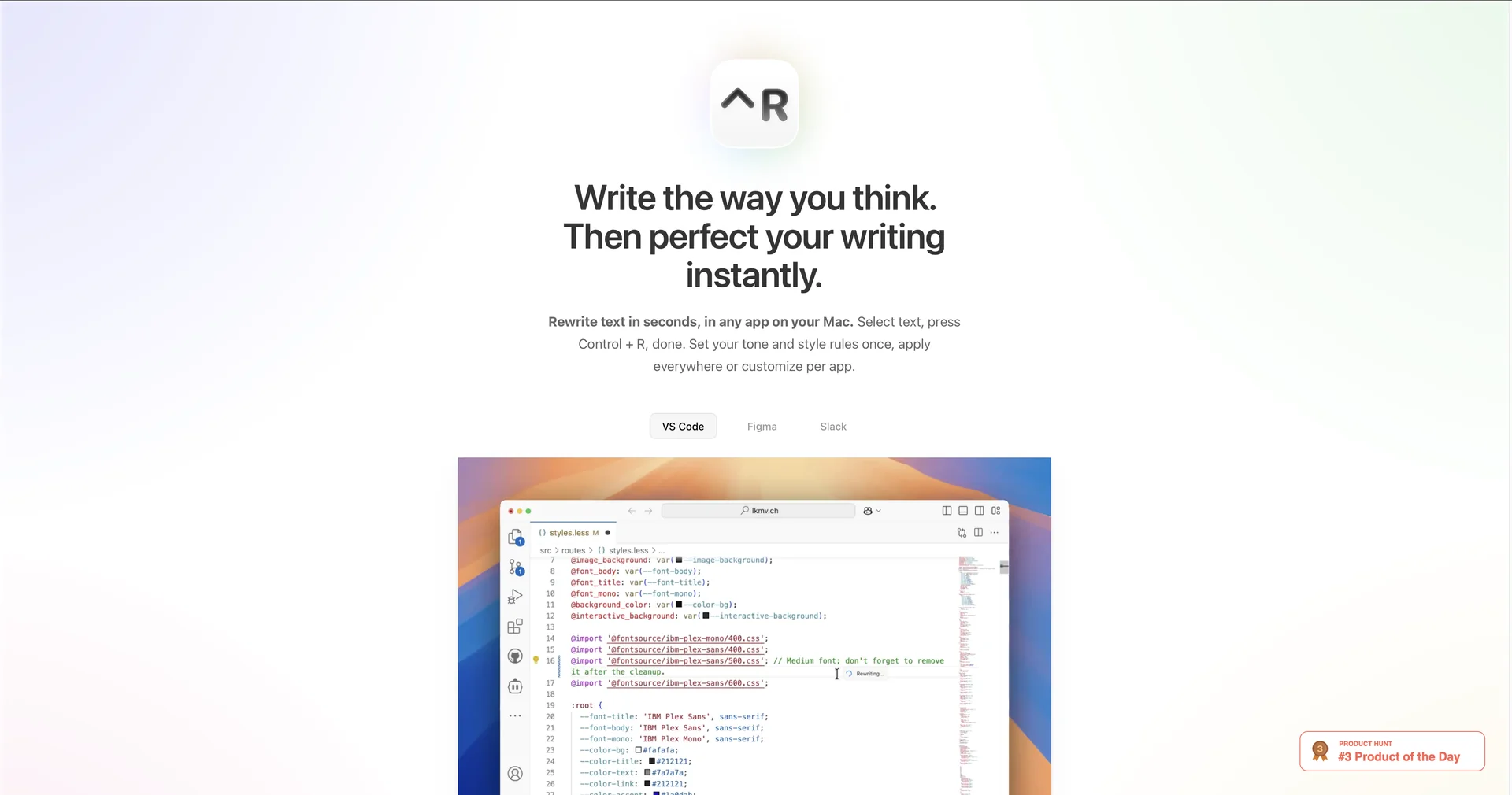
Instant Rewriting (⌃R): The core "magic" of the app. Select any text in any Mac app, hit Control + R, and the AI instantly replaces the selection with an improved version.
Custom Style Rules: Users can set specific instructions (e.g., "Make me sound like a tech executive" or "Rewrite this in classic British English") to maintain a consistent persona.
Multi-Provider Support: Seamlessly switch between the latest models, including ChatGPT 5.2, Claude 4, Gemini, and even local models via Ollama for 100% offline privacy.
Non-Native Fluency Mode: Specifically optimized for ESL (English as a Second Language) professionals who need to sound "literate and natural" without losing their original intent.
Translation Beta: Recently added in early 2026, allowing users to translate highlighted text directly within their active window.
Lightweight Menu Bar Presence: Unlike bloated writing suites, Scraib lives in the menu bar, keeping your dock and desktop clutter-free.
⭐️ User Experience (2026):
"The Grammarly Killer for Mac": Rated 4.9/5 on the App Store. Users appreciate that it doesn't force them to "think about every suggestion"—it just fixes the text instantly.
Workflow Harmony: Freelancers and developers praise its ability to work in non-standard apps like VS Code and Figma, where traditional browser-based assistants fail to reach.
💵 Pricing & Plans (March 2026 Status):
Scraib is known for its "fair-use" pricing, positioned significantly lower than major competitors.
🎁 How to Get Started:
Download from the Mac App Store. Once installed, it sits in your top menu bar. Highlight any clunky sentence in an email or Slack message, press Control + R, and watch it transform into polished writing instantly.
⚙️ Access or Source:
Official Website
Platform: macOS only (14.0+ recommended).
Category: AI Productivity, Writing Assistant, macOS Utilities.
Primary Use Case: Helping Mac users instantly polish emails, messages, and documents within their existing workflow without the friction of switching apps.
🔗 Experience Link:
https://scraib.app/en