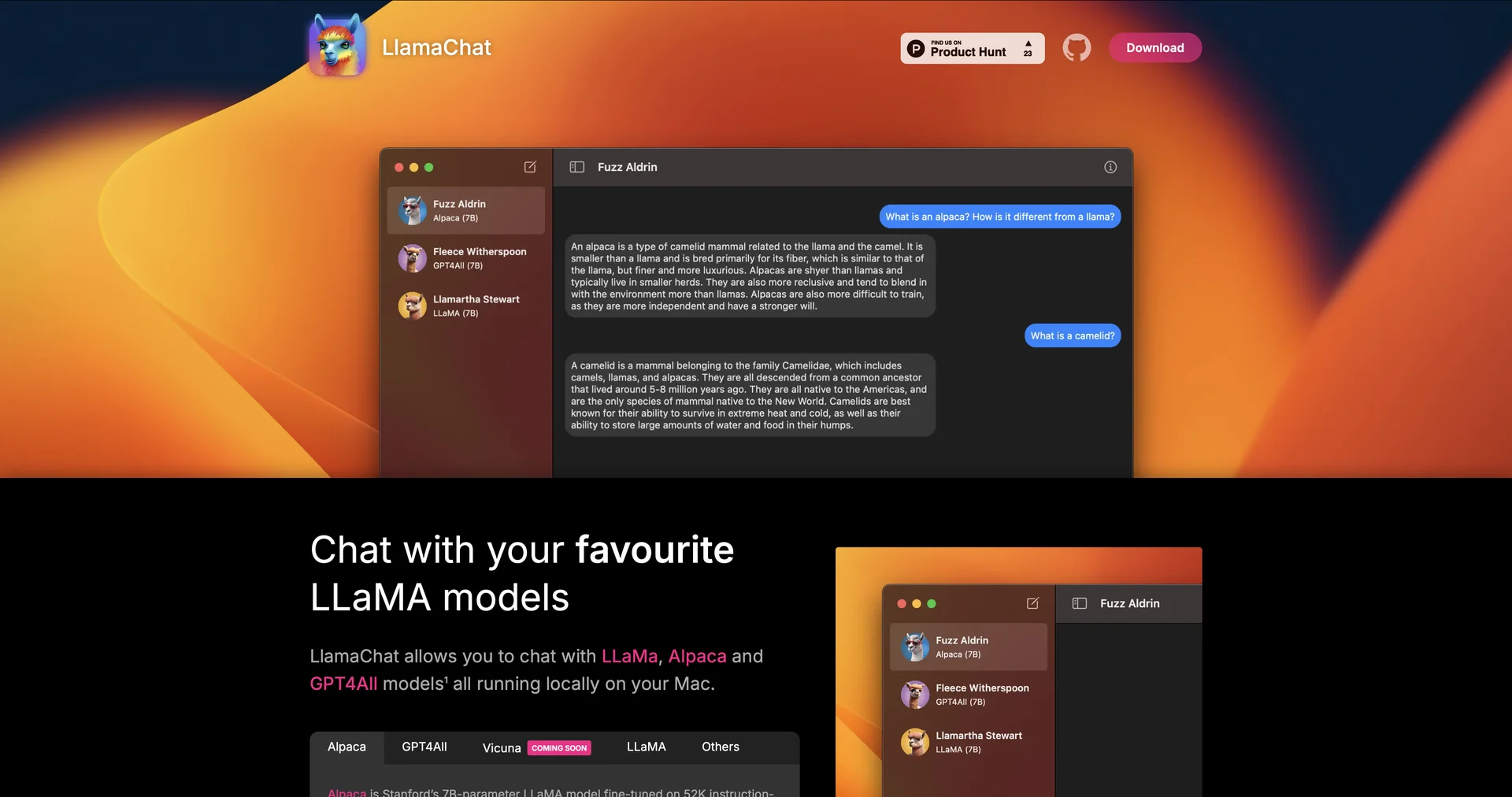
Description
🖼 Tool Name:
LlamaChat
🔖 Approved Categories:
Chat/Voice AgentsDocs & Software Development KitStudy Assistants & Notes
✏️ What does this tool offer?
Local Native macOS Client: LlamaChat (
llamachat.app) is an open-source macOS desktop application that allows users to chat with large language models completely locally on their Mac.Multi-Model Support: Built to run open-source models such as LLaMA, Alpaca, Vicuna, and GPT4All directly on your device.
Seamless Model Conversion: Supports importing pre-converted
.ggmlmodel files or converting raw PyTorch checkpoints directly into the interface.Privacy-First Native Execution: Runs entirely on on-device hardware (Apple Silicon or Intel), ensuring user data and chat history never leave the Mac.
Powered by Open-Source Architecture: Built upon foundational open-source libraries including
llama.cppandllama.swift.
⭐ What does it actually offer based on user experience?
Offline AI Conversations: Enables offline chatting with advanced LLMs without requiring an active internet connection.
Zero Subscription Fees: Eliminates recurring cloud API costs by leveraging local computing hardware.
Complete Data Ownership: Ensures privacy-conscious developers, researchers, and writers can analyze sensitive text without cloud exposure.
🤖 Does it include automation?
Yes, LlamaChat automates local model ingestion and runtime conversions:
Automated Model Ingestion: Programmatically converts and parses raw PyTorch and
.ggmlfile structures for execution.Automated Local Inference Execution: Automatically handles token generation and memory management using
llama.cppbackends.
💰 Pricing Model
Item Details: 100% Free / Open-Source Software.
General Concept: Completely free application distributed openly via direct download or Homebrew package manager.
🆓 Free Access Details
Feature: Full Free Open-Source Access.
Details: Users get unrestricted access to all app features, conversion tools, and chat interfaces.
Cost: Free ($0) Base Access.
💳 Access & Subscription Options (Official Standards)
🧭 How to access the tool:
Your local offline AI chat, open-source model testing, and macOS desktop workflows can be launched by visiting or installing via Homebrew (brew install --cask llamachat).