Description
🖼 Tool Name:
VIDIO
🔖 Approved Categories:
Text and Images to VideoVideo Summaries & ClipsSocial Templates & Auto-EditingEditing, Enhancement & UpscalingMotion, Titles & Subtitles
✏️ What does this tool offer?
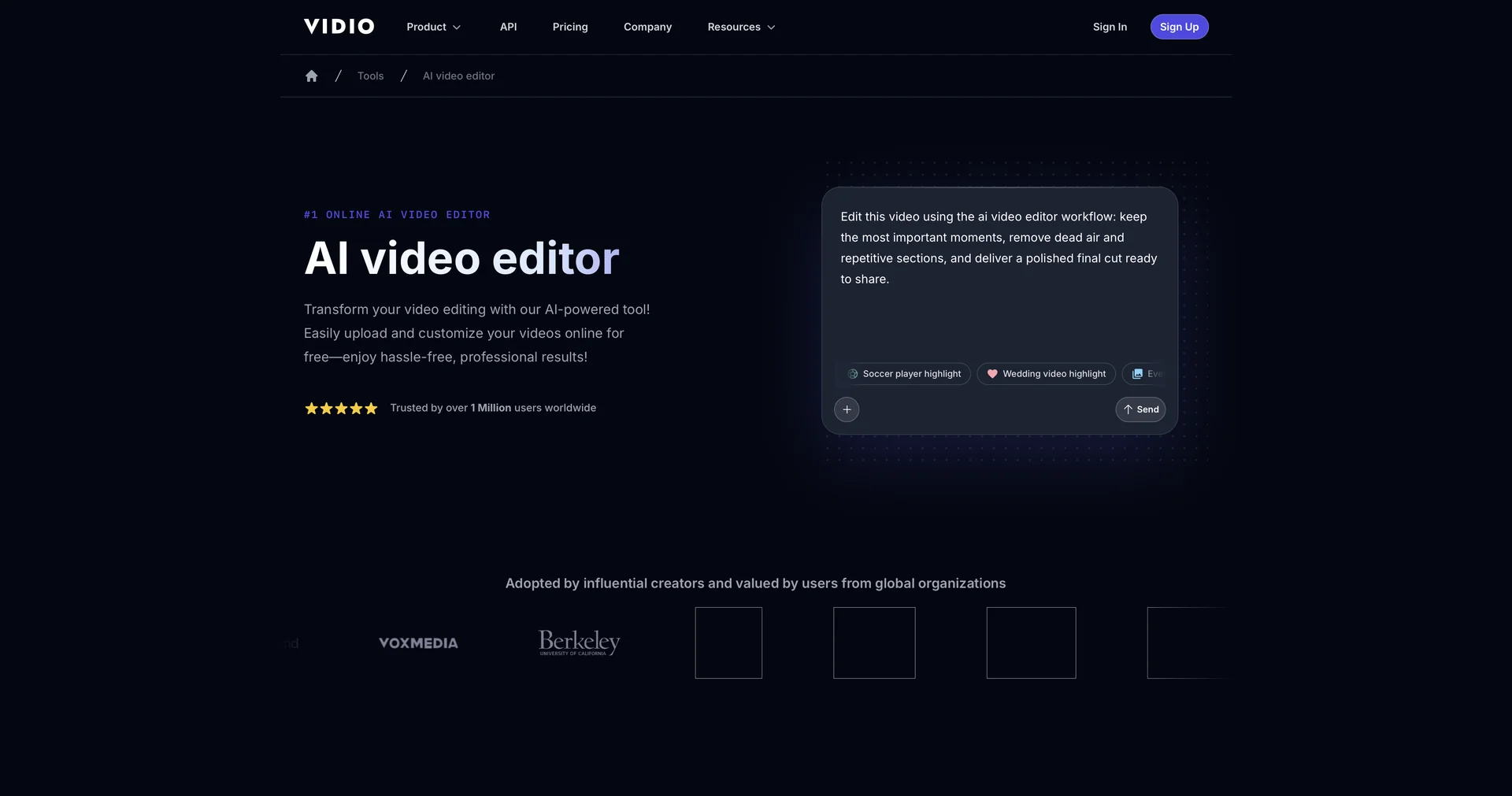
Prompt-Driven Automated Editing: VIDIO AI Video Editor allows users to upload raw footage and describe their edit requirements via a text prompt box.
Automated Scene Detection & Cutting: Automatically identifies key moments, trims dead air, and auto-cuts multi-take or long-form videos.
Auto B-Roll & Transitions: Searches for and inserts relevant B-roll footage and applies dynamic transition effects automatically.
Auto Captions & Audio Overlay: Generates auto-caption overlays with text/emojis and synchronizes customizable background music (Beat Sync).
Visual & Speech Summarization: Offers options for speech or visual summarization modes to adjust video length and pace.
⭐ What does it actually offer based on user experience?
Massive Time Savings: Converts hours of manual cutting, drag-and-drop editing, and trimming down to just a few minutes.
No Learning Curve: Operates directly in the web browser with zero software installation or technical video editing skills required.
Multi-Platform Aspect Resizing: Rapidly reformats landscape videos into vertical formats optimized for TikTok, Reels, and Shorts.
🤖 Does it include automation?
Yes, the platform automates cuts, captioning, scene detection, and b-roll placement:
Automated Scene Detection & Cut Recommendations: Programmatically scans audio and visual tracks to highlight and remove silent or repetitive segments.
Automated Asset Matching: Automatically pairs prompt context with relevant B-roll clips, caption alignments, and beat-synced background music tracks.
💰 Pricing Model
Item Details: Freemium / Web Subscription.
General Concept: Offers free options to edit and preview videos, with premium capabilities (larger file uploads up to 3GB, faster processing, and higher export resolution) available on paid plans.
🆓 Free Access Details
Feature: Free Online Version.
Details: Web users can drag, drop, and edit videos for free using standard AI workflows.
Cost: Free ($0) Base Access.
💳 Access & Subscription Options (Official Standards)
🧭 How to access the tool:
Your prompt-based video editing, automatic scene detection, and social content formatting workflows can be launched by visiting.