Text to Design
Description
🖼 Tool Name:
Text to Design
🔖 Approved Categories:
Text and Images to VideoEditing, Enhancement & UpscalingProduct Descriptions & CopyIntegrations & APIs
✏️ What does this tool offer?
AI-Powered Figma Design Assistant Plugin: Text to Design is a specialized Figma plugin that transforms written text prompts and reference images into fully editable, multi-layered Figma design UI elements.
Text-to-UI Canvas Generation: Generates UI layouts, mobile app interfaces, landing page components, and dashboard wireframes directly onto the Figma canvas.
Image-to-Design & Style Replication: Converts uploaded image references into structured, editable Figma frames and vector layers matching the visual style.
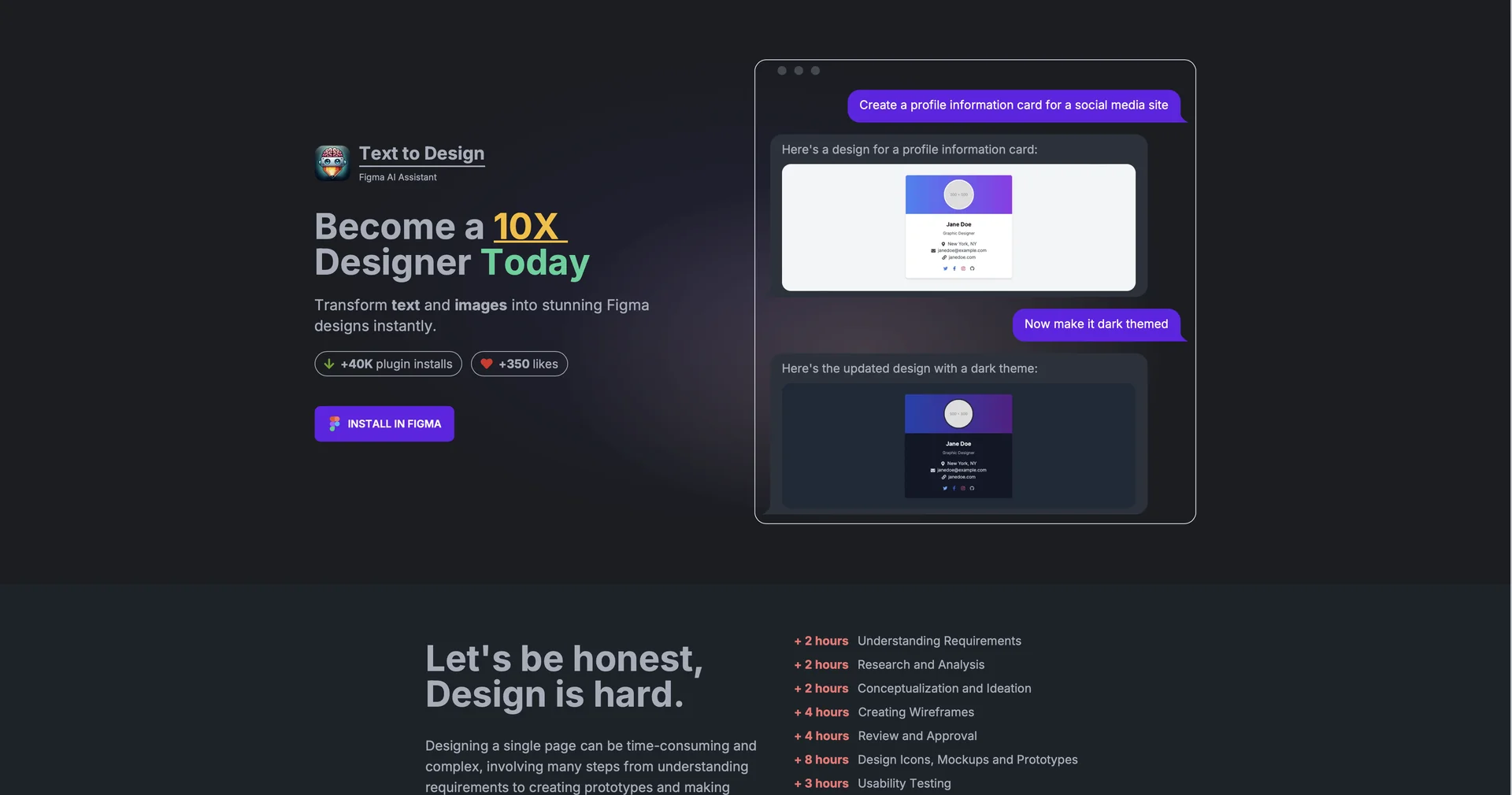
Theme & Variant Iteration: Allows designers to instantly modify generated layouts via chat prompts (e.g., converting a light theme design into a dark theme layout).
Design-to-Code Capabilities: Translates generated UI components and structural layouts into usable frontend code snippets for developer handoff.
⭐ What does it actually offer based on user experience?
Accelerates Wireframing & Prototyping: Eliminates the manual drag-and-drop process of building early-stage wireframes and mockup layouts from scratch.
Outputs Native, Fully Editable Layers: Generates real Figma frames, shapes, auto-layout groups, and text layers rather than flat raster images.
Streamlines Theme Iteration: Enables instant visual styling experiments (color schemes, spacing, component variations) using simple follow-up prompts.
🤖 Does it include automation?
Yes, Text to Design automates UI frame layout, layer structuring, theme adaptation, and vector component synthesis:
Automated Figma Layer Assembly: Automatically parses prompt instructions to compile auto-layout frames, text elements, and component groups programmatically.
Automated Style Conversion: Programmatically updates design system tokens, color palettes, and component variants based on natural language commands.
💰 Pricing Model
Item Details: Freemium / Monthly Token Subscriptions.
General Concept: Offers a free entry tier with limited generation tokens, scaling into affordable monthly plans (starting around $3 to $15+/month) based on monthly token caps and UI element generation allowances.
🆓 Free Access Details
Feature: Free Plugin Access / Starter Tokens.
Details: Figma users can install the plugin for free to test text-to-UI generation, preview base layer outputs, and evaluate prompt capabilities.
Cost: Free ($0) Starter Mode.
💳 Access & Subscription Options (Official Standards)
🧭 How to access the tool:
Your automated UI layout generation, image-to-Figma conversions, and rapid wireframing workflows can be launched by visiting texttodesign.ai or searching for the plugin directly in the Figma Community Store.