Vectr
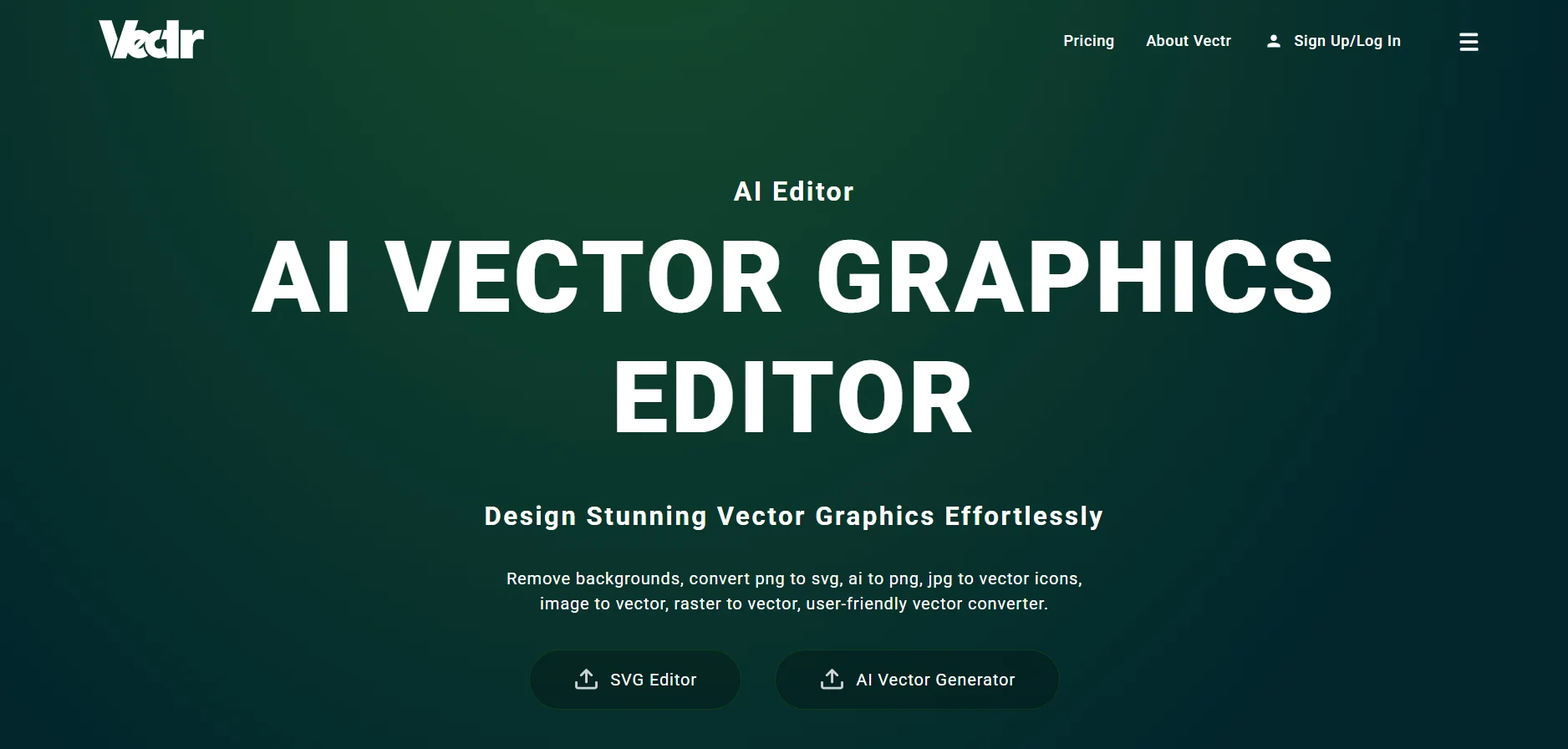
Vectr is a cross-browser vector graphic design platform that focuses on creating professional designs quickly, while incorporating AI-powered tools for generating graphic content. It enables the user to design logos, posters, illustrations, social media elements, and various visual elements, while exporting in SVG, PNG, JPG, and Vector formats. The tool is suitable for personal and commercial use, targeting beginners, professionals, content creators, and small business owners.
- Image Design and Creation
- Text to Image Generation
- Editing, Enhancement & Upscaling
- Logo Generation
- Fonts & Icons
- Branding & Logo
Last updated
Features
- Designs logos, posters, illustrations and social media elements
- Exports to SVG, PNG, JPG and Vectr formats
- Offers layers, shapes, text and color tools
- Includes a library of over 23,000 exclusive elements
- Generates and optimizes graphics with AI tools
- Works in the browser without installing software
Pricing Details
This tool is based on a monthly subscription-based pricing model with the ability to purchase separate credits to use the AI tools, with occasional special promotions and discounts.
The free plan is not fully available according to the images shown, but it allows the user to test some of the tools through limited credits or promotions, giving an initial glimpse of the tool's capabilities without full access to all the features.
The paid Plus plan, priced at $3.99 per month (sometimes with $1.99 offers), offers 1GB of storage, one concurrent session, basic and advanced tools with limited AI credits, as well as an exclusive item library, suitable for individual use or the extended experience of paid features.
The Premium plan at $9.99 per month (sometimes on sale for $4.99), offers 5GB storage, the ability to run 3 concurrent sessions, larger AI credits, priority technical support, and includes all the features of the Plus plan, making it suitable for heavy users or small teams.
In addition, separate credits can be purchased to use the AI tools as follows: 50 Credits for $5, 100 Credits for $8, and 300 Credits for $12. Credits can be stacked without expiration, providing great flexibility in controlling the actual use of AI tools as needed.
Related Tips
- How to Use the Pokecut Tool to Easily Extract Images · Image Design and Creation, Editing, Enhancement & Upscaling…
- A professional prompt for turning a meal name into a full recipe infographic · Image Design and Creation, Text to Image Generation…
- Bosala Brand Studio Explains: How to Create a Complete Visual Identity from a Logo in Minutes? · Image Design and Creation, Text to Image Generation…
- An Explanation of GeminiGen AI for Creating Videos and Images for Children · Video Generation & Editing, Text and Images to Video…
- A Comparison of VisualGPT and NoteGPT for Creating Free Images and Designs on GPT Image 2 · Image Design and Creation, Text to Image Generation