Description

️ Tool Name: 🖼
reap

Categories: 🔖

  • Text and Images to Video
  • Video, Editing, and Motion Graphics
  • Video summaries and highlights
  • Motion Graphics, Titles, and Subtitles
  • Voice Cloning
  • Audio, Voice-Over, and Music
  • Automation and Smart Agents
  • Integrations and APIs
  • Social media templates and post-production automation
  • Content Management and Publishing

️ What does this tool offer? ✏
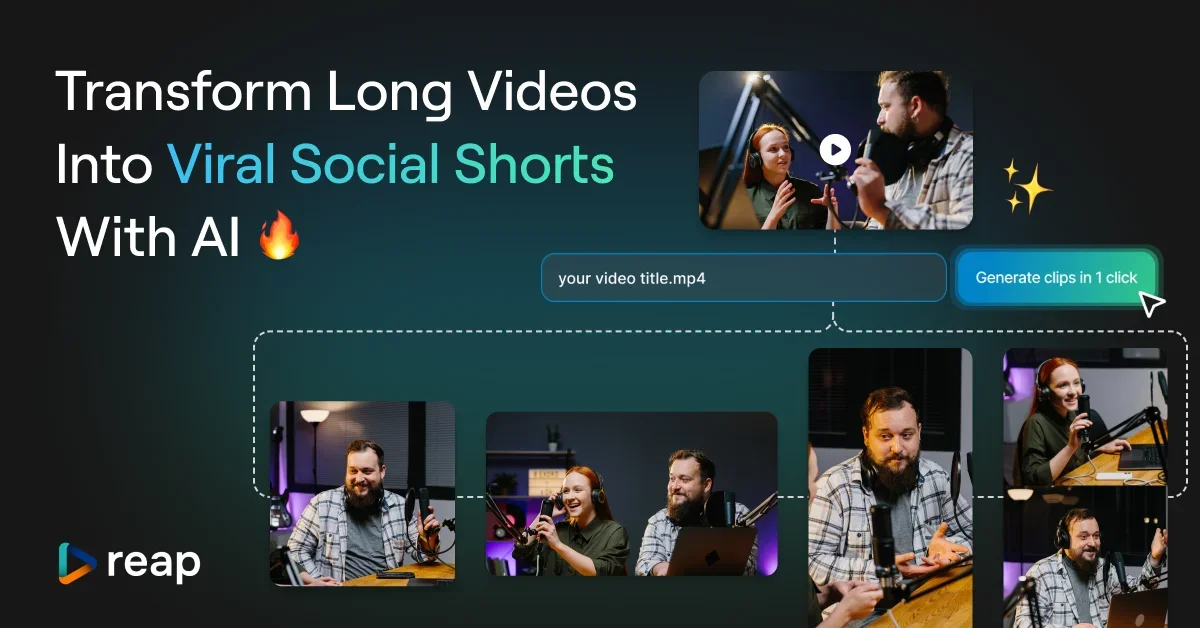
reap is an AI-powered video editing tool that converts a single long video into short, versatile content ready for publication across various platforms.

The tool converts long videos, webinars, and interviews into short clips, animated subtitles, dubbed versions, and subtitled transcripts, with the entire workflow automated via API, CLI, and MCP.

Reap relies on multi-signal analysis using artificial intelligence to identify the most shareable moments, analyzing:

  • Faces.
  • Voice tone.
  • Pauses.
  • Speech rhythm.

After the analysis, the tool automatically generates clips, adds captions, adjusts the framing, and prepares the content for publication on platforms such as TikTok, Reels, YouTube Shorts, LinkedIn, and all other platforms.

The tool offers a “Prompt-First Clipping” feature that allows users to direct the AI to search for specific content, such as:

  • Finding all mentions of a specific product.
  • Extracting strong opinions.
  • Creating clips based on intent, topic, marketing hook, or audience angle.

Reap also offers more than 50 animated caption templates that can be applied with a single click and are fully customizable, as well as support for over 100 languages, including Hinglish and Romanized Urdu.

Other features include:

  • AI Dubbing.
  • Merging multiple videos.
  • Branded templates.
  • Over 50 caption styles.
  • Speaker detection.
  • API Access, CLI, and MCP.

Reap is used by content creators and businesses in over 50 countries, and has processed more than 500,000 videos.

What does it actually offer based on user experience? ⭐

  • Convert long videos into short, share-ready clips.
  • Extracts key, shareable moments using AI.
  • Create clips based on a specific topic or goal rather than relying solely on random discovery.
  • Add animated captions in over 50 different styles.
  • Support for over 100 languages for translation and captions.
  • Create dubbed versions and subtitled translations of videos.
  • Automatically resize the video frame to fit short-form video platforms.
  • Schedule and publish content on social media.
  • Provide custom branded templates.
  • Support for integrations via API, CLI, and MCP.

Does it include automation? 🤖
Yes, Reap includes extensive automation for video editing and repurposing workflows.

Automation includes:

  • Analyzing long videos and automatically detecting the best moments.
  • Creating short clips.
  • Adding captions.
  • Frame realignment.
  • Creating subtitles and dubbing.
  • Prepare content for publication on various platforms.

It also provides technical automation tools through:

  • API.
  • CLI.
  • MCP.

Pricing Model: 💰
Reap uses a multi-tier pricing model that combines:

  • A free plan.
  • Paid subscription plans for content creators, teams, and organizations.
  • The option to pay monthly or annually, with savings of up to 40% when billed annually.

🆓 Free Plan Details:

FeatureDetails
Plan NameFree
Price$0/month
Plan DurationPermanently Free
AI ClippingUp to 1 hour/month (watermarked)
AI CaptionsUp to 1 hour/month (watermarked)
Video Export720p resolution (watermarked)
CaptionsBasic styles
Additional FeaturesAI Emoji & Keyword Highlighter

Paid Plan Details: 💳

PlanPriceBenefits
Creator$24/month when paying monthly or $9.99/month when paying annually, for a total of $119.88 billed annuallyAI Clipping up to 10 hours/month, AI Captions up to 10 hours/month, 1080p export without a watermark, dubbing and subtitling up to 2 hours/month, unique text-to-speech styles, Clipping with automatic frame adjustment, scheduling and posting content to social media, custom brand templates, support for over 100 languages, API access and integrations, unlimited media storage.
Studio$50/month when billed monthly or $29/month when billed annually, for a total of $348 billed annuallyAI Clipping up to 20 hours/month, AI Captions up to 20 hours/month, 4K export without a watermark, dubbing and translation up to 5 hours/month, team collaboration for up to 3 users, advanced AI tools, support for over 100 languages, API access and integrations, priority support, and faster processing times.
EnterpriseCustomUnlimited team members, custom hours for clipping and captions, dedicated account manager, priority support, 4K export without watermarks, custom volumes for dubbing and subtitling, SSO support, API access & custom integrations.

How to access the tool: 🧭

MethodDetails
WebAvailable via the official website
APIAvailable in paid plans
CLIAvailable in integration tools
MCPAvailable in integration tools

Demo link or official website: 🔗
https://reap.video/pricing

Pricing Details

Reap uses a multi-tier pricing model that combines a free plan with paid plans tailored for content creators, teams, and organizations, offering the option to pay monthly or annually—with savings of up to 40% when billed annually. The Free plan, available to all content creators at $0/month, is permanently free. It allows you to start a free trial and includes the AI Clipping feature for up to 1 hour/month (watermarked), the AI Captions feature for up to 1 hour/month (watermarked), the ability to export videos in 720p resolution (watermarked), as well as basic caption styles and the AI Emoji & Keyword Highlighter feature. The Creator plan is designed for professional content creators and costs $24/month when paid monthly or $9.99/month when paid annually, for a total of $119.88 billed annually. After purchase, credits become available immediately and expire within 13 months, with the option to purchase additional credits once the current balance runs out. The plan offers AI Clipping for up to 10 hours/month, AI Captions for up to 10 hours/month, 1080p video exports (watermark-free), and up to 2 hours/month of dubbing and translation, in addition to unique text-to-speech styles, an auto-framing clipping feature, scheduling and publishing content on social media, custom branding templates, support for over 100 languages, API access and integrations, and access to an unlimited media library. The Studio plan is the most popular option, designed for creative agencies and organizations that need more capabilities. It costs $50/month when paid monthly or $29/month when paid annually (for a total of $348 billed annually). After purchase, credits become available immediately and expire within 13 months; you can purchase more once your current credits run out. The plan includes AI Clipping for up to 20 hours/month, AI Captions for up to 20 hours per month, 4K video export (watermark-free), and up to 5 hours per month of dubbing and translation, collaboration features for up to 3 users, advanced AI tools, support for over 100 languages, API access and integrations, as well as priority support and faster turnaround times. The Enterprise plan is designed for large teams and custom needs, with a custom price tailored to the organization’s requirements, the ability to work directly with the sales team, an unlimited number of team members, dedicated hours for editing and captioning, a dedicated account manager and priority support, 4K video export (watermark-free), custom sizes for dubbing and translation, SSO support, API access, and custom integrations.