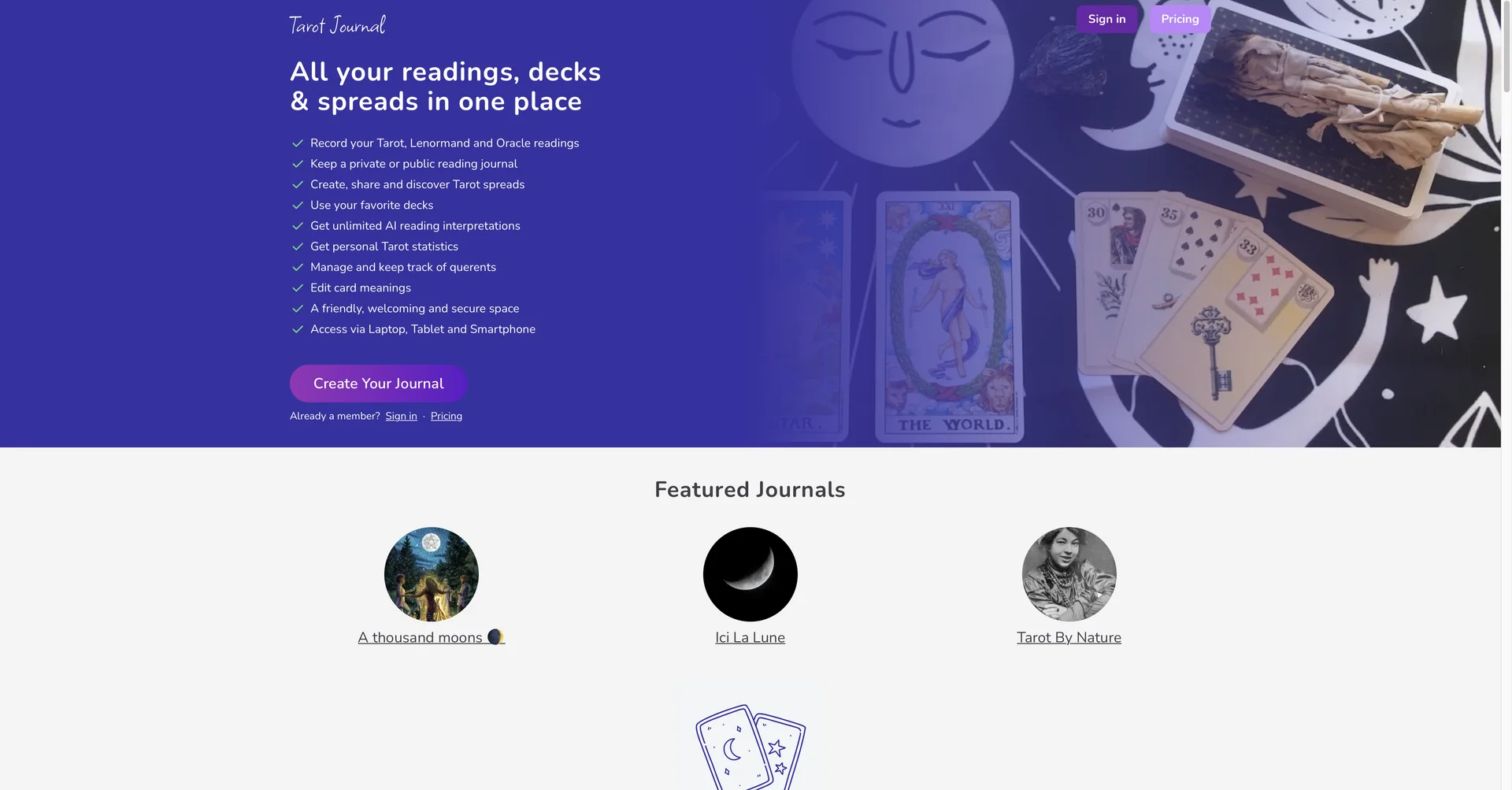
Diary Tarot
AI Tarot readings for daily guidance and insights.
Last updated
Features
- Reads tarot cards in the context of your journal entries
- Scans physical card decks with the phone camera and saves readings
- Tracks daily mood and correlates it with tarot pulls
- Digital spreads including Celtic Cross, Yes/No and Past-Present-Future
- AI search across past entries and readings
- Syncs readings with lunar phases and planetary transits
- Encrypted database for private reflections
Pricing Details
💵 Pricing (January 2026 Status)
Diary Tarot tools typically follow a "Freemium" model or are sold as one-time digital assets.
| Plan / Type | Price (Monthly) | Key Features |
|---|---|---|
| Free Tier | $0 | Daily single-card pull; Basic card meanings; Simple journaling; Ad-supported. |
| Premium AI App | ~$4.99 - $9.99 | Unlimited AI interpretations; Photo scanning of physical decks; Cloud backup; No ads. |
| Yearly Subscription | ~$40 - $60 | Priority AI processing; Advanced "Shadow Work" prompts; PDF export of your yearly journey. |
| Digital Planner (Etsy) | ~$5 - $15 (One-time) | Interactive PDF/Goodnotes templates for manual journaling; Includes 2026 transit dates. |
🎁 Is there a free version?
Yes. Most mobile apps (like Tarot Journal on Google Play) are completely free for basic daily pulls. For the "Advanced AI Analysis" that connects to your personal diary entries, a small monthly subscription is usually required to cover the AI processing costs.
Related Tips
- How to Use the Pokecut Tool to Easily Extract Images · Image Design and Creation, Editing, Enhancement & Upscaling…
- AI Room Designer Explained: How to Redesign Rooms in Your Home Using a Single Photo? · Image Design and Creation, Editing, Enhancement & Upscaling…
- AI Room Designer Explained: How to Redesign Rooms in Your Home from a Single Photo? · Image Design and Creation, Editing, Enhancement & Upscaling…
- Revid AI vs. Fliki: Which is better for creating ready-to-go Reels from a single idea? · Video Generation & Editing, Text and Images to Video…
- An explanation of the Kittl Vectorizer tool for converting images into editable vectors · Image Design and Creation, Editing, Enhancement & Upscaling…