AirBrush AI Background Remover
Features
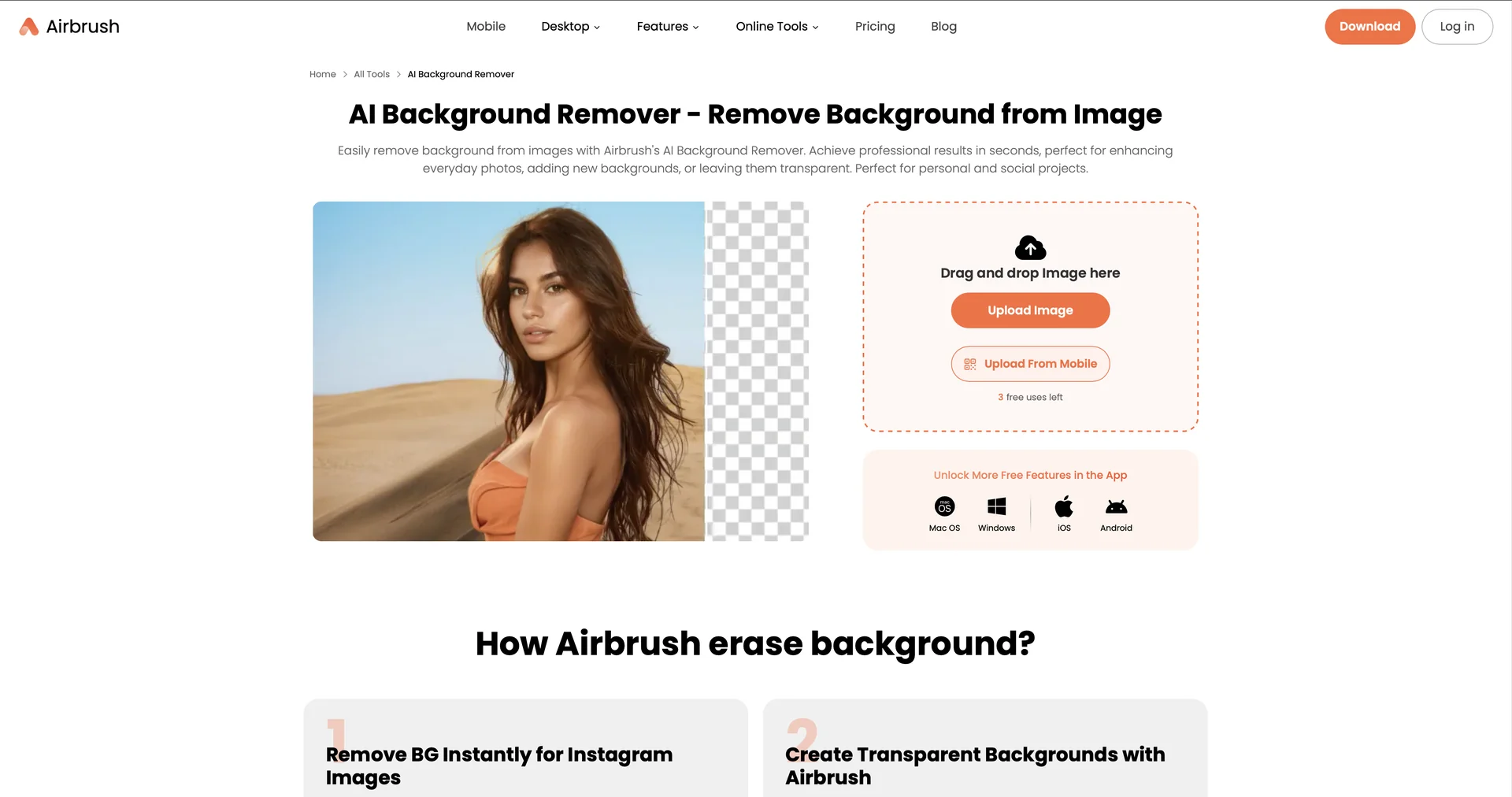
- Detects the main subject precisely, including hair and transparent objects
- Replaces backgrounds with solid colors, transparency or AI-generated backgrounds from text prompts
- Processes multiple images in batches
- Applies AI retouch such as blemish removal, teeth whitening and skin smoothing
- Removes video backgrounds without a green screen
- Supports PNG, JPEG and other formats with high-resolution exports
- Works on web, iOS, Android, Windows and macOS
Pricing Details
💵 Pricing & Plans (February 2026 Status): Plan Price (Approx.) Key Features Free / Trial $0 Up to 3 trial removals per day; resolution limits; basic editing. Pro / Premium ~$4.99 - $9 / mo Unlimited removals; 4K high-res exports; no watermarks; all retouch tools. Business / Team ~$45 / mo (Flat) Batch processing; commercial usage rights; dedicated support; multi-seat access. 🎁 How to Get Started: Visit Upload your image (portrait, product, or graphic). The AI will process the removal in seconds. You can then choose to "Download as PNG" for a transparent background or select "Change Color" to prep the image for an e-commerce listing.