Description
🖼️ Tool Name:
SubGetPro
🔖 Selected Classifications:
Motion, Titles & Subtitles
Video Summaries & Clips
Editing, Enhancement & Upscaling
Style Transfer & Batch
✏️ Overview & Key AI Features:
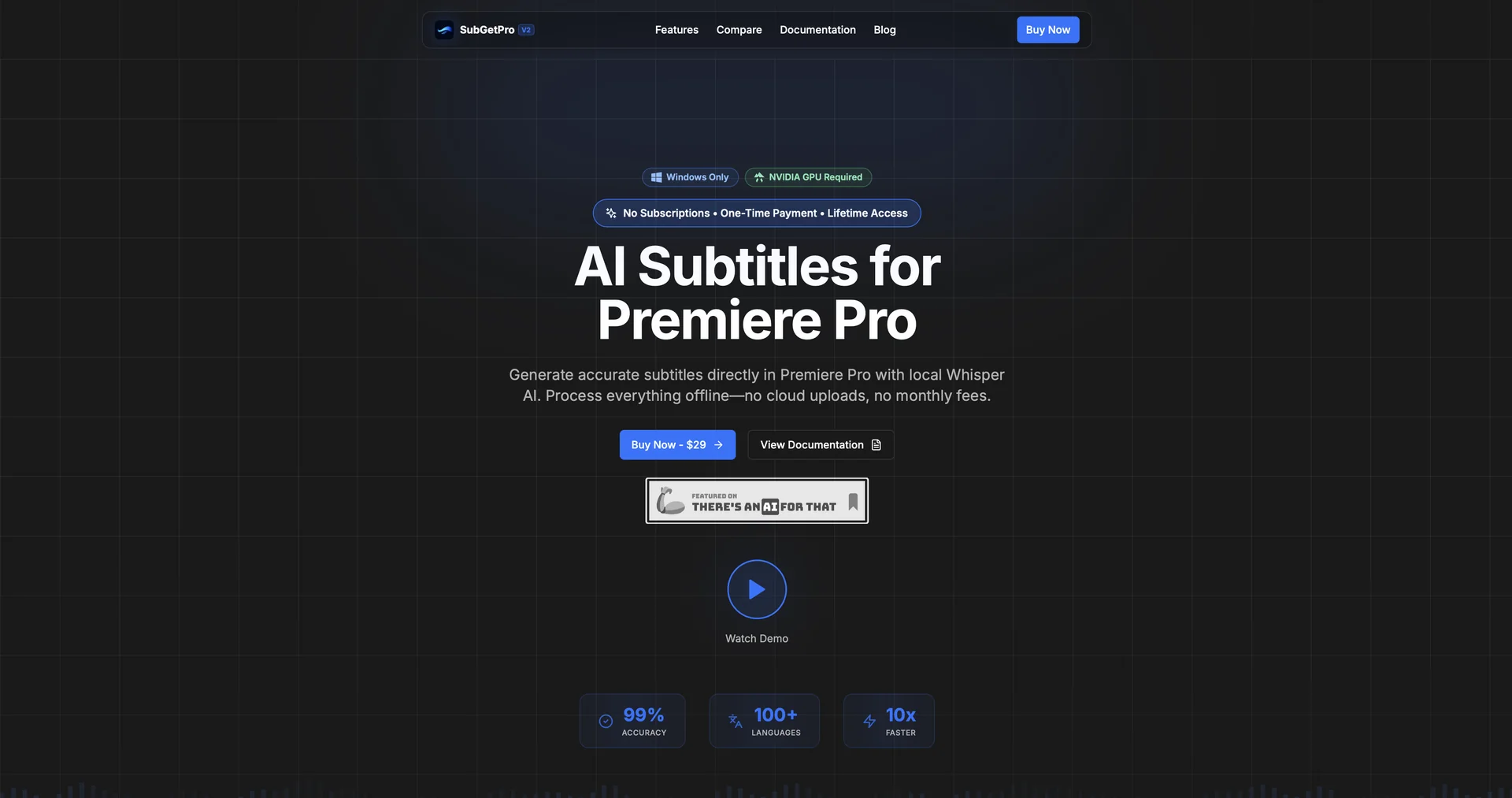
The "Offline" Premiere Pro Partner: SubGetPro is an AI-powered subtitling extension specifically built for Adobe Premiere Pro. Its defining feature is Local Processing, meaning transcription and caption generation happen entirely on your machine rather than the cloud.
Whisper AI Integration: Utilizes OpenAI's Whisper engine to achieve professional-grade speech-to-text accuracy. Because it runs locally, it is a top choice for creators handling sensitive or private footage.
One-Click Workflow: Designed to eliminate manual "spotting." It features one-click transcription, silence detection, and automated subtitle placement directly onto the Premiere Pro timeline.
RTL Language Specialist: Unlike many Western-centric tools, SubGetPro offers robust, native support for Right-to-Left (RTL) languages, including Arabic, Persian, and Urdu, alongside 100+ other languages.
Customization via MOGRTs: Allows users to style their captions using Motion Graphics templates (MOGRTs), enabling high-end cinematic or social-media-style "pop-up" text that matches your brand guidelines.
GPU-Accelerated Performance: Optimized for users with NVIDIA GPUs, ensuring that even long-form video transcription is handled at high speed without needing an internet connection.
⭐️ User Experience:
"The Privacy Advocate's Choice": In 2026, SubGetPro is highly rated (5.0/5 on various AI directories) by professional editors who work with confidential content. Users praise its "straightforward" integration and the fact that it doesn't require a recurring subscription, making it a sustainable choice for freelancers. Its ability to handle complex Arabic script without formatting errors is frequently cited as a major "pro."
💵 Pricing & Plans (April 2026 Status):
SubGetPro is notable for its One-Time Payment model, bucking the trend of AI subscriptions.
🎁 How to Get Started:
Visit subgetpro.com to download the extension. Since it requires a specific environment to run locally, ensure you have Adobe Premiere Pro installed and a compatible NVIDIA GPU for the best performance.
⚙️ Access or Source:
Official Website
Platform: Adobe Premiere Pro Extension (Windows-focused).
