Find the right tool
Say what you want to do in your own words, in English or Arabic, and we will search the AI tools for it.
60 tools found · showing 36
Captions Ai
FreeCaptions is an AI video generator and editor that takes you from an idea or existing footage to ready-to-share videos.
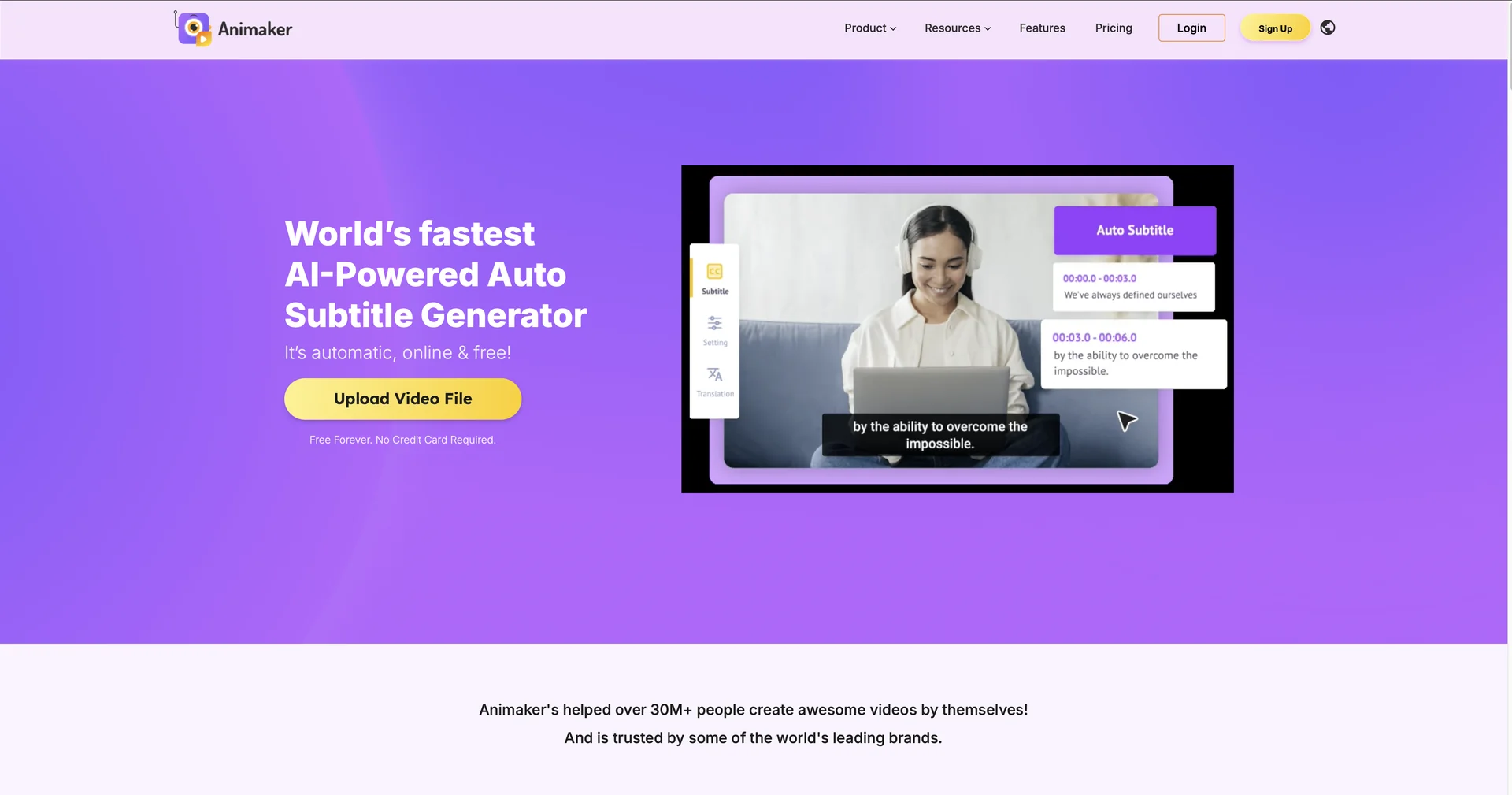
Animaker Subtitle Generator
Free TrialGenerate subtitles for videos with AI in one click.
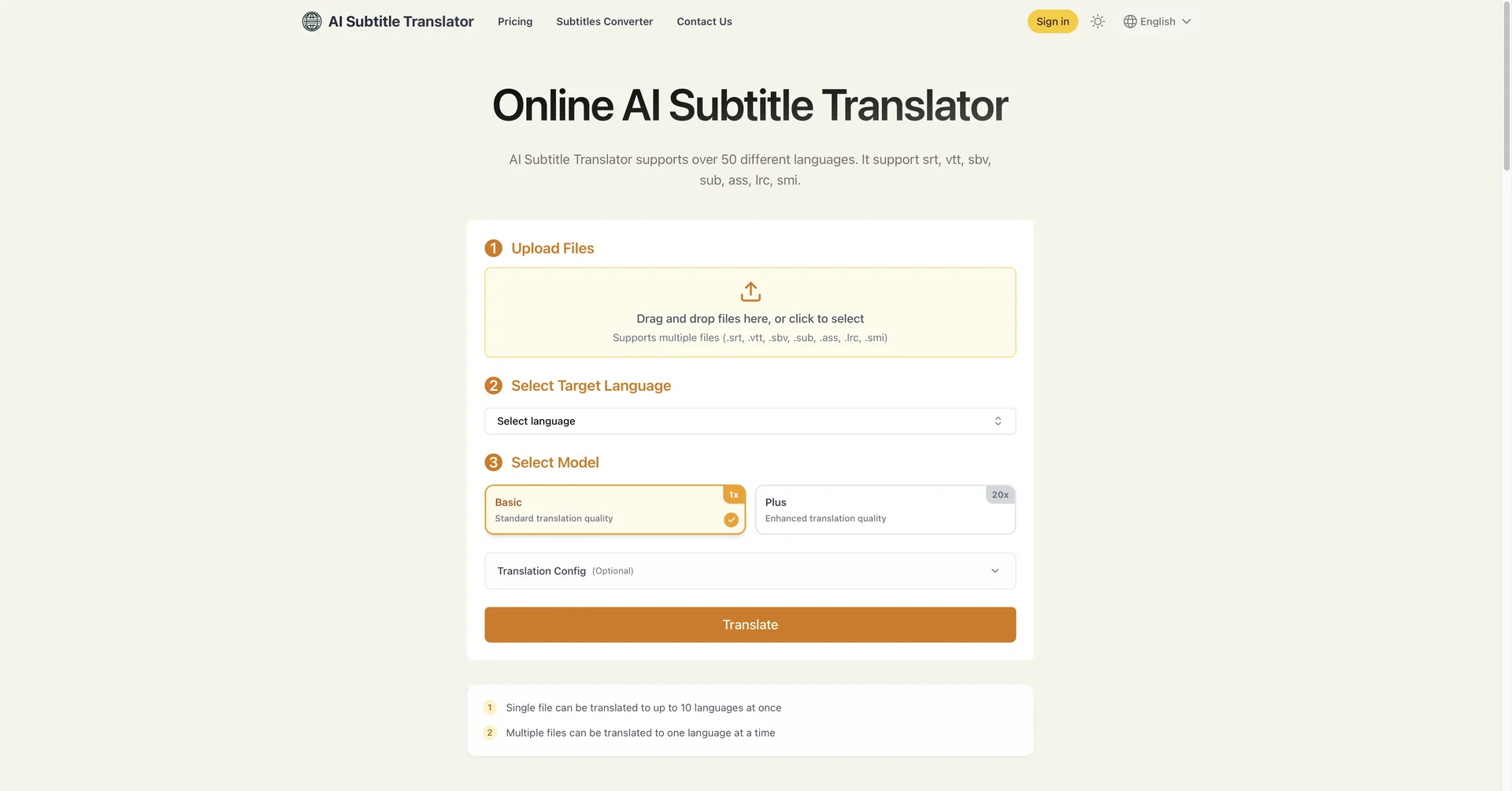
AI Subtitle Translator
Free TrialAI-powered subtitle translation for global content creators.

Caption My Photos
Free TrialCaptionMyPhotos is an easy-to-use, AI-powered tool designed to automatically create creative and personalized captions for photos. Users can upload single or multiple photos, customize the settings to suit their style or add specific tags, then let the AI get creative to produce engaging captions. This service is ideal for social media influencers, content creators, marketers, photographers, and anyone looking to optimize their visual content with the right words quickly and efficiently, saving time and boosting engagement with their audience.
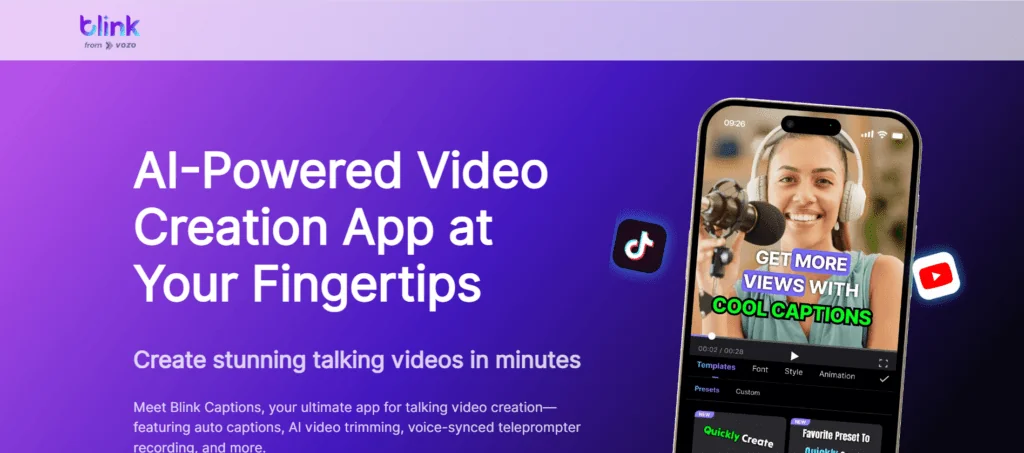
BlinkVideo
Free TrialBlink Captions by Vozo AI is an AI-powered video editor focused on creating subtitles and dynamic captions, as well as editing and translating videos. The app can automatically generate captions with up to 98.9% accuracy, with precise synchronization to the audio and over 200 customizable styles. It also supports one-click translation of captions into up to 120 languages. The app currently supports 74 languages across 118 dialects in its Auto Captions and AI Translate features.
Submagic
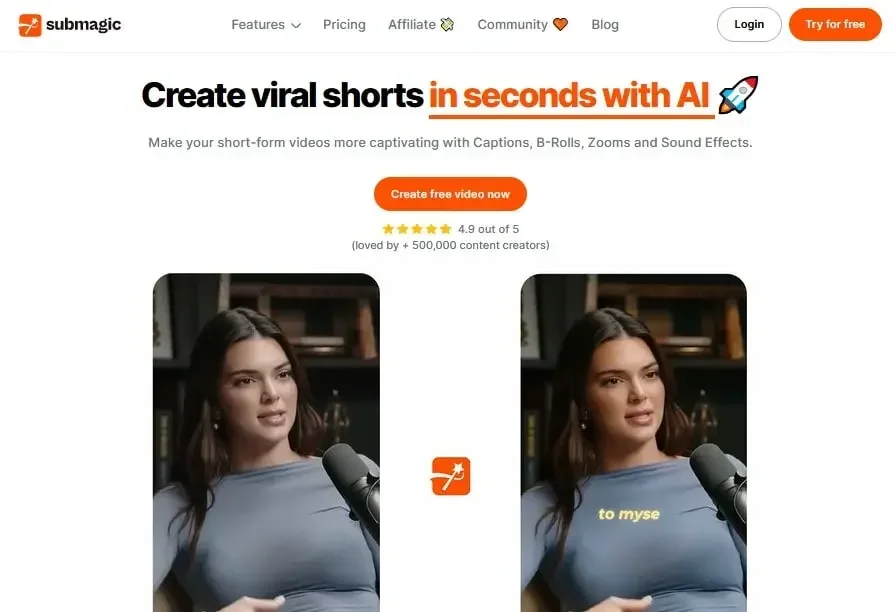
PaidA tool to generate video captions along with emojis.
AI Image to Caption Generator
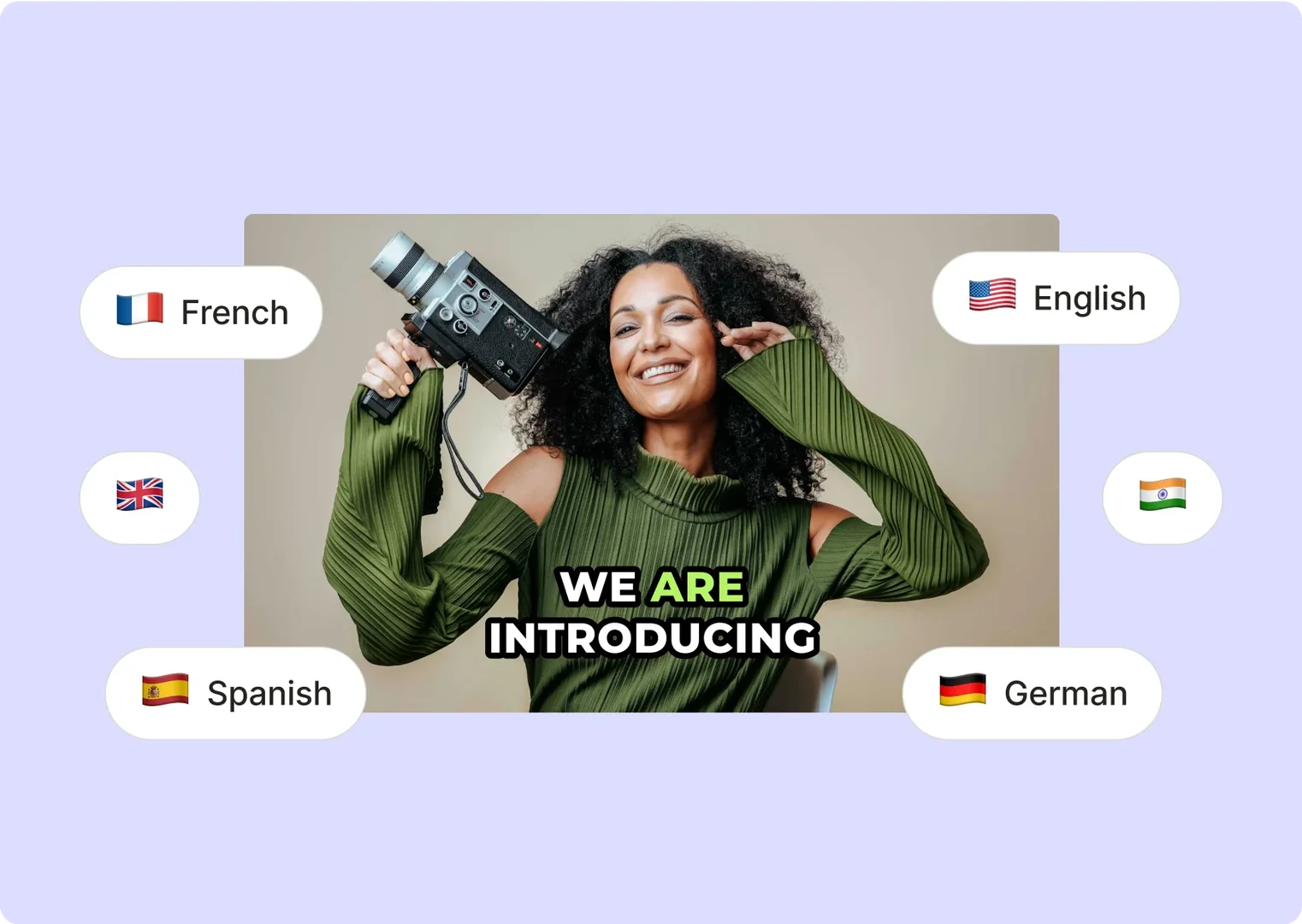
Free TrialImage Caption Generator is a free online tool that uses artificial intelligence to generate captions based on images. It analyzes the image itself rather than relying on a description written by the user, then generates several suggestions from which you can choose the most appropriate one and copy it. It allows you to upload images in PNG, JPG, GIF, and HEIC formats; select the appropriate tone for the content; add optional contextual information to improve understanding of the image; and then choose the language and generate captions. Available tones include Social, Blog, Alt Text, Funny, and Professional, with the option to select additional tones. The platform explains that the tool relies on AI and computer vision technologies to understand image details and generate appropriate captions. It can be used for social media posts on platforms like Instagram, Facebook, and Twitter; blog content; e-commerce product descriptions; creating alt text to improve accessibility and SEO; educational materials; and generating more descriptive and relevant filenames for image content. The tool also includes features for incorporating keywords into captions to help improve the discoverability of images through search engines.
Buzz Captions
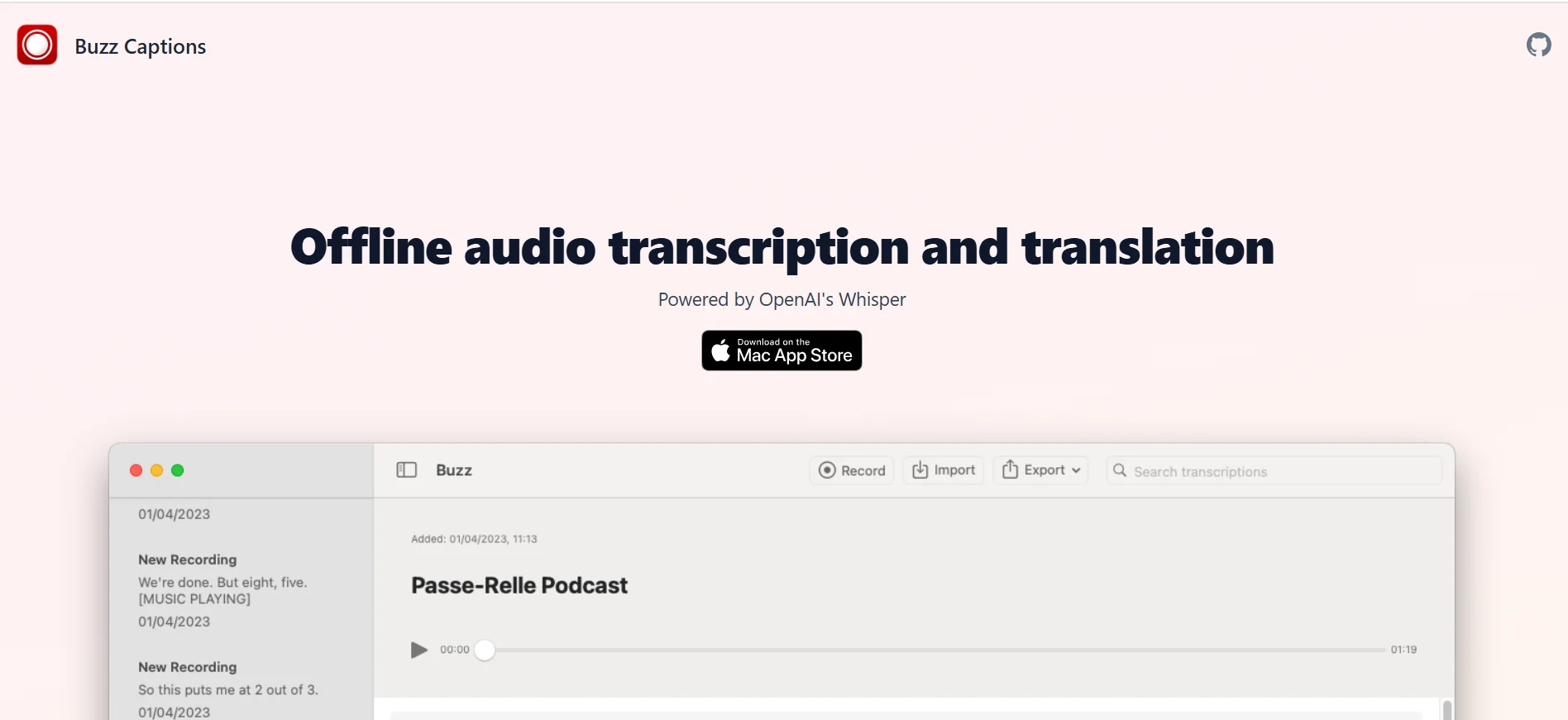
Free TrialBuzz is an open-source tool for converting audio to text and translating audio locally on the user's device; it is based on Whisper models. It allows users to convert audio and video files and YouTube links to text, as well as transcribe audio directly from the microphone.
Elai.io
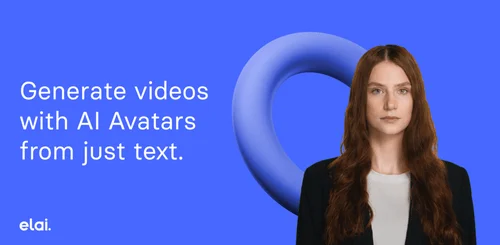
Free TrialElai.io enables users to produce complete videos without the need for filming or actual production equipment, using virtual characters and artificial intelligence. The platform offers a comprehensive video editor that allows users to create dialogues between characters, add interactive elements, and automatically translate videos. Presentations can also be easily converted into videos.
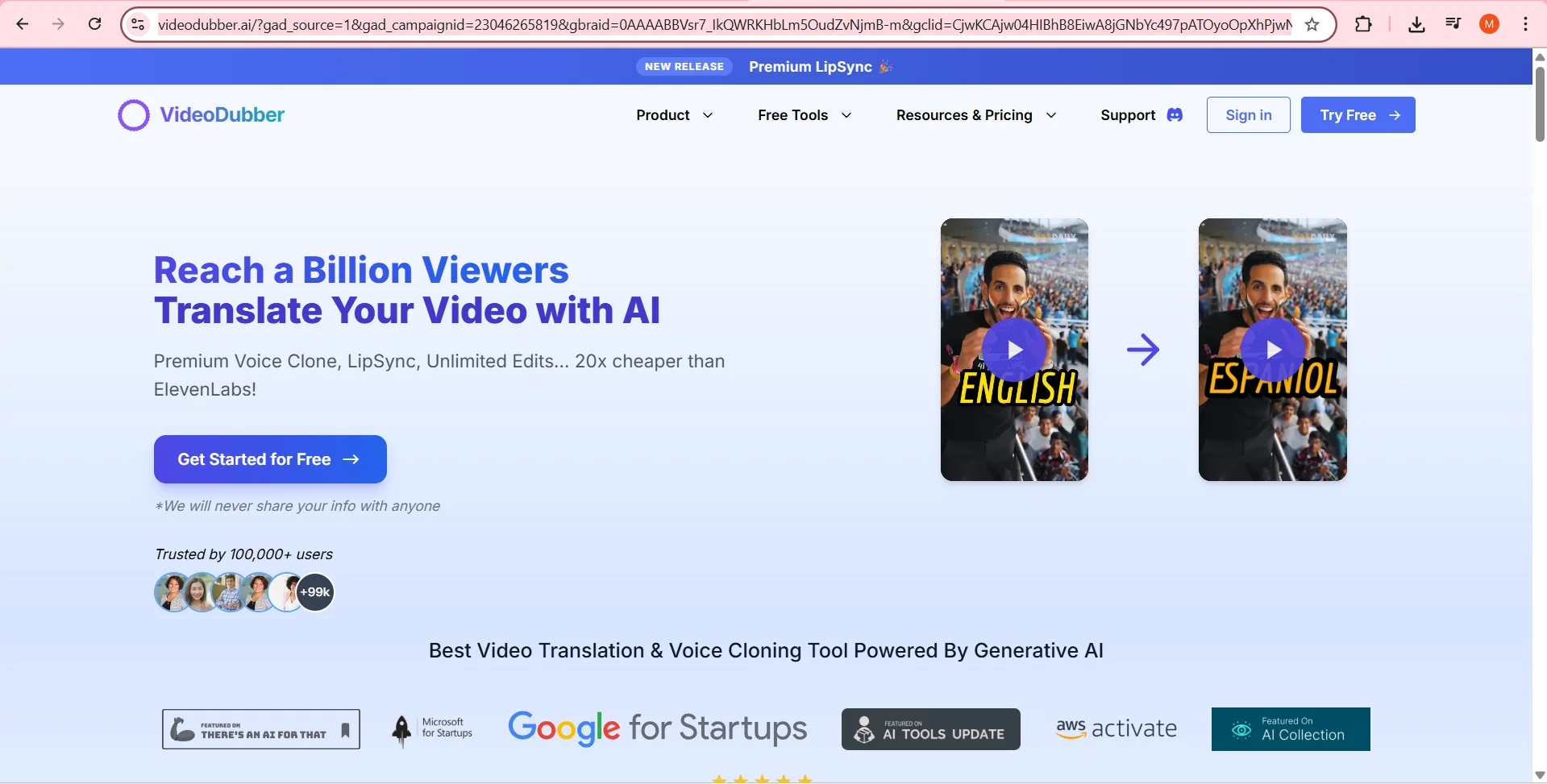
VideoDubber AI
Free TrialVideoDubber supports uploading SRT and VTT files and extracting text using OCR from subtitles embedded within the video; it also allows you to export a fully dubbed video with bilingual subtitles or text embedded within the video. It also offers independent lip-syncing or lip-syncing linked to the translated dubbing, as well as text-to-speech conversion to create natural and expressive voiceovers, with support for multiple languages and voice control.
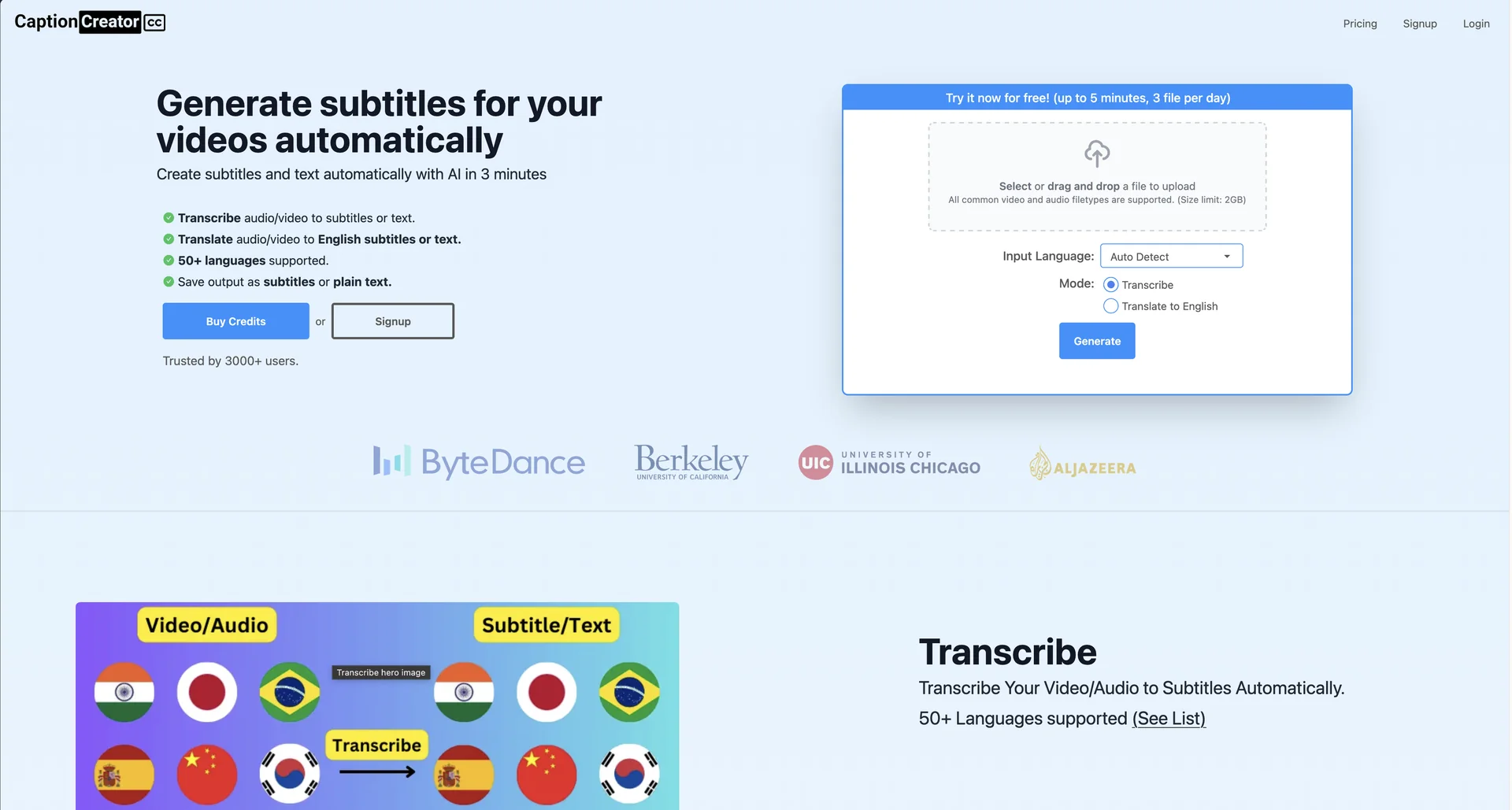
CaptionCreator
PaidGenerate precise video subtitles effortlessly online.
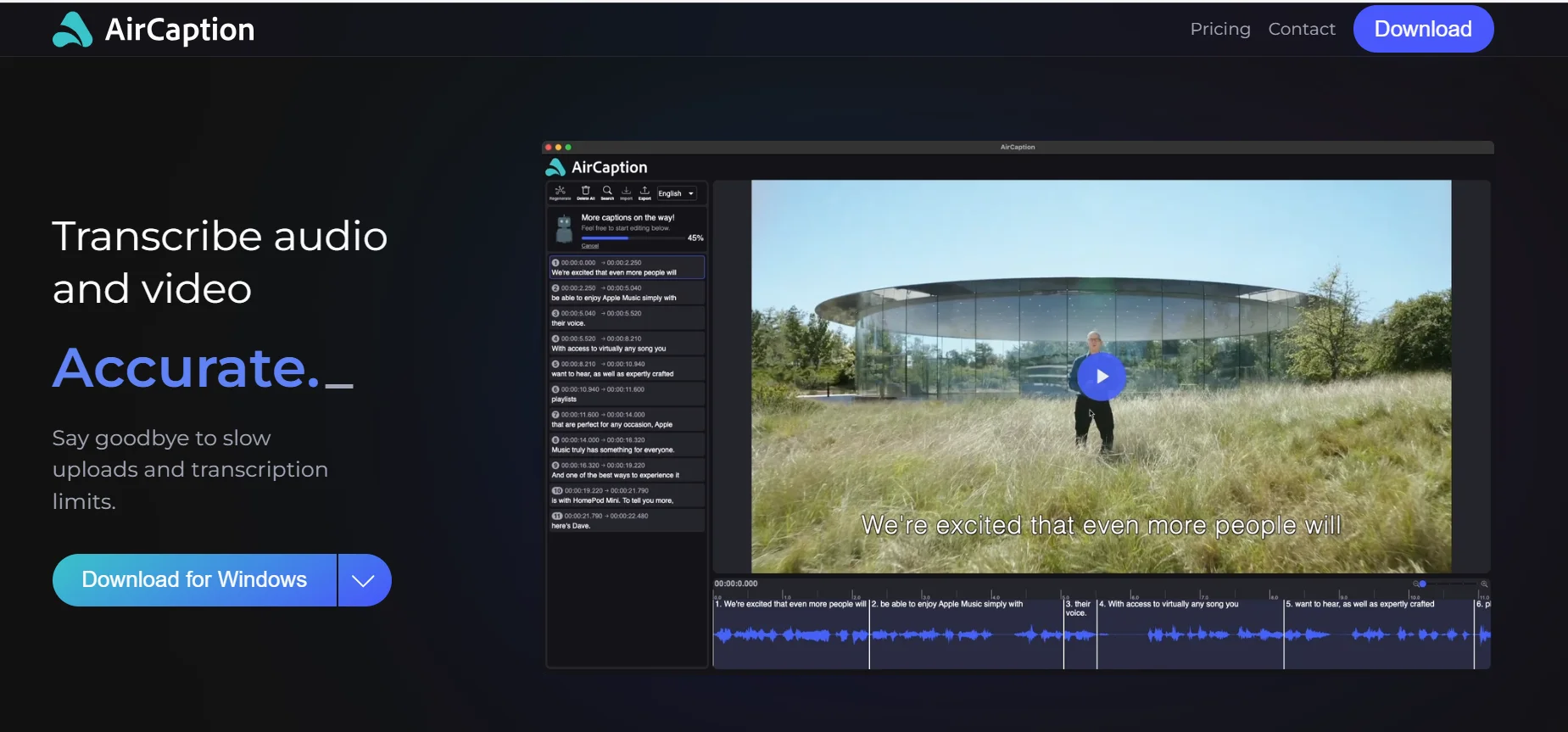
AirCaption
Free TrialAirCaption is a tool that specializes in automatically converting audio and video files into written text using artificial intelligence. It is designed to help content creators quickly and easily create captions, with the ability to edit text and timing and output in multiple formats. The tool works on Windows computers and supports a large number of languages.
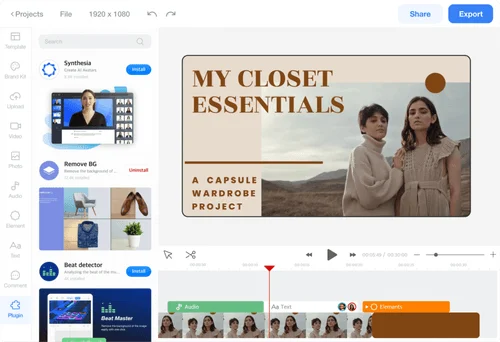
Ssemble
Free TrialSsemble allows users to automatically convert long videos into short clips using artificial intelligence. Simply enter a YouTube video link, then click the "Get Clips" button, and the system will analyze the video, select the best moments, and convert them into short clips ready for sharing, complete with automatic subtitles.
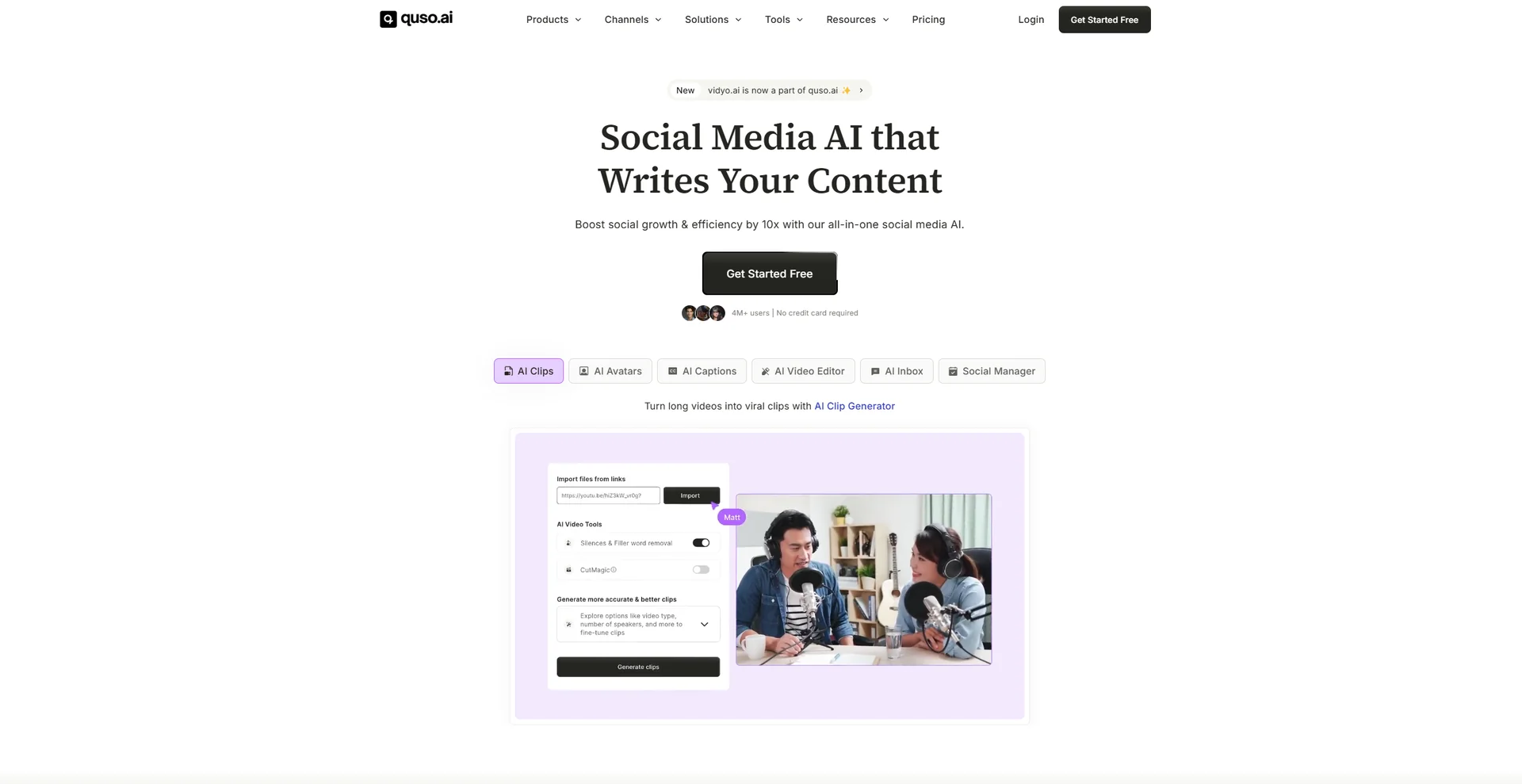
Quso.ai
Free Trialquso.ai is an AI-powered platform for repurposing video content and converting long videos into short clips ready for posting on social media platforms. The platform allows users to upload a single long video, which it then automatically analyzes to identify the best moments and most engaging clips, then converting it into up to 10 short, shareable clips, complete with captions and formatted to meet the requirements of social media platforms.
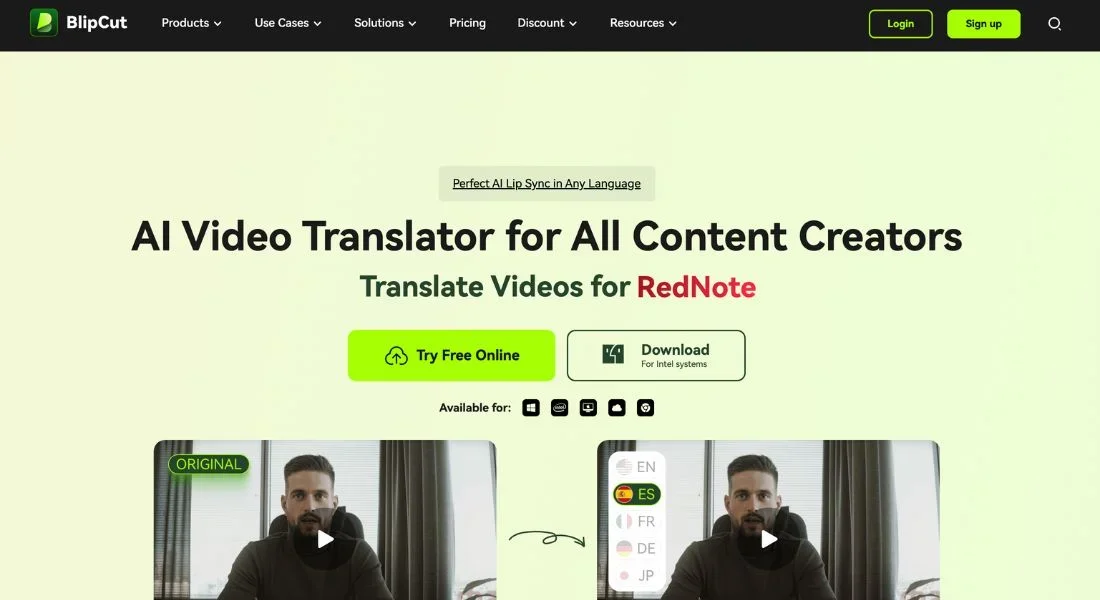
BlipCut AI Video Translator
Free TrialA platform to translate, dub, and generate subtitles for multilingual videos.
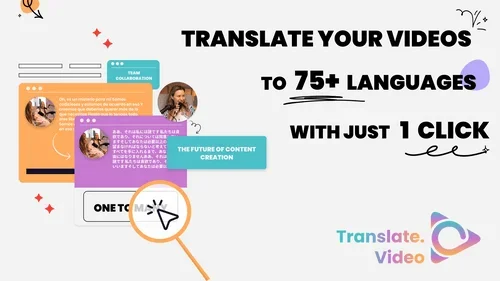
Translate.Video
Free TrialTranslate videos with just 1-Click
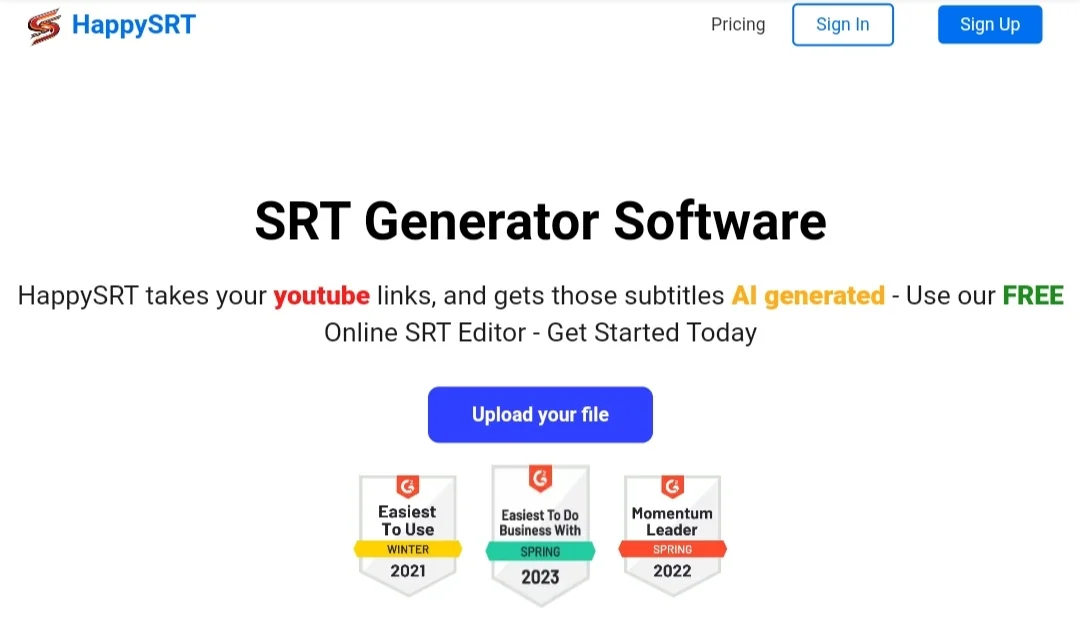
HappySRT
Free TrialA tool to generate subtitles and SRT editing.

Wave.video
Free TrialCreate, edit, trim, cut and add subtitles to videos
HiClip AI
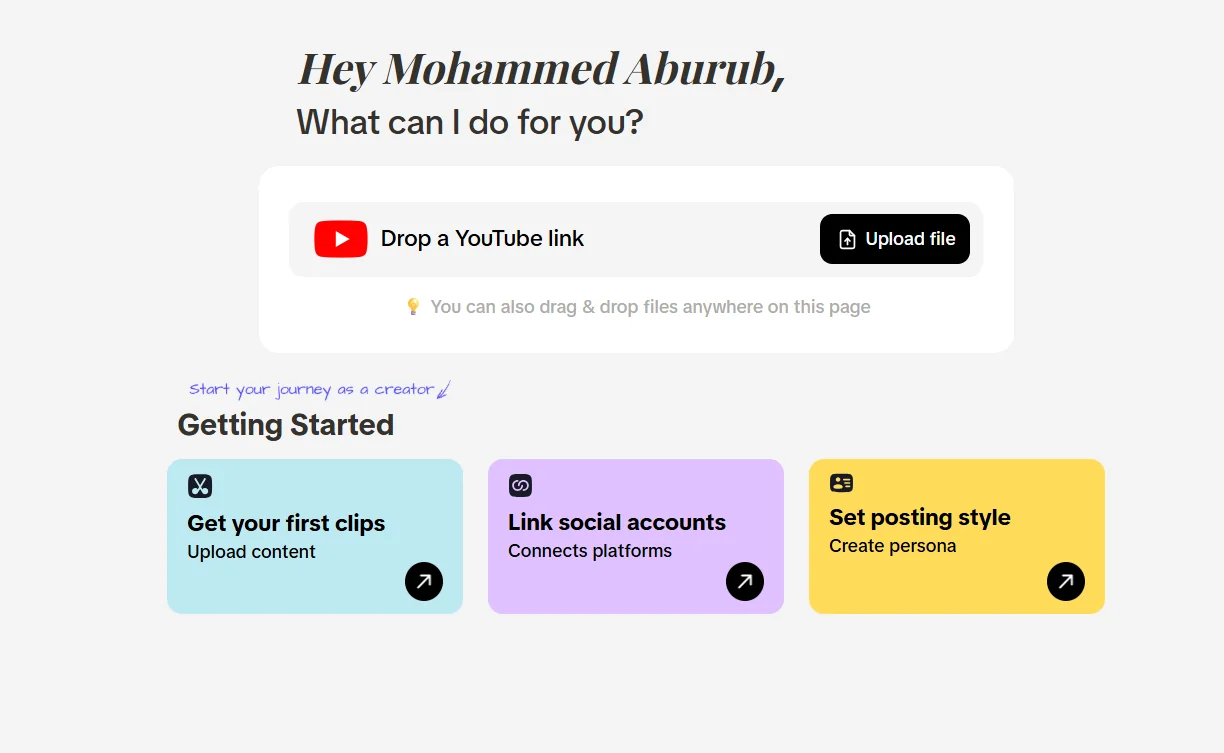
Free TrialHiClip AI : An artificial intelligence platform that converts long text or videos into short, social media-ready clips with automatic subtitles and thumbnails. Perfect for content creators who need speed and quality without editing experience.
Zeemo AI
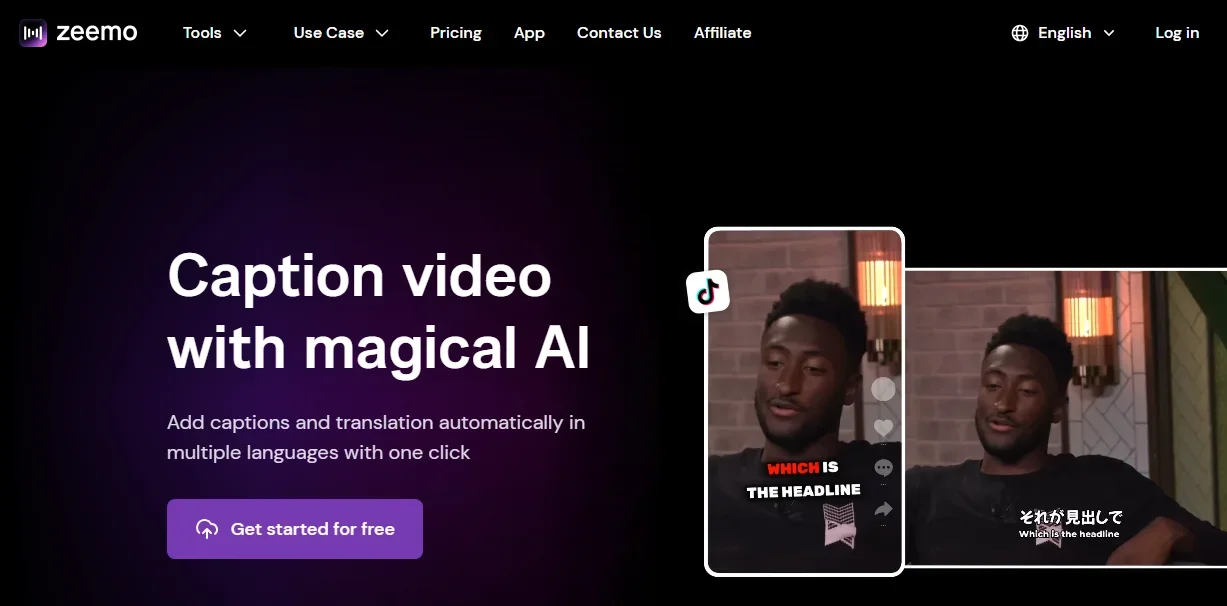
PaidAn app for generating subtitles in 17 languages.

vidby
PaidA platform for video translation and dubbing.
CAPIT
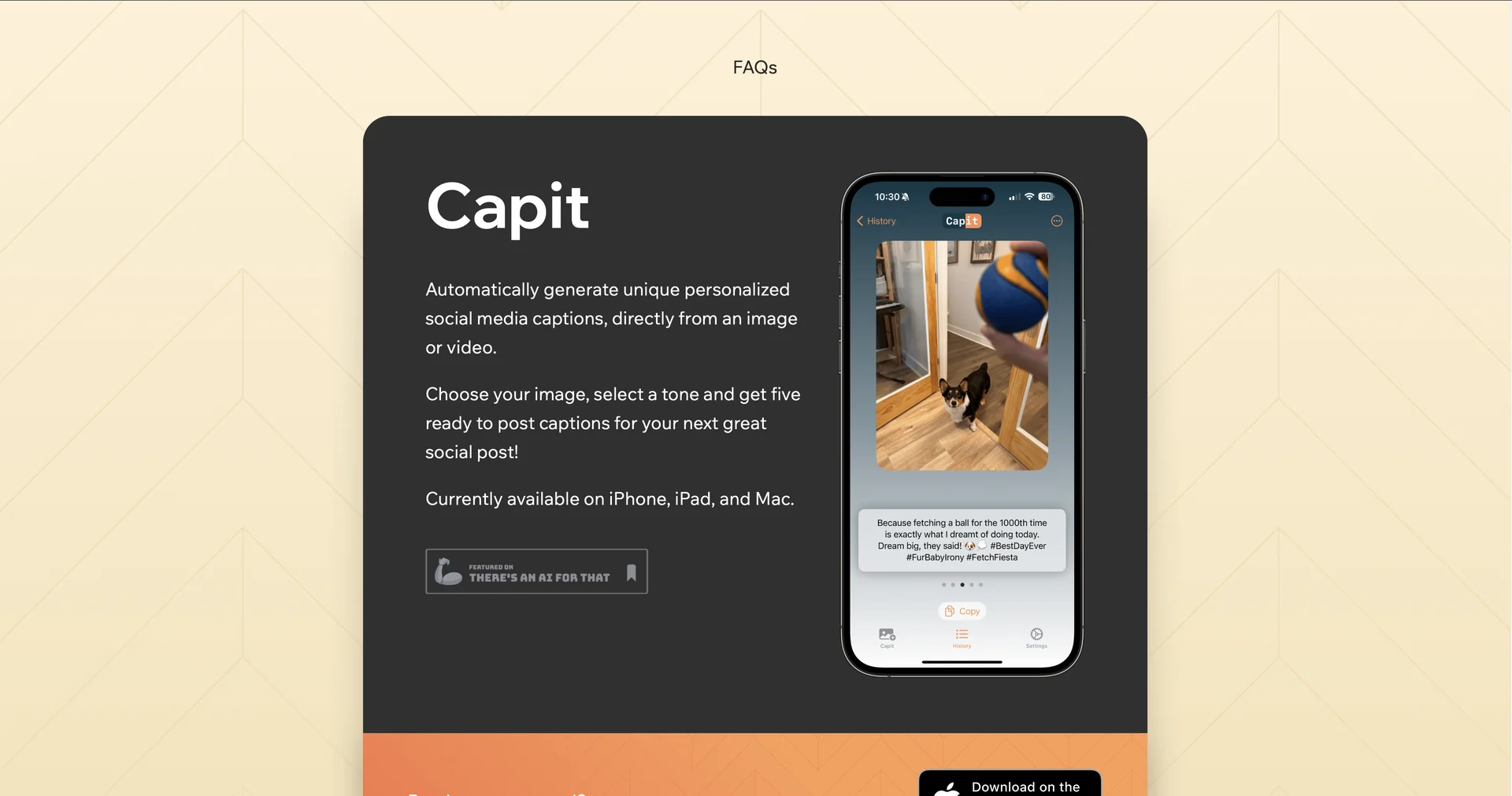
Free TrialAutomatically generate unique personalized social media captions from images or videos.
Synthesia 3.0
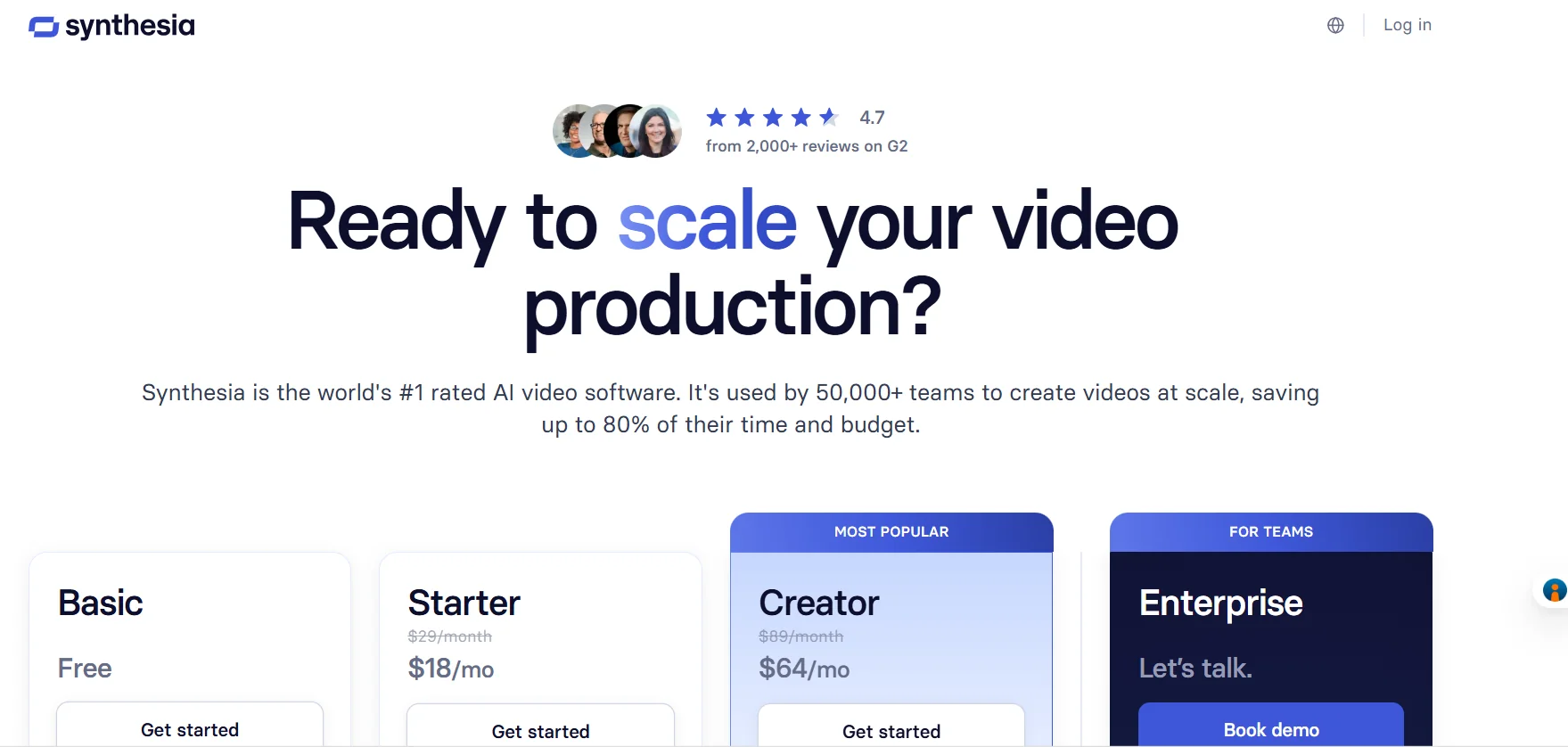
Free TrialSynthesia allows you to create professional videos using artificial intelligence, with a choice of virtual characters (AI Avatars), voice integration, and automatic subtitles. The tool can be used to generate educational, marketing, or presentation videos quickly and with high quality, saving time and effort.
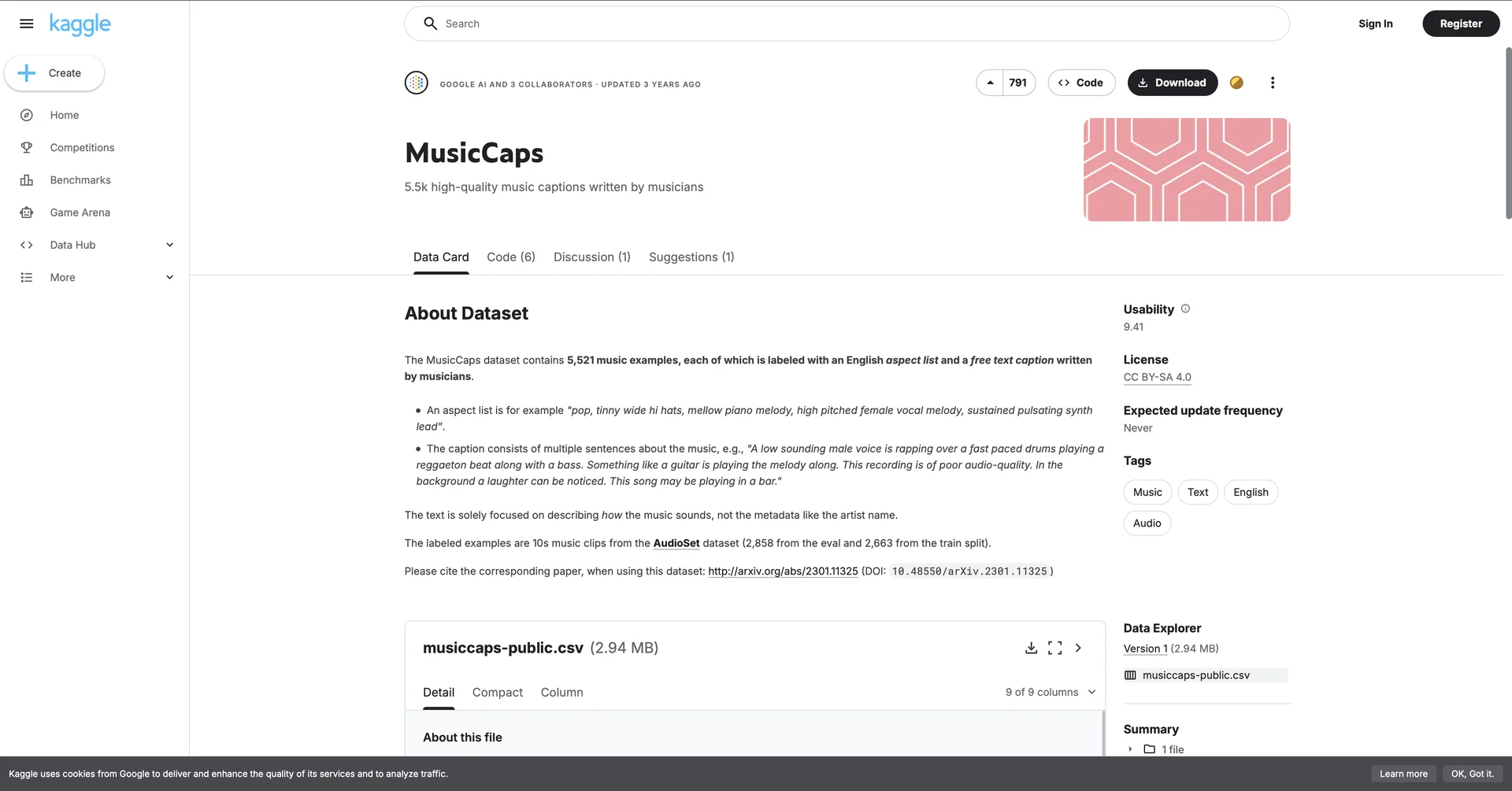

Submarine Player
Free TrialSubmarine Player is a Mac-native AI-powered video player that delivers real-time, on-device transcription and translation for any video. Perfect for learners, international content viewers, and privacy-conscious users, it supports dual-language subtitles and works fully offline after a one-time model download. The freemium model offers robust free features, with paid upgrades unlocking advanced subtitle tools and lifetime access. Ideal for anyone who watches multilingual videos and values accuracy, convenience, and privacy .
Dubly.AI
Free TrialDubly.AI uses artificial intelligence to translate and dub videos into more than 40 languages, while maintaining audio and video quality and ensuring lip-sync with the target language, so that the video appears as if it were originally filmed in the new language.
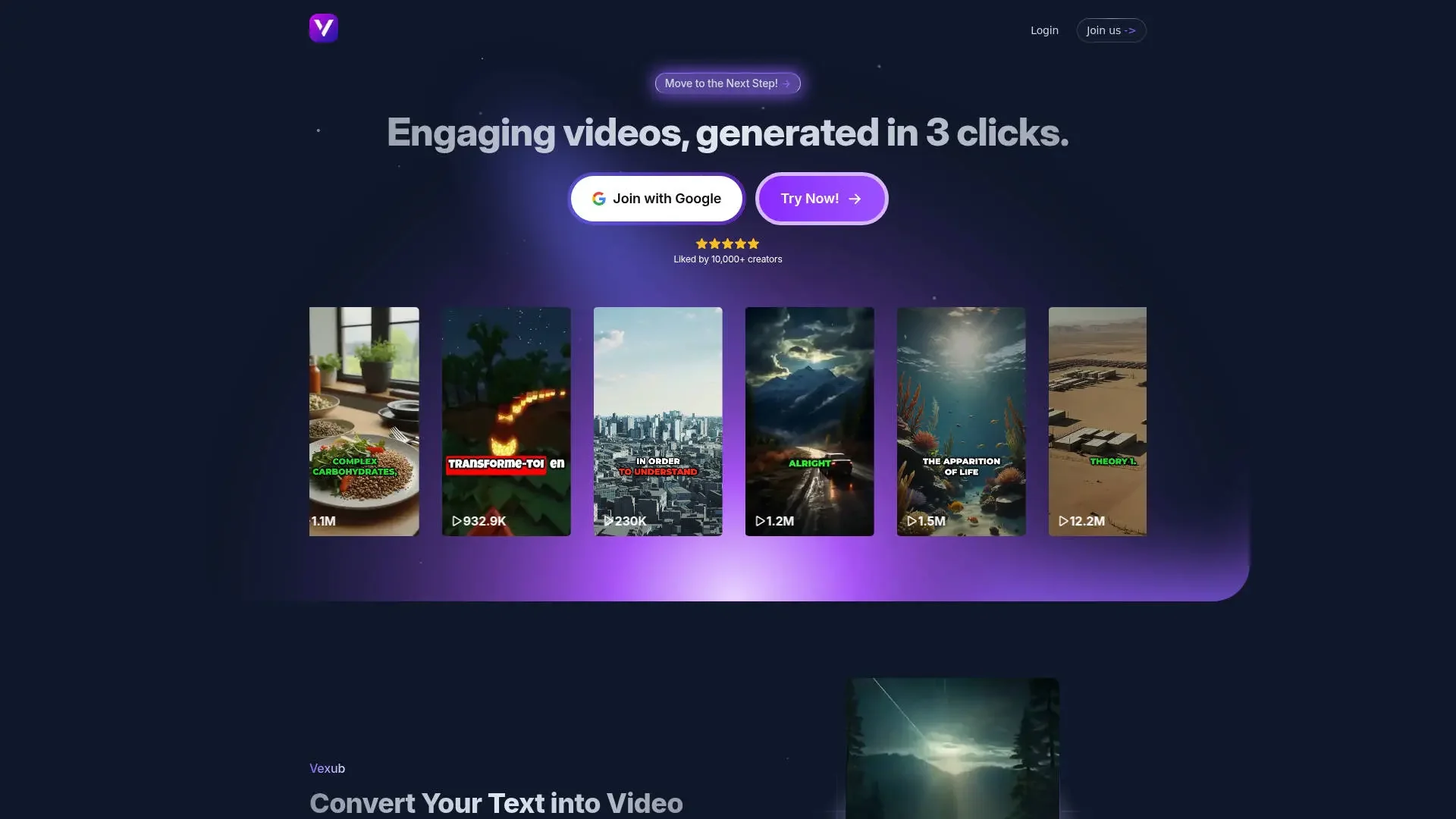
Vexub
Free TrialVexub is a platform for creating videos using artificial intelligence, designed to help users automatically produce visual content without having to manually complete all the preparation and editing steps. The platform offers a range of tools, including automatic video generation, selection of voices and visual styles, addition of automatic subtitles, content customization, creation of video descriptions and tags, and video downloads, as well as the use of personalized AI voices.
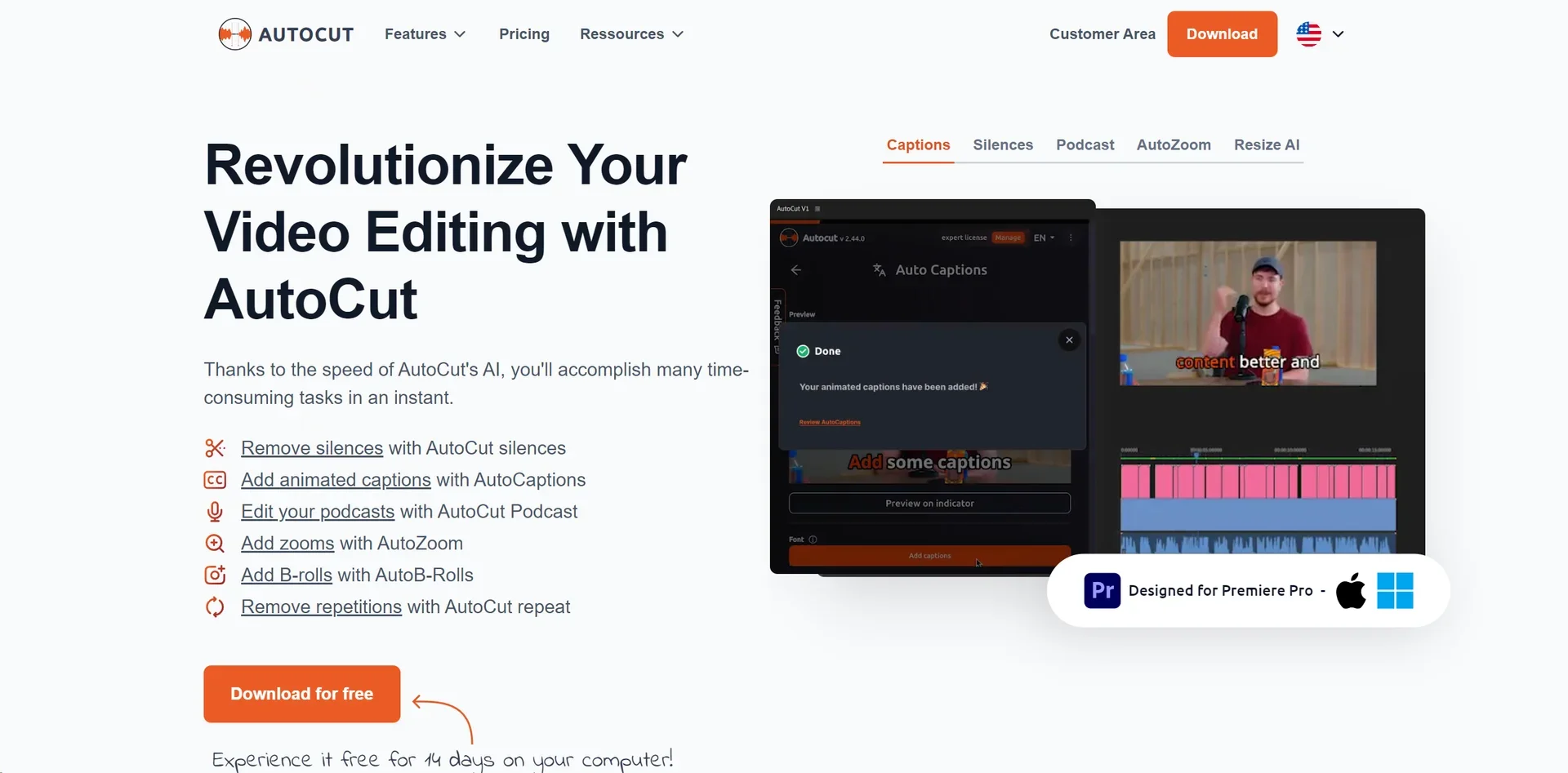
AutoCut
PaidAn Adobe Premiere Pro plugin to automate silence removal, add animated captions, and other video editing tools.
Viroll
Free TrialA tool to create and edit videos, automated captions, clips, frames, and visuals.

WUI.AI
Free TrialWUI.AI is a platform for creating shareable short videos using artificial intelligence. It allows users to turn an idea, text, or creative brief into a complete short video that includes a storyboard, audio, and subtitles—all ready for publication.
Valossa AI
Free TrialValossa AI is a comprehensive platform that leverages advanced multimodal AI to automate and enhance various aspects of video production. From transcription and captioning to content analysis and promotion, Valossa AI streamlines workflows, improves efficiency, and supports content creators in delivering high-quality, engaging videos. Its scalable solutions cater to individual creators, media professionals, and large enterprises alike.
Vmake AI
Free TrialIt is an artificial intelligence platform that helps users create professional videos, especially on-camera speaking videos, without the need for any technical expertise or complicated tools. The tools include: Automatic video editing, adding subtitles, AI Hook for engaging beginnings, removing text and watermarks, removing background, converting audio to text, optimizing video and image quality, increasing resolution and reducing noise.
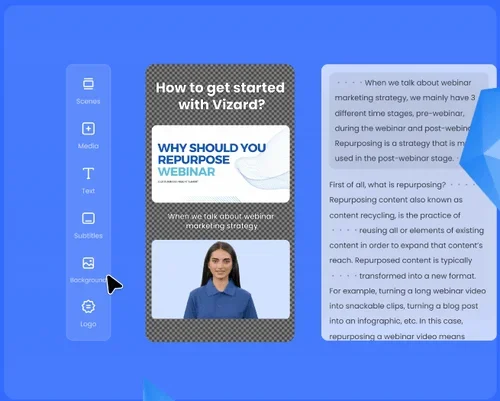
Vizard AI
Free TrialVizard is an AI platform that specializes in converting long videos into short clips ready for posting on platforms such as TikTok, Instagram Reels, and YouTube Shorts. The tool automatically analyzes the video to select the most engaging moments, then creates several short clips within minutes, with the option to add subtitles, captions, and simple visual edits.
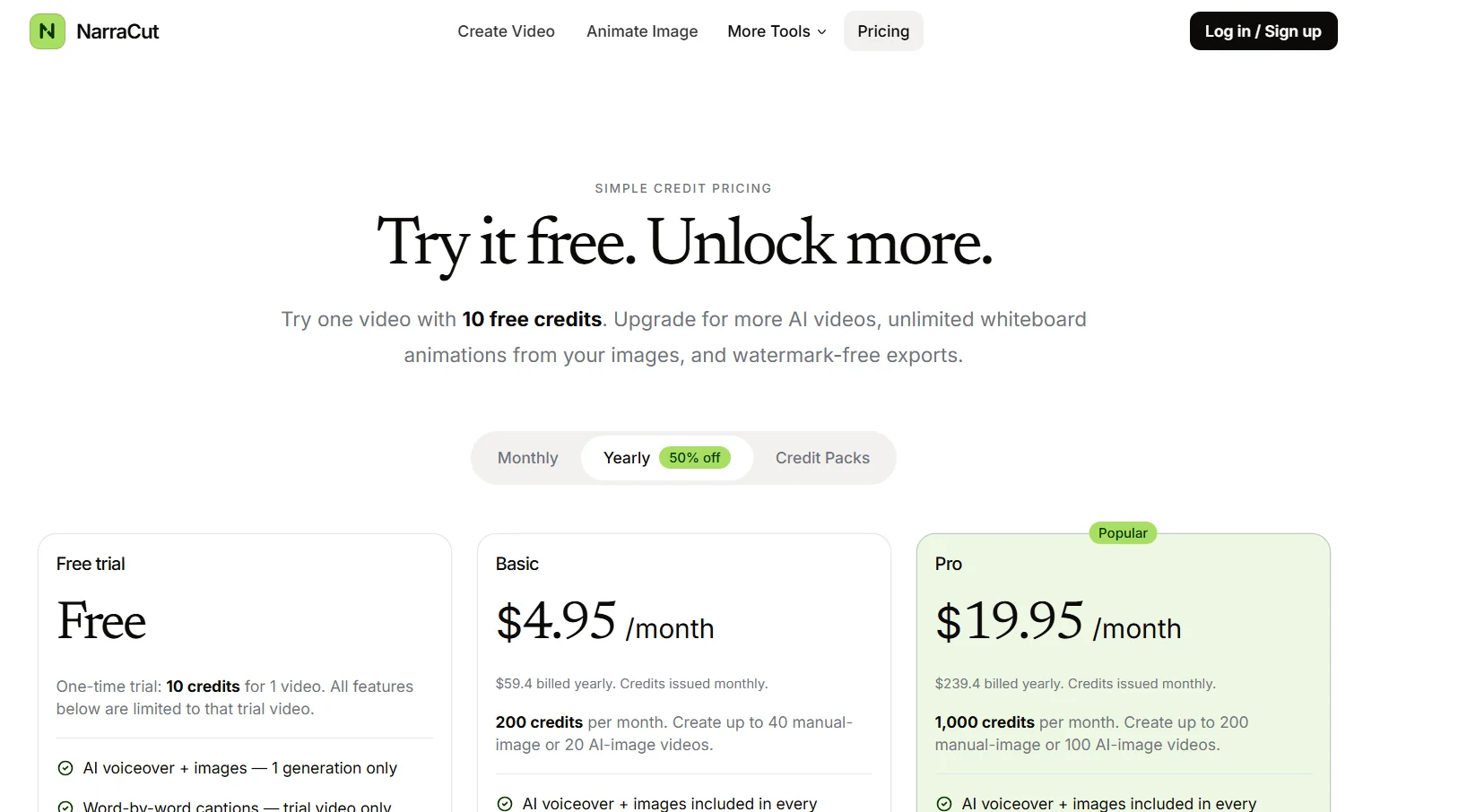
NarraCut
Free TrialNarraCut is a platform for converting text and visuals into ready-to-use narrated videos, where users can add their own narration and images or let artificial intelligence handle the creation of the visuals, The platform then generates voice-over and word-by-word captions, automatically synchronizes the audio, captions, and visuals, matches each image to the appropriate part of the narration, and exports the video in MP4 format. Users can paste the full script or create a rough draft of a topic using AI Polish, choose a Landscape, Vertical, or Square aspect ratio, select the audio, then upload their own images or generate images using AI, and finally select “Generate a video” to create the video. The platform relies on a unified timing system that uses the generated voiceover as the timing source, so that captions follow the spoken words, and images change according to the meaning of each section of the script rather than cycling through them on a fixed timer. NarraCut allows you to review the entire video, change the aspect ratio and motion settings, replace images associated with specific parts of the text, and export the current result in H.264 MP4 format. You can also start a new project by selecting “Create new video.” The platform supports the use of your own images, including product photos, screenshots, diagrams, and drawings, or create a cohesive set of visuals using artificial intelligence by specifying the number of images and the style, where the platform divides the text into consecutive sections and generates a visual concept for each section. It also offers tools such as AI Explainer Video Maker, Script to Video, Script to Video with Your Images, Whiteboard Animation, Add Voiceover to Video, Add Text to Video, and Photo Slideshow Maker. Uses include creating faceless videos for Shorts, Reels, and TikTok; converting news articles and comments into videos; creating videos for product updates, repurposing articles, news reports, and approved scripts into video format, publishing the same content in Landscape, Vertical, and Square formats, and creating recurring videos for clients within a standardized workflow. It also provides Whiteboard Animation tools to convert a single image into an animated line drawing with gradual color reveal, add AI-generated voiceovers and independently timed subtitles to an existing video, create MP4-format photo slideshows with individual durations, captions, and optional dissolve transitions, and add titles, labels, lower thirds, and text watermarks to existing videos.
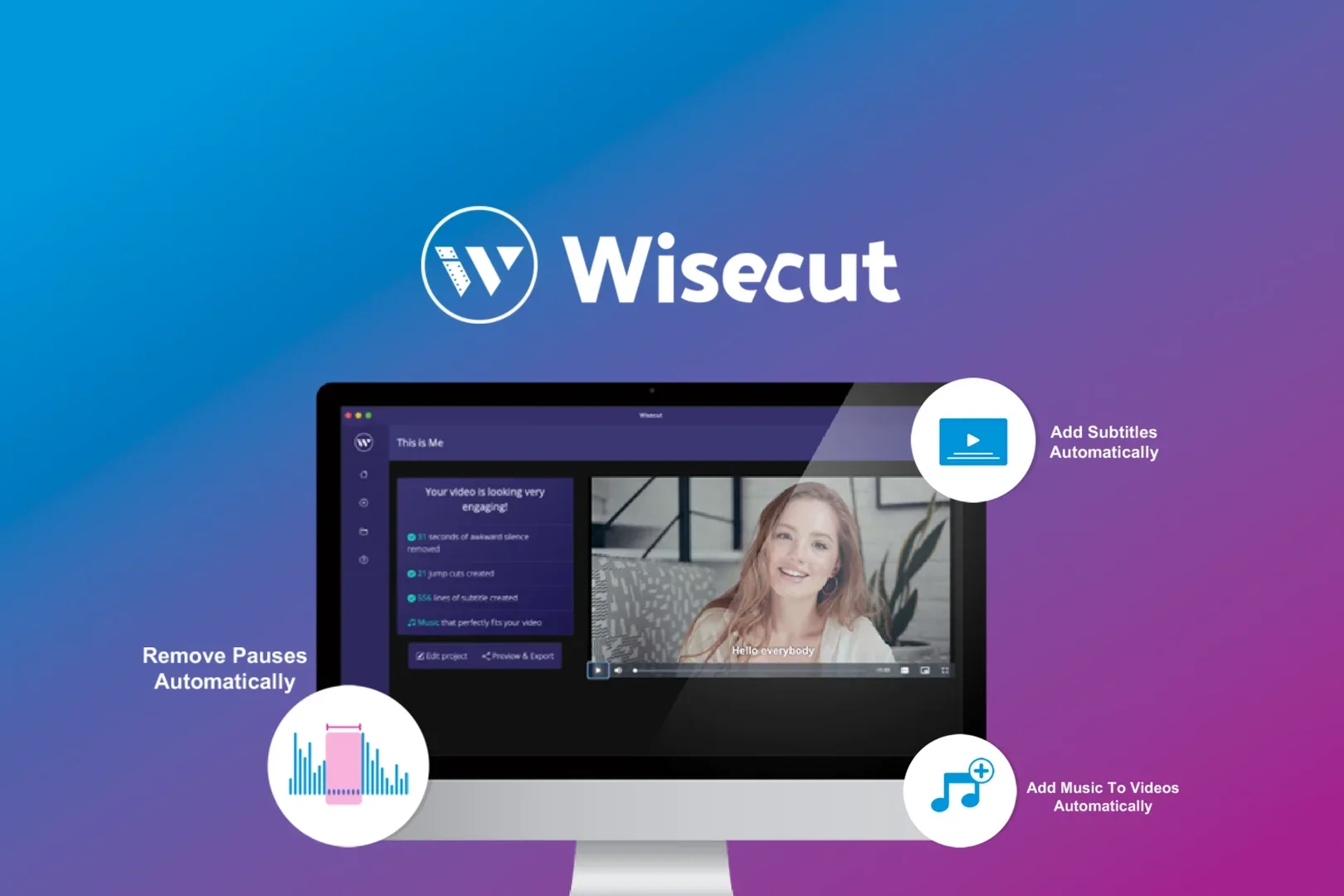
Wisecut
Free TrialWisecut is an AI-powered video editing platform that automates the visual content production process, particularly for social media content creators. The tool focuses on converting long videos into short, publish-ready content through smart automatic editing, removing silence, enhancing audio, automatically adding subtitles, and then distributing the content across social media platforms.
Trimmr.ai
Free TrialTrimmr.ai is an AI tool that specializes in converting long videos (such as YouTube videos) into short, engaging clips ready to be posted on platforms such as YouTube Shorts, Instagram Reels, TikTok, and more. The tool uses smart algorithms to detect the most interesting and engaging parts of the video, then automatically cuts them out and adds subtitled and formatted text in an interactive way. Presets provide attention-grabbing templates, animated fonts, your own logos, and a unified visual style that matches your brand. In addition, it offers automatic captions and in-browser editing with the ability to customize text and images. Trimmr.ai makes it easy for content creators to save time and effort in editing to generate high-quality short-form content quickly and efficiently.