💡 Compass Tip
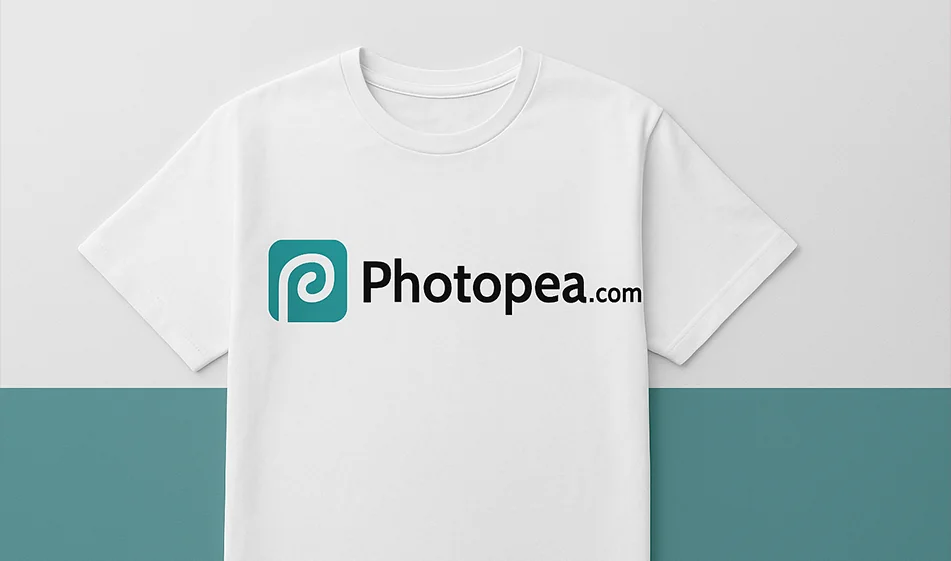
Want to put your logo on a mockup without the need for Photoshop?
With Photopea you can edit PSD files directly from the browser, and put your logo on t-shirts, bags, cups, visual identity, or any commercial mockup... all without downloading any software.
️ ⚙ How does it work?
- Open Photopea directly from your browser.
- Upload the parade file (PSD ) you want to work on.
- Find the Smart Objectlayer for the logo, and double click on it to open it.
- Insert your logo or desired image inside the layer and save the modification.
- Your logo will appear embedded inside the parade realistically - with the original lighting and shadows.
⭐ Highlights
- Supports all Photoshop (PSD)files without additional programs.
- Accurately modify the parade while preserving the natural lighting and shadows.
- Supports Smart Objects just like Photoshop.
- Professional interface suitable for designers and beginners.
- Works right in the browser without installation or registration.
💰 Plans and Pricing
- Completely free: Most editing tools are available without a subscription.
- Premiumplan (optional):
- Ads removed.
- Better performance for large projects.
- Additional tools for professional users.
🧭 Golden Compass Tip
🎨 Choose a high-quality parade with aclear Smart Object layer.
This ensures that the logo blends accurately and realistically, and gives you a professional look whether for marketing or for showing work samples to clients.
If the logo is white or dark, try changing the background color within the parade for a perfect contrast.
Conclusion
Photopea is the most powerful free alternative to Photoshop when it comes to putting a logo on a parade.
Fast, accurate, and functional - and gives you professional results without any editing experience or complicated software.
Open the parade... add your logo... and get a mockup that looks like it came out of a professional design studio.